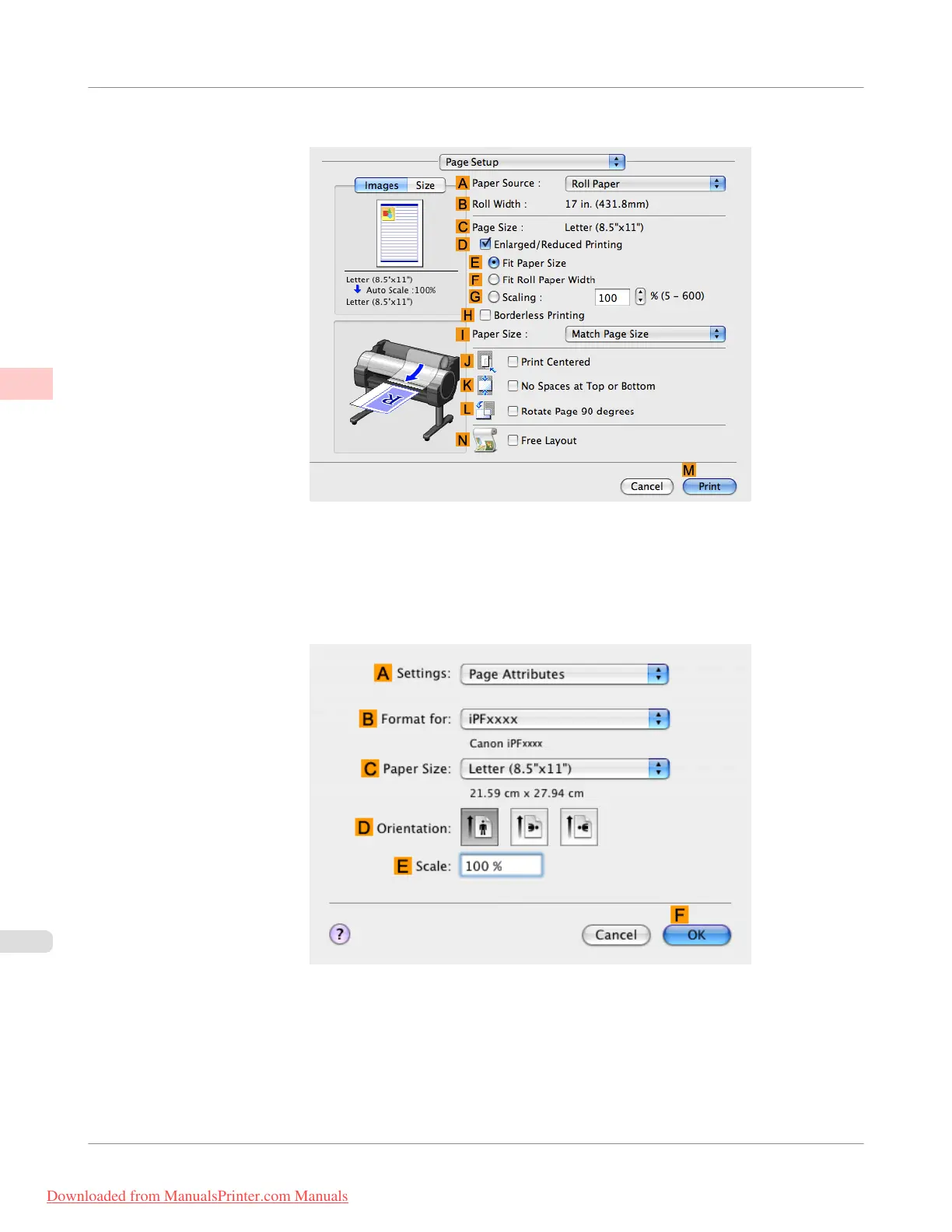
9. Access the Page Setup pane.
10. Click Manual in the A Paper Source list.
11. Make sure the C Page Size setting matches the original size as selected in C Paper Size in the Page Attributes
dialog box—in this case, ISO A4 - for Paper Tray (Large Margins).
12. Select the J Print Centered check box.
Enhanced Printing Options
>
Centering originals
>
Printing Originals Centered on Sheets (Mac OS X)
iPF755
2
172
Downloaded from ManualsPrinter.com Manuals


 To Next Page
 Loading...











