Note
• If any other printer name is selected, select the name of the printer that you want to use from the
Name list.
• The names of the printers installed when the HDI driver was installed are in the Name list.
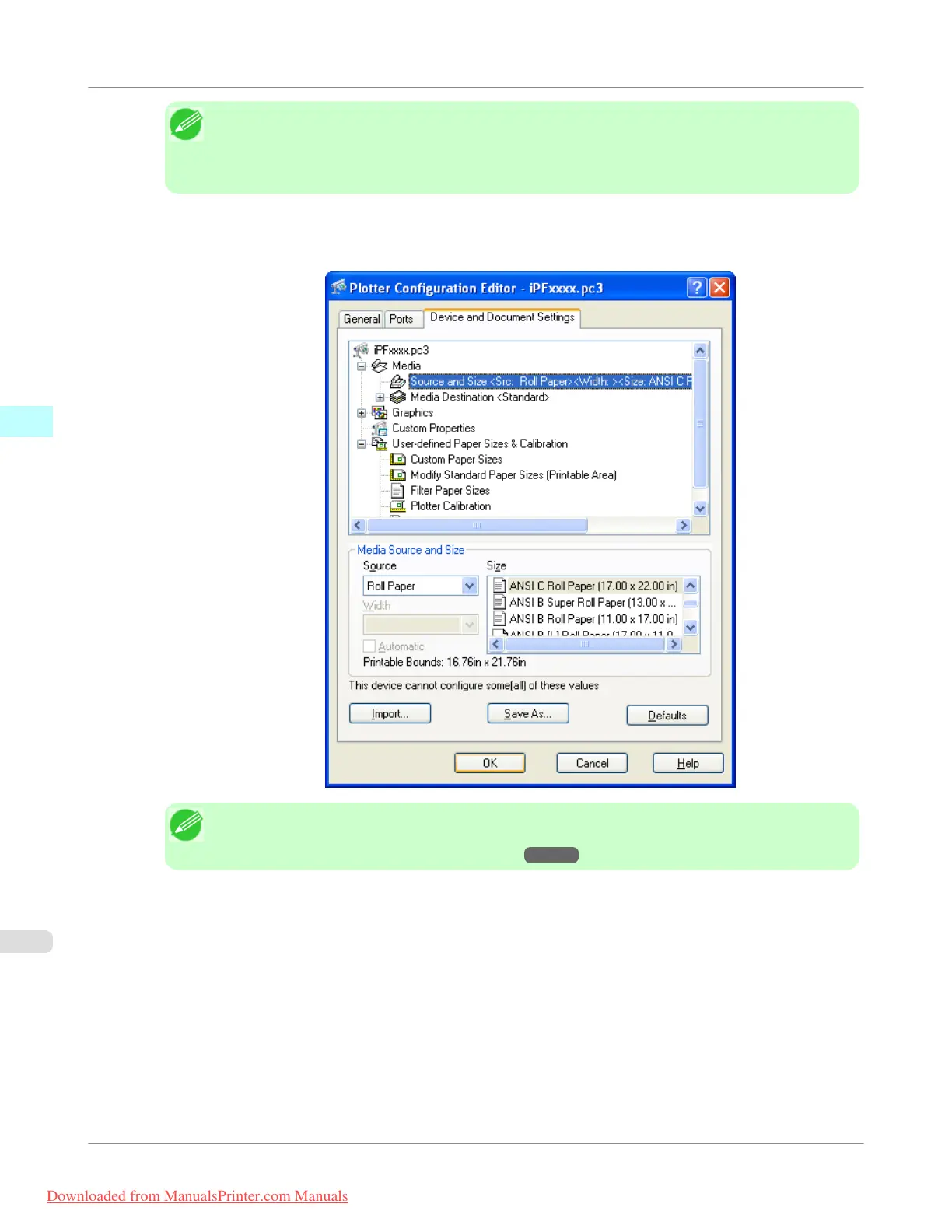
3. The Plotter Configuration Editor dialog box opens. Perform the settings that you need for the print job.
Click the OK button to close the Plotter Configuration Editor dialog box.
Note
• For more details about how to perform the settings in the Plotter Configuration Editor dialog box,
see "Plotter Configuration Editor Dialog Box." →P.377
Windows Software
>
HDI Driver
>
Printing
iPF755
3
390
Downloaded from ManualsPrinter.com Manuals


 To Next Page
 Loading...











