Note that only jobs that are not currently being deleted can be deleted from the job queue.
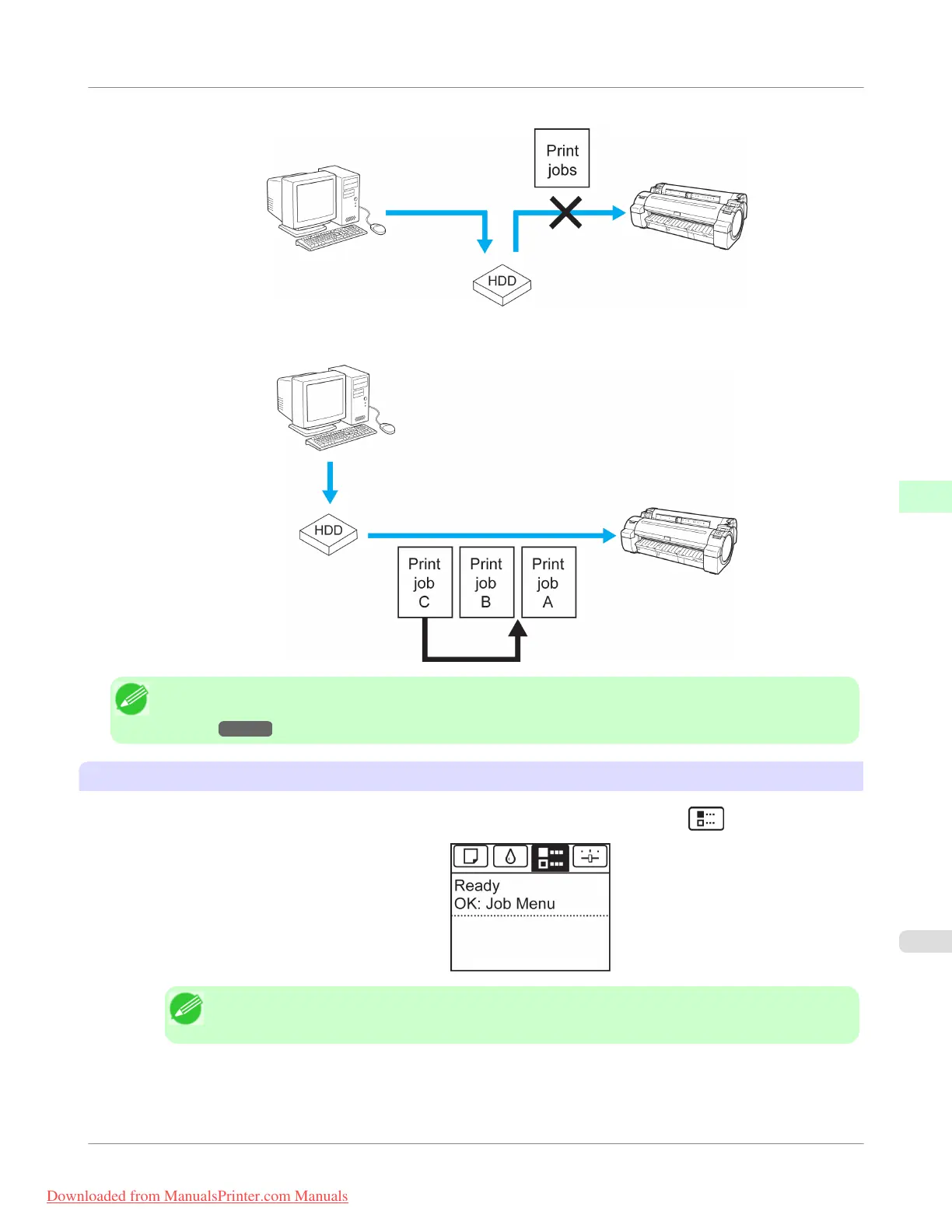
• Preempting other jobs
You can preempt other jobs by printing jobs that are currently being received or prepared for processing first.
Note
• For information on managing jobs being held, see "Managing Pending Jobs (Printing or Deleting Jobs on
Hold)." →P.580
Using the Control Panel
1.
On the Tab Selection screen of the Control Panel, press ◀ or ▶ to select the Job tab (
).
Note
• If the Tab Selection screen is not displayed, press the Menu button.
2. Press the OK button.
The Job Menu is displayed.
Print Job Operations
>
Basic Print Job Operations
>
iPF755
Managing the Job Queue (Deleting or Preempting Other Jobs)
5
577
Downloaded from ManualsPrinter.com Manuals


 To Next Page
 Loading...











