Press ▲ or ▼ to select Yes or No, and then press the OK button.
• If you choose Delete
Press ▲ or ▼ to select Yes or No, and then press the OK button.
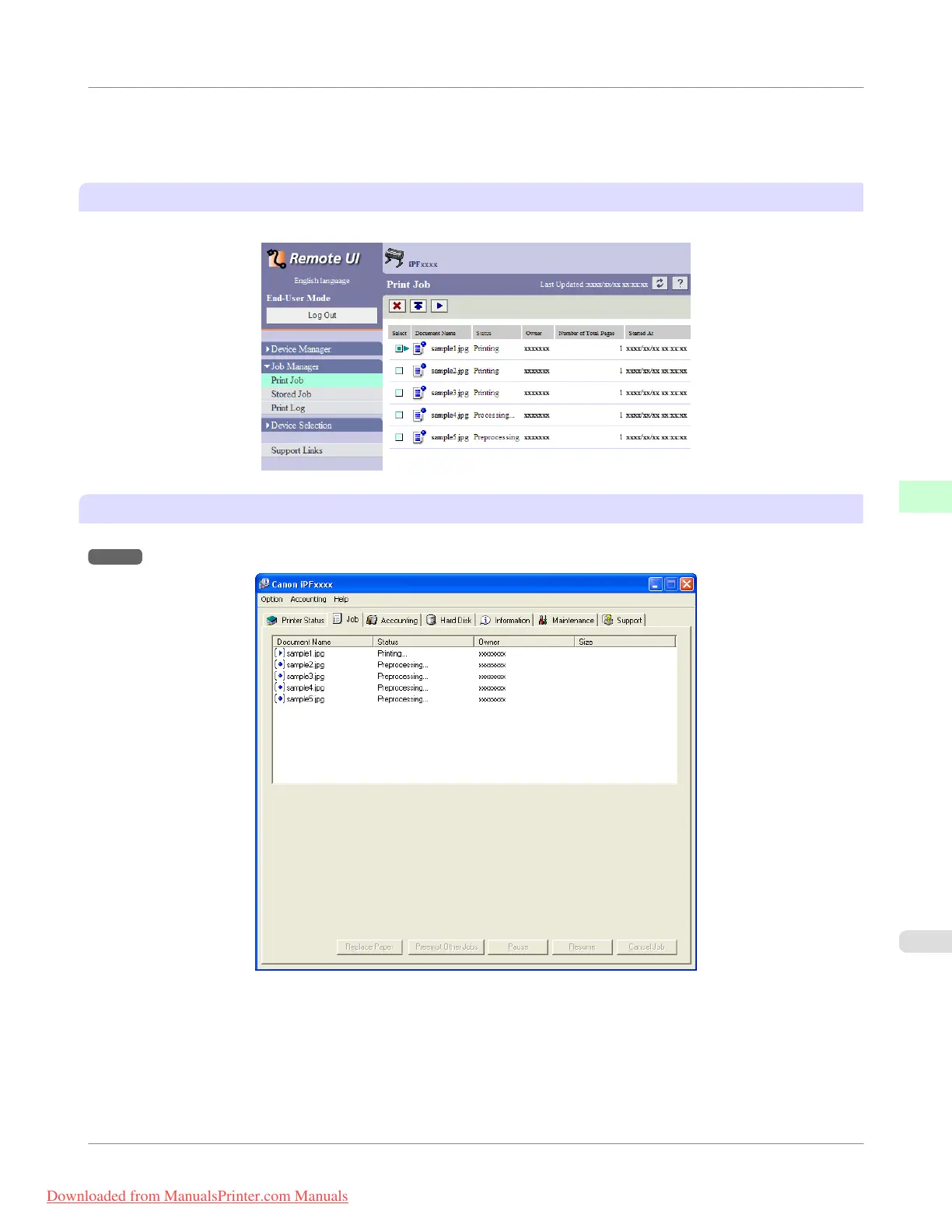
Using RemoteUI
Manage jobs as needed on the Print Job page. For details, refer to the RemoteUI help file.
Using imagePROGRAF Status Monitor
Manage jobs as needed on the Job sheet. For details, see "Job Management Using imagePROGRAF Status Monitor."
→P.393
Print Job Operations
>
Basic Print Job Operations
>
iPF755
Managing Pending Jobs (Printing or Deleting Jobs on Hold)
5
581
Downloaded from ManualsPrinter.com Manuals


 To Next Page
 Loading...











