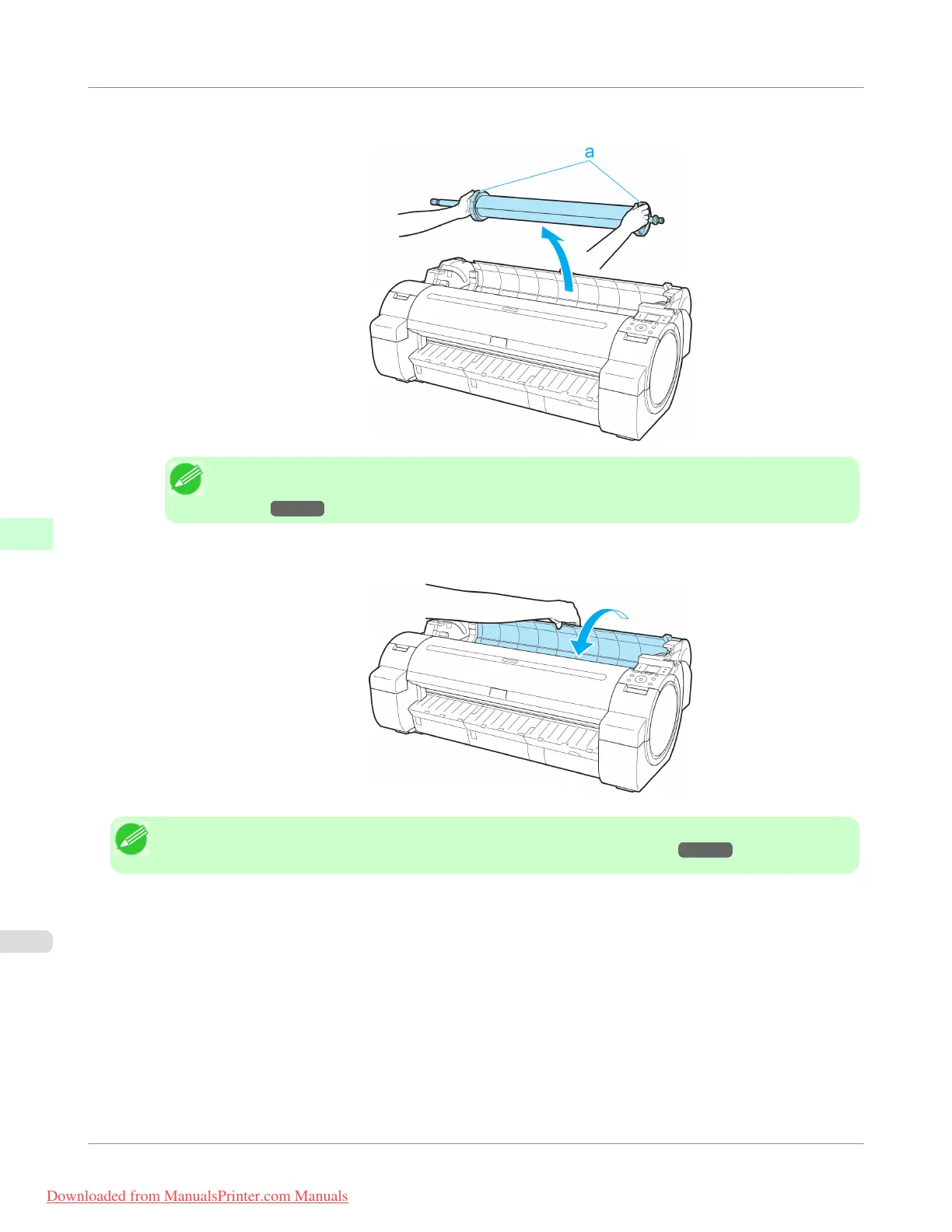
7. Holding the Roll Holder flange (a), remove the holder from the Roll Holder Slot.
Note
• For instructions on removing the Roll Holder from rolls, see "Removing the Roll Holder from
Rolls." →P.647
8. Holding it at the positions indicated, close the Roll Cover.
Note
• To load new paper in the printer at this point, see "Loading Rolls in the Printer." →P.637
Handling Paper
>
Handling rolls
>
Removing the Roll from the Printer
iPF755
6
646
Downloaded from ManualsPrinter.com Manuals


 To Next Page
 Loading...











