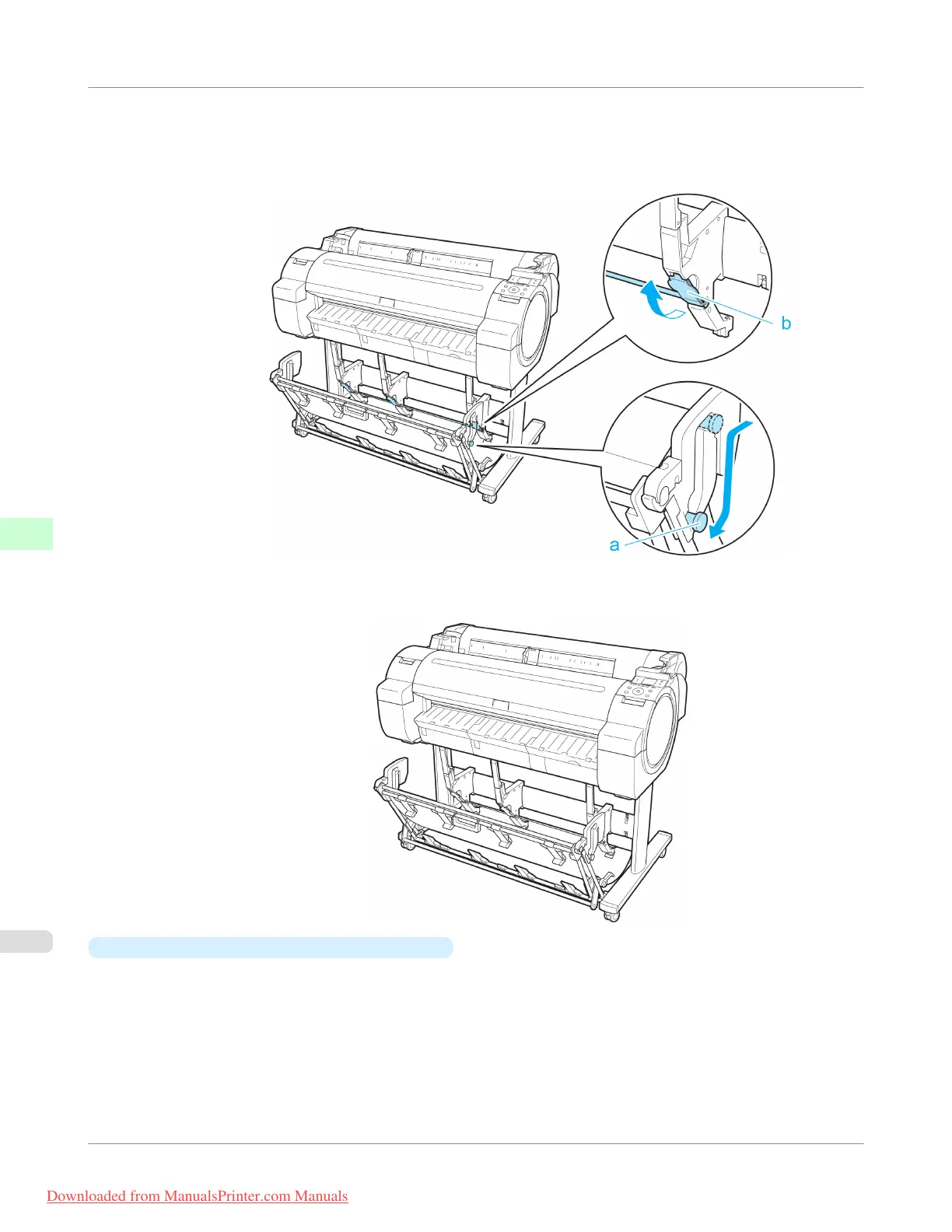
Once the printing has finished, use the following procedure to return to the regular position.
1. Lower the Support Rod to the position shown (a) to return to the regular position. If the Adjustable Stopper (b) is
extended, retract it.
2. Return to the regular position.
•
Switching to Extended position B (ST-34 only)
Switch the stacker to Extended position B as follows.
Handling Paper
>
Output Stacker
>
Using the Output Stacker
iPF755
6
672
Downloaded from ManualsPrinter.com Manuals


 To Next Page
 Loading...











