EasyManua.ls Logo

Canon imagePROGRAF iPF755 - Page 748

Canon imagePROGRAF iPF755
948 pages
Print Icon
To Next Page IconTo Next Page
To Previous Page IconTo Previous Page
Loading...
First Level
Second Lev-
el
Third Level Fourth Level Fifth Level Sixth Level Seventh Level Eighth Level
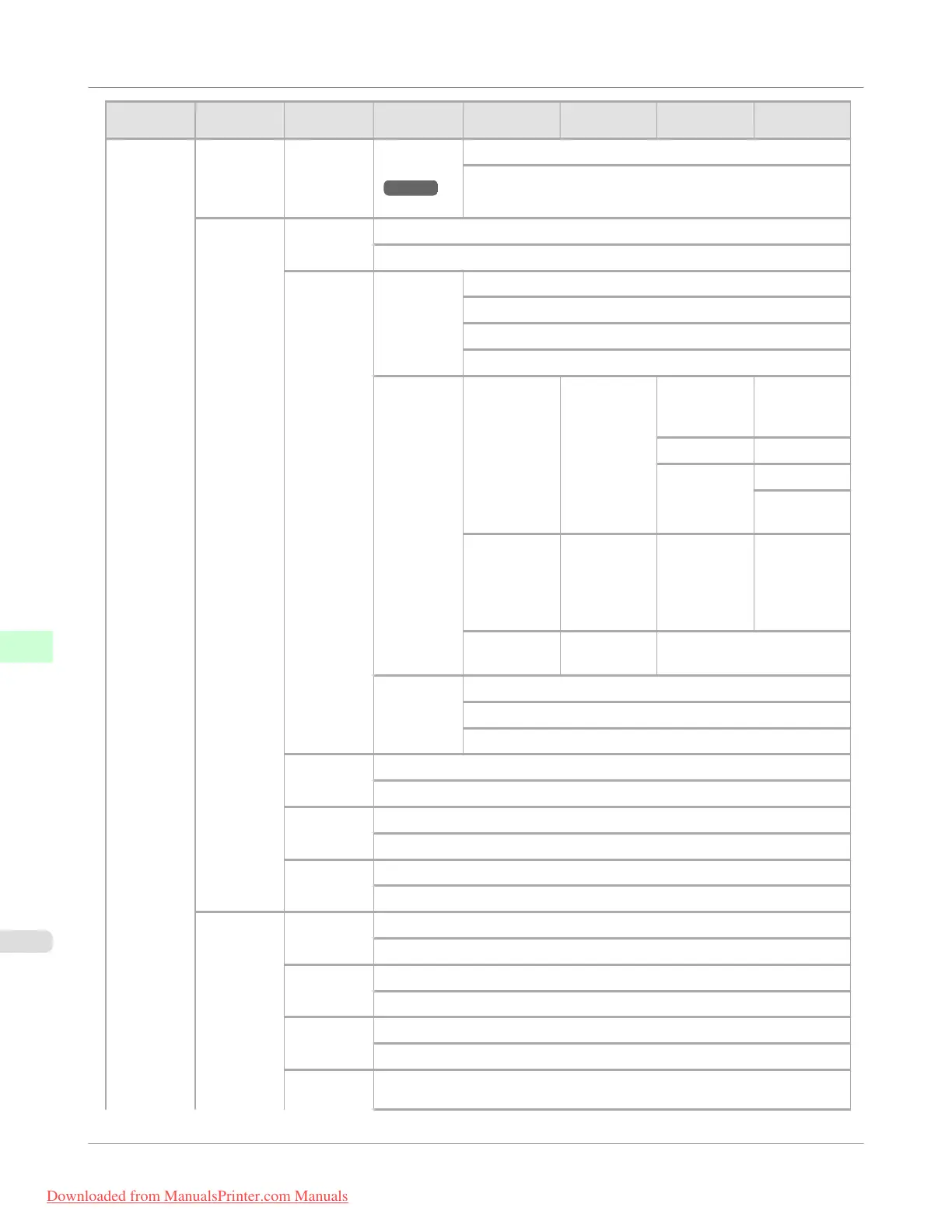
GL2 Set-
tings
Paper
Manager
Nesting
Cut Lines
(*4
→P.738
)
Off *
On
Line &
Pen Man-
ager
Enable
merge
Off *
On
Pen Setup Select Pa-
lette
Software *
Palette A
Palette B
Factory
Define Pa-
lette
Palette A (Select the
pen number)
Width (Indicates
the value of
Width)
Color 0-255
Line Attrib-
utes
No Setting
Circle Set-
ting
Palette B (Select the
pen number)
(Indicates
Width, Col-
or, and Line
Attributes)
(Specify the
values of
Width, Col-
or, and Line
Attributes)
Factory (Select the
pen number)
(Indicates Width, Color,
and Line Attributes)
Reset Pa-
lette
All Palette
Palette A
Palette B
Smoothing Software *
Smooth
Thicken-
FineLines
Off *
On
Adjust-
FaintLines
Off
On *
Processin-
gOption
Warning Off *
On
On-the-
Fly
Off *
On
PageSize-
Process1
Off *
On
PageSize-
Process2
Off *
Control Panel
>
Printer Menu
>
Menu Structure
iPF755
9
732
Downloaded from ManualsPrinter.com Manuals

Table of Contents

Other manuals for Canon imagePROGRAF iPF755

Related product manuals