Note
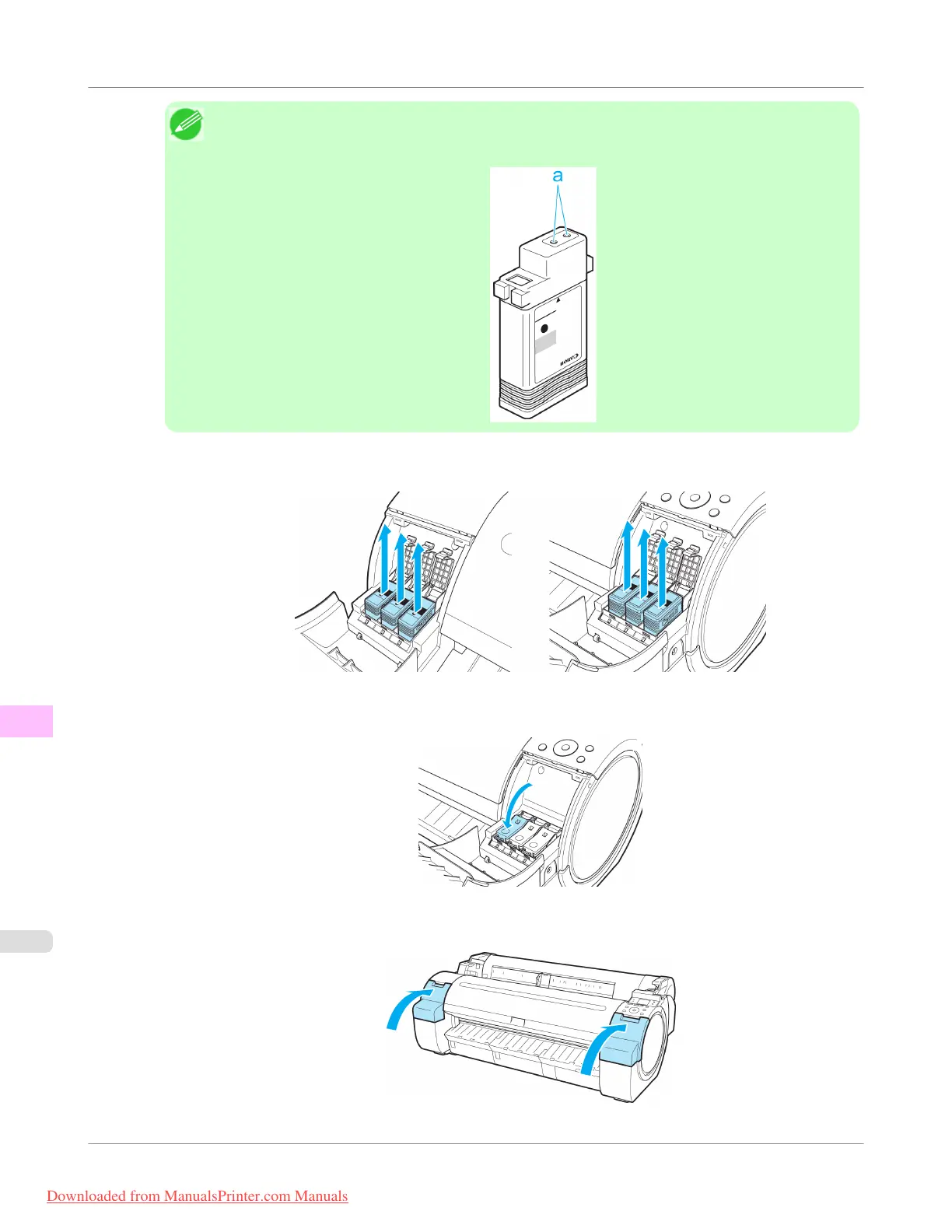
• Store the ink tanks you removed with the ink holes (a) facing up. Otherwise, ink may leak and cause
stains.
4. Repeat steps 2 and 3 to remove all ink tanks.
5. Push all ink tank lock levers closed until they click into place.
6. Close the Ink Tank Cover.
Maintenance and Consumables
>
Other Maintenance
>
Preparing to Transfer the Printer
iPF755
11
832
Downloaded from ManualsPrinter.com Manuals


 To Next Page
 Loading...










