SECTION 2
2-4
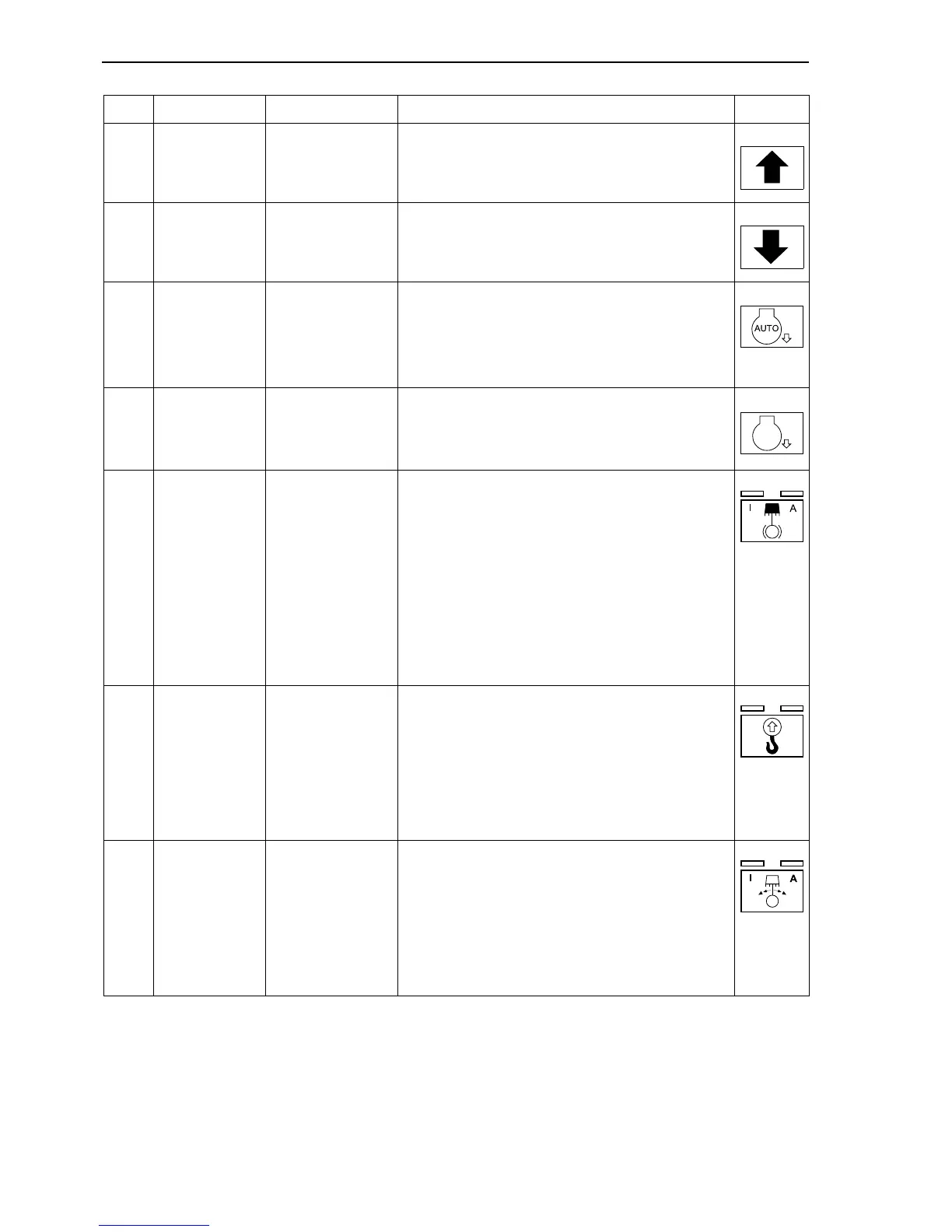
14 Push-button Engine rpm
Engine speed increase up to a maximum speed in
7 steps (7 power stages with fixed speed levels).
15 Push-button Engine rpm Lowering of engine rpm up to idle run in 7 stages.
16 Push-button Auto Idle
Activation/deactivation of automatic engine speed
reduction.
After activation, the speed of the diesel engine is
automatically reduced to a lower speed during no-
work phases lasting longer than 4 seconds.
17 Push-button Low Idle
Sets engine to idling speed. If Auto Idle and Low
Idle are on at the same time, Low-Idle has higher
priority.
18 Push-button
Upper structure
holding brake
Push-button with two lights and three engagement
positions.
Lights off: brake released, upper structure free to
turn.
Left light on: holding brake engaged, upper struc-
ture braked.
Right light on: holding brake automatic mode.
Holding brake is applied and released automati-
cally. As soon as the upper structure stops the
brake applies.
19 Push-button
Overload
(optional)
Push-button with two lights and three engagement
positions.
Lights off: overload warning system off.
Left light on: overload warning system on
(machine not additionally stabilized).
Right light on: overload warning system on
(machine additionally stabilized).
20 Push-button
Upper structure
holding brake
Push-button with two lights and three engagement
positions.
Lights off: soft braking of upper structure slewing.
Left light on: standard braking of upper structure
slewing.
Lights on: abrupt braking of upper structure slew-
ing.
Ref. Description Operation Symbol



 To Next Page