Preface
Cisco SPA and Wireless IP Phone Administration Guide 14
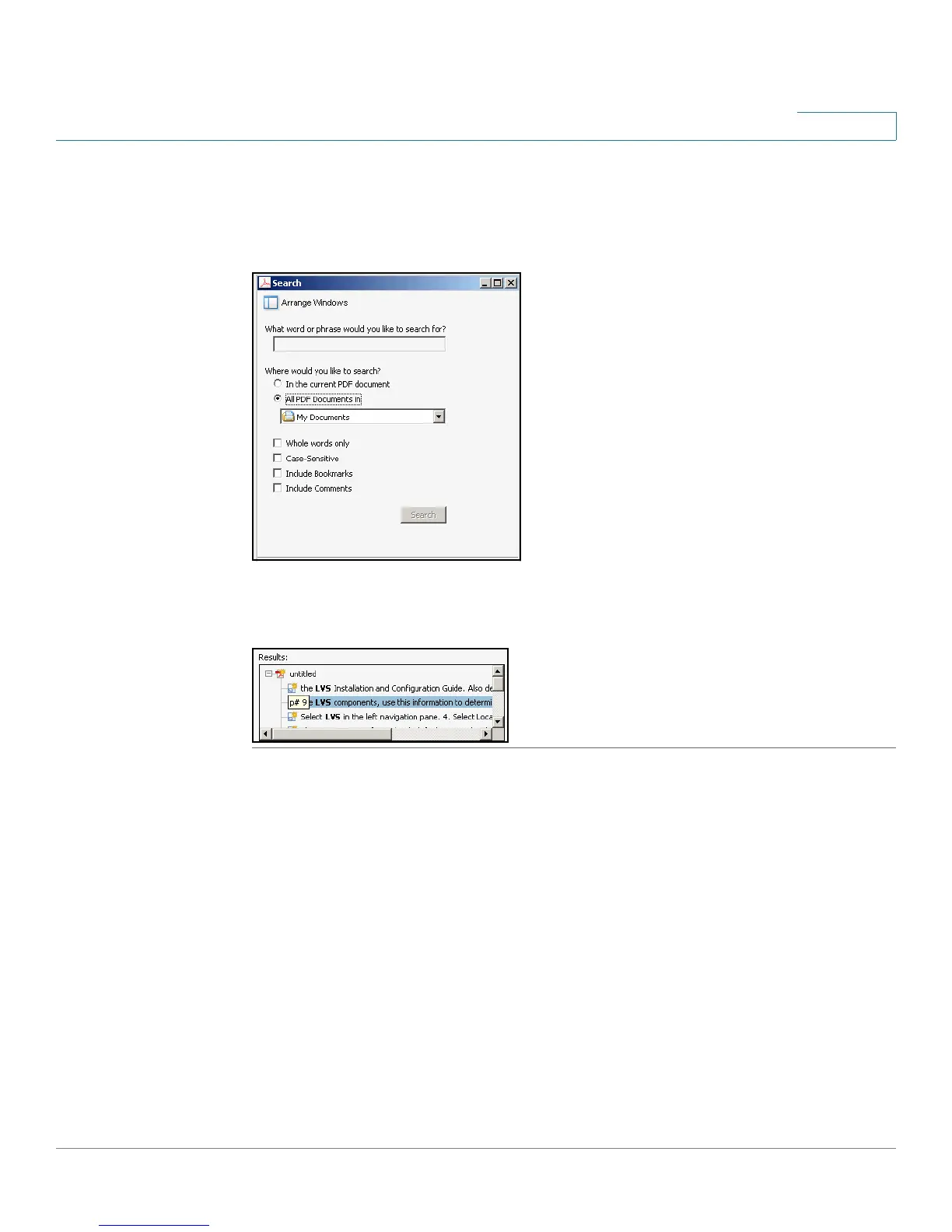
c. If you want to specify additional search criteria, click Use Advanced Search
Options, and choose the options you want.
d. Click Search.
STEP 4 When the Results appear, click + to open a folder, and then click any link to open
the file where the search terms appear.
For more information about the Find and Search functions, see the Adobe Acrobat
online help.



 To Next Page
 Loading...