OPERATING THE TRANSCEIVER
DATA OPTIONS
88 ENVOY™ TRANSCEIVER GETTING STARTED GUIDE
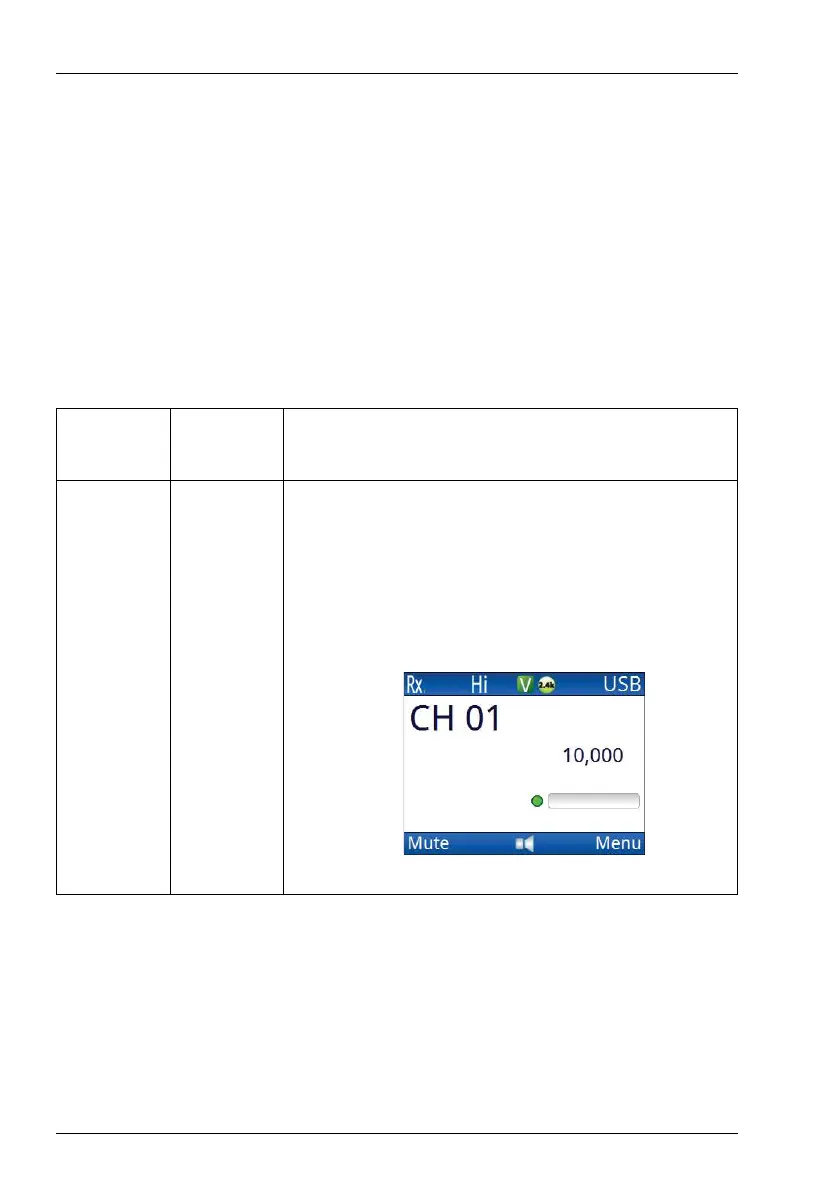
Viewing the performance of the 2.4 kbit/s Data Modem
You can set one of the status areas to show the link status and
throughput of the internal data modem.
To view the performance of the modem:
1 Go to the channel screen.
1 Use the information in
Table 6 to determine the status of the
2.4 kbit/s Data Modem.
Table 6: Status of the 2.4 kbit/s Data Modem
Colour of
LED
State Description
Green Solid The transceiver has the modem enabled as a
peripheral device on the 15-way port.
The modem is enabled and a computer is
communicating with it via VCOM over the
USB–USB connection.



 To Next Page