NAVIGATING THE MENU STRUCTURE
ENTERING TEXT IN A FIELD
ENVOY™ TRANSCEIVER GETTING STARTED GUIDE 143
Entering a special character (2220/2230)
You can enter special characters in messages, names, contacts, and in
addresses of stations that you call.
NOTE: If the FED-STD-1045 ALE/CALM option or
MIL-STD-188-141B ALE option is installed in your
transceiver, the key may be used to enter the global
ALL address syntax (@?@) or special ALE addressing
characters easily.
To enter a special character in an address, message or contact:
1 Press or to move the cursor to the point where you want to
insert a special character.
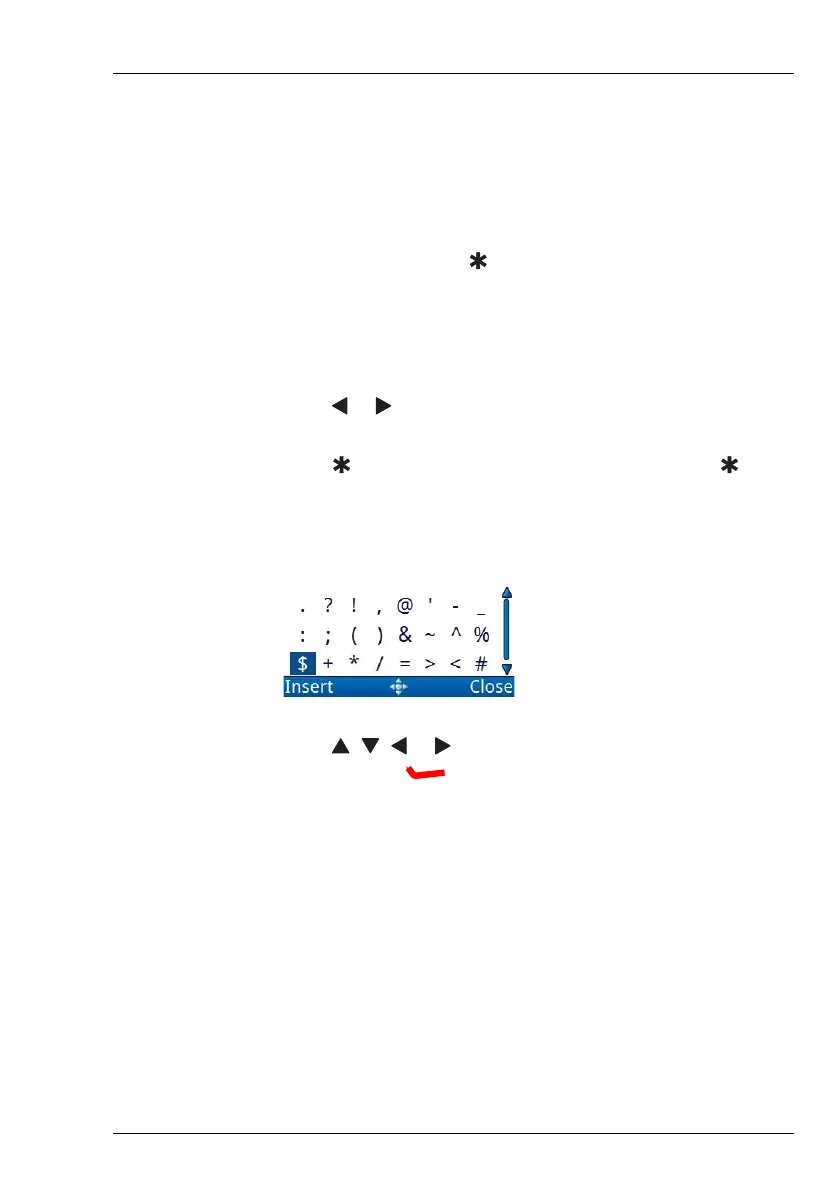
1 Press to cycle through the available choices or hold to see
the available special characters.
Depending on the context, you can select from:
1 Press , , or to highlight the character that you want to
use, then press (Insert).
1 Repeat as required.



 To Next Page