CONTACTS
ADDING A CONTACT
ENVOY™ TRANSCEIVER GETTING STARTED GUIDE 123
Completing the contact
To finish entering the information required for the contact:
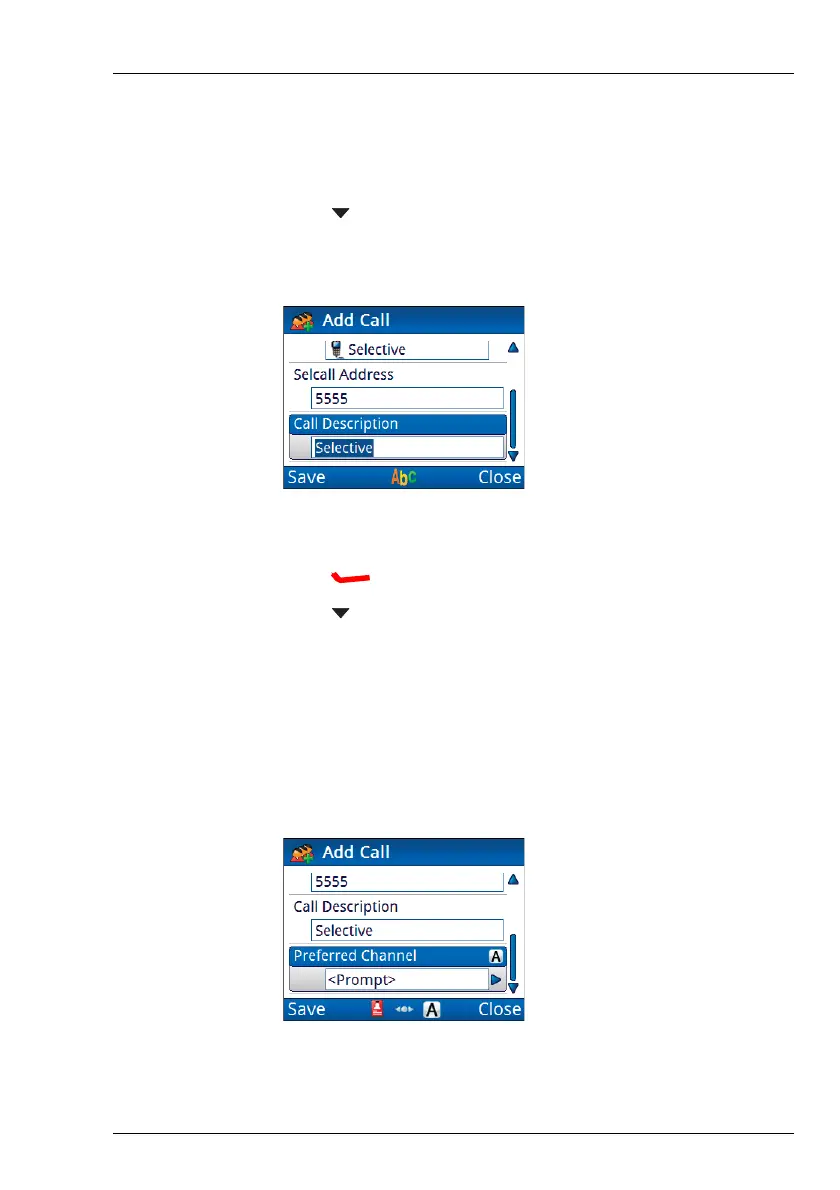
1 Press to move to the Call Description entry.
The call type is entered automatically as the call description.
1 Enter a new description for this call, if required.
1 Press (Save) to save the information.
1 Press to move to the Preferred Channel entry.
NOTE: Selecting a preferred channel is optional. If you
communicate with the same contact and call over
a 24-hour period, setting a preferred channel may
limit effective HF propagation.
NOTE: If you do not want to select a preferred channel,
leave the setting as None.
NOTE: This entry is not available for Phone calls.



 To Next Page