CONTACTS
ADDING A CONTACT
118 ENVOY™ TRANSCEIVER GETTING STARTED GUIDE
Adding a contact
Contacts are used to pre-define the typical calls that you want to make
to another person or organisation, and calls that are made to an
emergency contact when the key is held for 2 sec.
To add a contact:
1 From the main menu, select (User Data), then
(Contacts).
1 Select (Contacts) or (Emergency Contacts), as
required.
1 Press (Add).
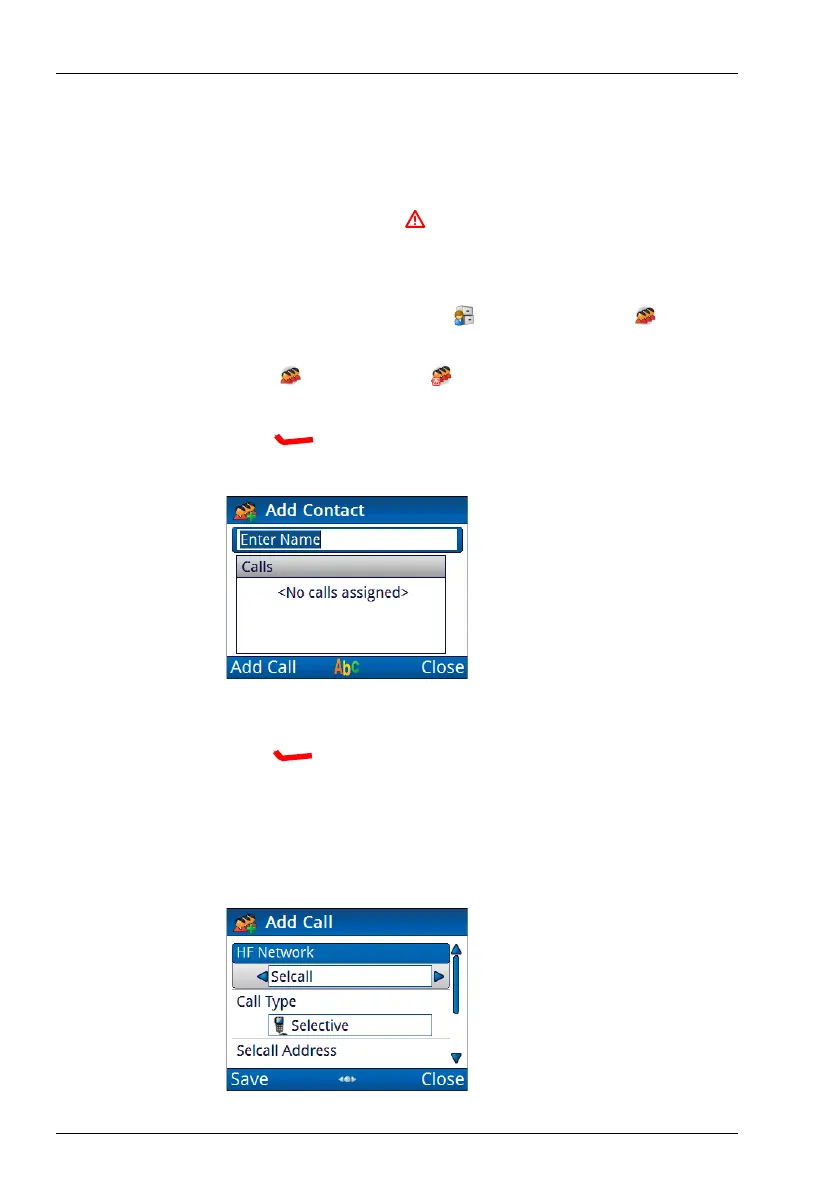
1 Enter the name that you want to use for the contact, then
press (Add Call).
The HF Network entry is highlighted.
The HF network defines the call system and self address that is
used by your station when the call is made.



 To Next Page