OPERATING THE TRANSCEIVER
USING GPS
ENVOY™ TRANSCEIVER GETTING STARTED GUIDE 79
1 Press (Close).
Adding a waypoint
You can create a waypoint by entering GPS information and providing
it with a meaningful name. The waypoint can be saved for future use.
To add a waypoint:
1 Do one of the following:
•Press9|
GPS.
• From the main menu, select (General), then
(GPS).
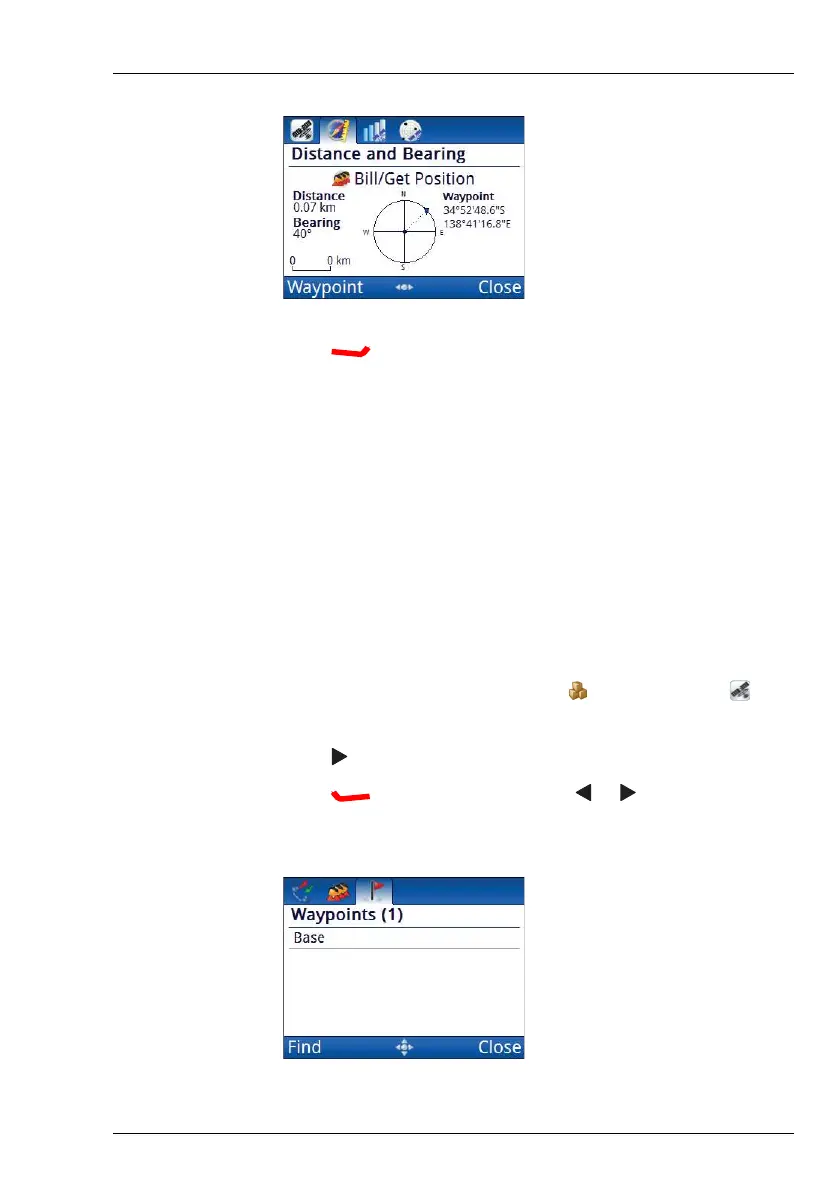
1 Press to move to the Distance and Bearing tab.
1 Press (Waypoint), then press or to select the
Waypoints tab.



 To Next Page