OPERATING THE TRANSCEIVER
USING GPS
78 ENVOY™ TRANSCEIVER GETTING STARTED GUIDE
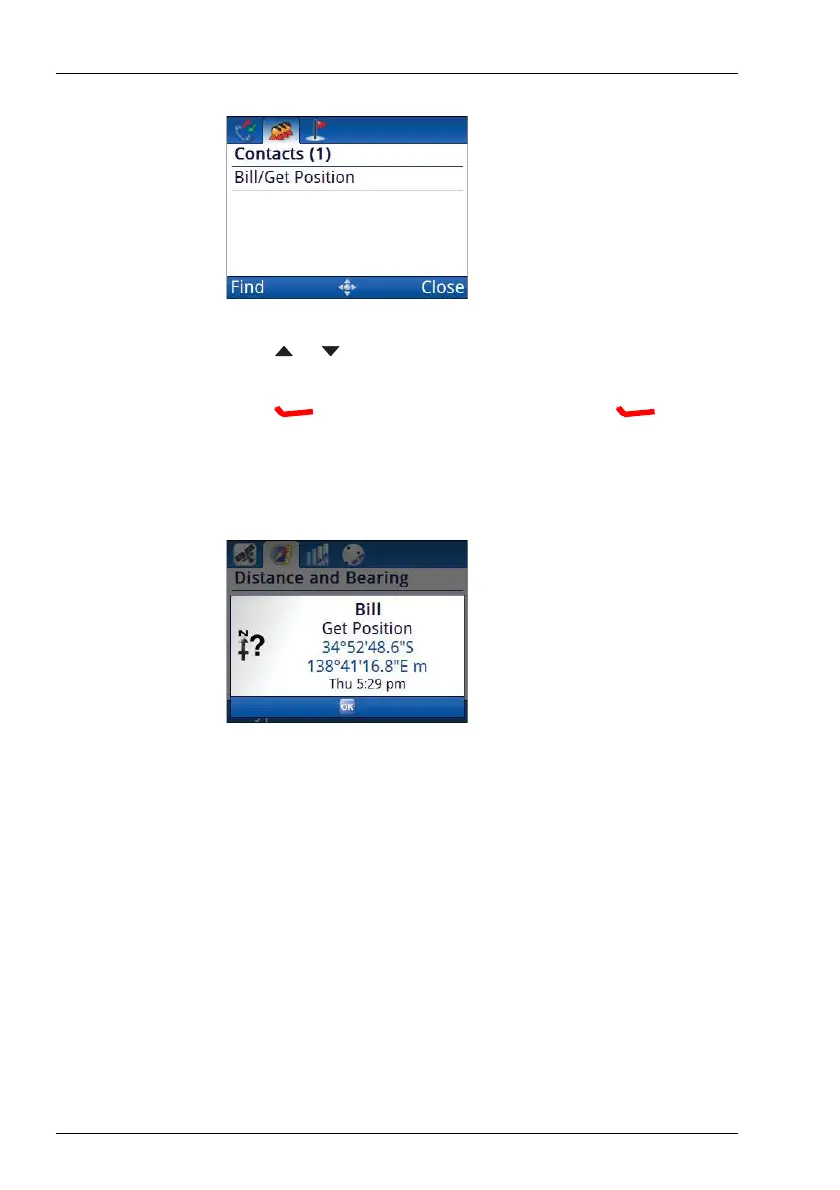
1 Press or to scroll to the contact whose GPS information
you want to use for the waypoint.
1 Press (Options), scroll to Call, then press (Select).
If prompted, select a channel, then press OK.
The GPS information appears in an incoming call pop-up.
1 Press OK.
The waypoint information is updated, and the source of the GPS
information is shown at the top of the screen.



 To Next Page