OPERATING THE TRANSCEIVER
SELECTING A CHANNEL FROM A CHANNEL GROUP
ENVOY™ TRANSCEIVER GETTING STARTED GUIDE 39
1 If you are within a channel group but the channel that you want
is not visible, do one of the following:
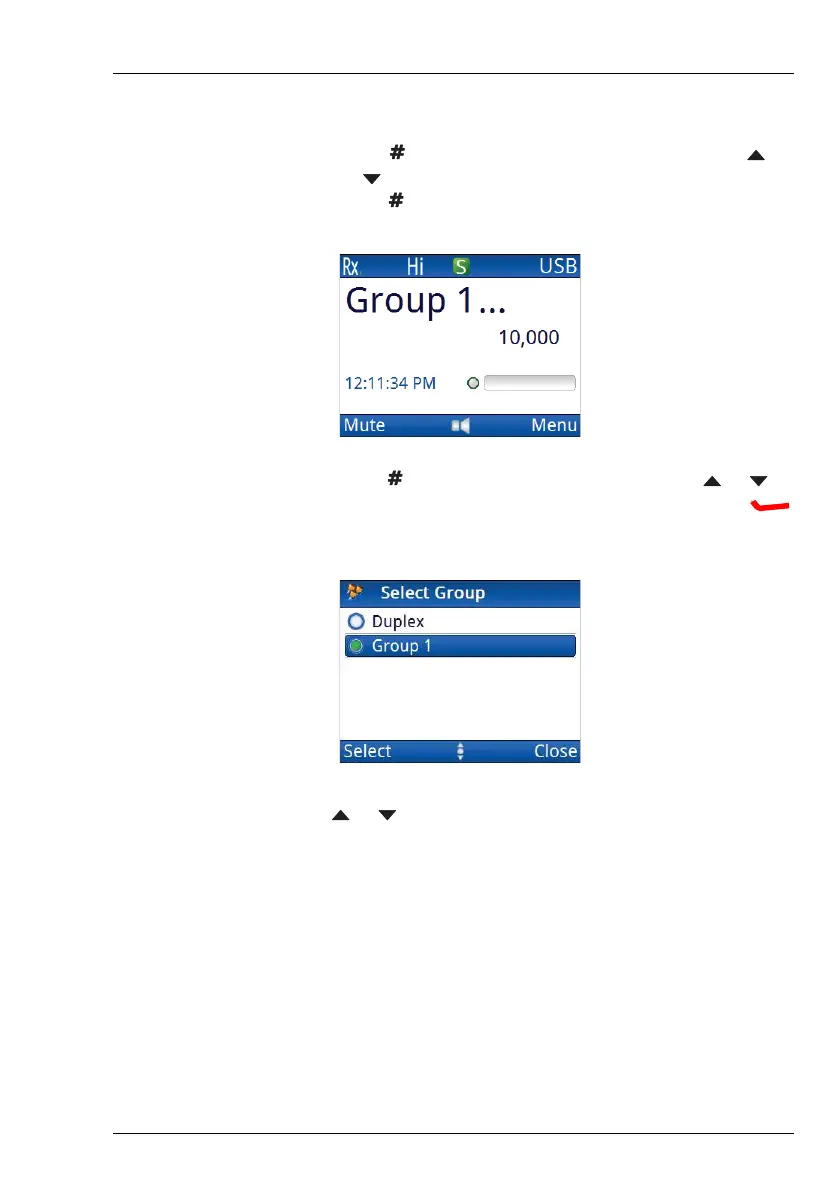
• Press to move to the channel group level, press
or to scroll to the channel group that you want, then
press .
• Hold to see a list of channel groups, press or to
scroll to the channel group that you want, then press
(Select).
1 Press or to scroll to the channel that you want to use.
The channel is selected.
NOTE: If you want to change the sideband, press MODE.
If the mode does not change, there is only one
mode for the channel.
NOTE: If you have an automatic antenna tuner fitted,
press PTT to tune the antenna to the currently
selected channel.



 To Next Page