127
© Tieline Research Pty. Ltd. 2021
Gateway and Gateway 4 Manual v1.2
Important Note: When Failover is enabled, the codec will fail over to a backup connection
under the following circumstances:
· There is sudden loss of connectivity to the primary destination.
· The remote codec disconnects the primary connection.
· The user manually attempts to connect to the failover connection.
· When the conditions for failover are triggered by the Failover Parameters.
The codec will always attempt Failback if any of the following conditions are met:
· There is sudden loss of connectivity to the backup destination.
· The remote codec disconnects the backup connection.
· The user manually attempts to connect to the primary connection.
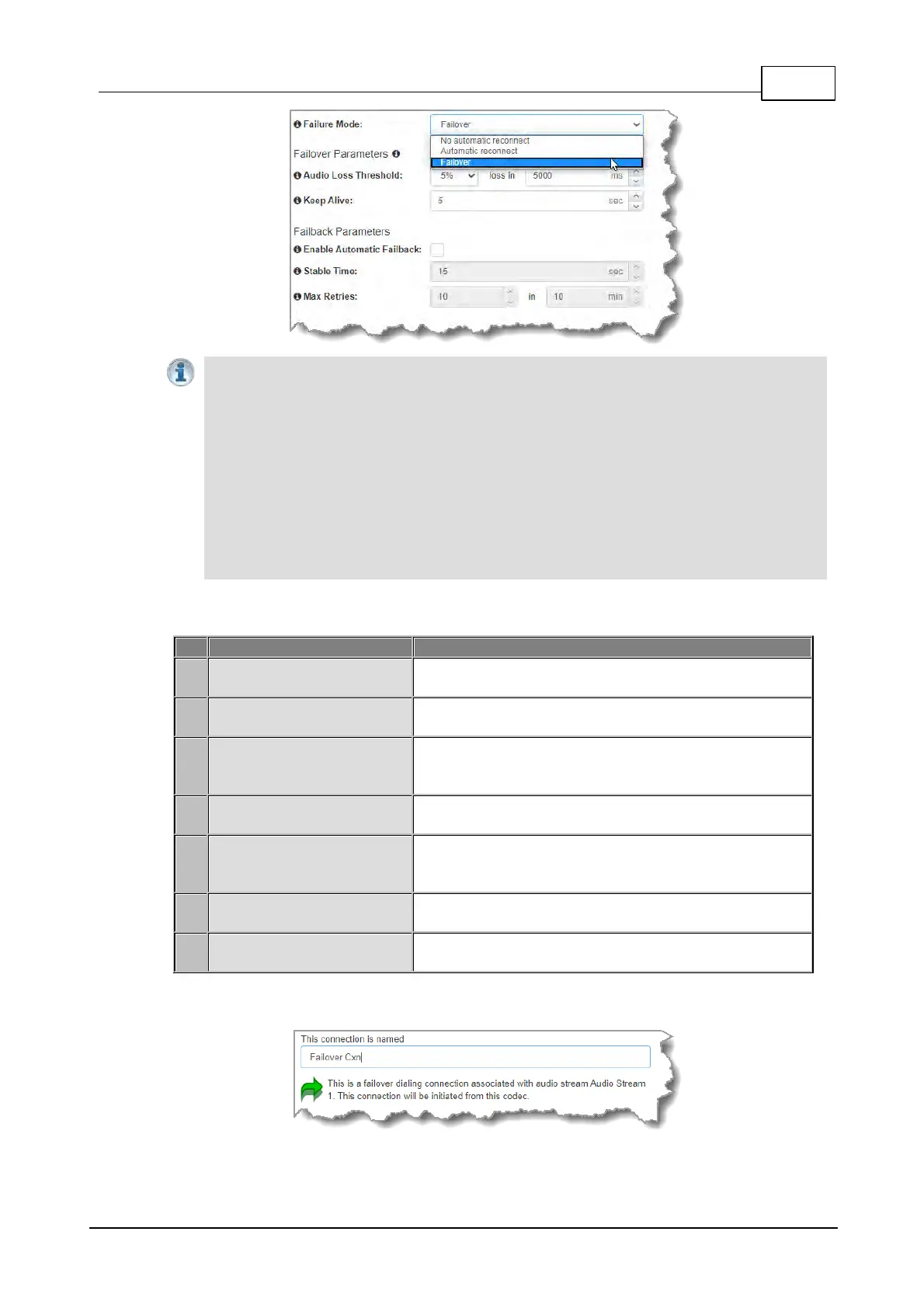
The explanations in the following table define configurable failover parameters.
The percentage of lost data measured during a given time
frame
The time frame in milliseconds against which lost data is
measured
The keep connection alive time before failing over to a
backup connection; Tieline RTP pings every second to
confirm connectivity
Enable Automatic Failback
Select the check-box to fail back to a higher priority
connection when failback parameters are met
The amount of time a primary connection must remain
stable before attempting to fail back from the backup
connection
The maximum number of fail back retries a codec can try
before ending fail back attempts
Time Frame (Maximum
Retries)
The time frame used to measure the number of fail back
retries attempted
2. Enter a name for the failover connection and click Next.



 To Next Page