161
© Tieline Research Pty. Ltd. 2021
Gateway and Gateway 4 Manual v1.2
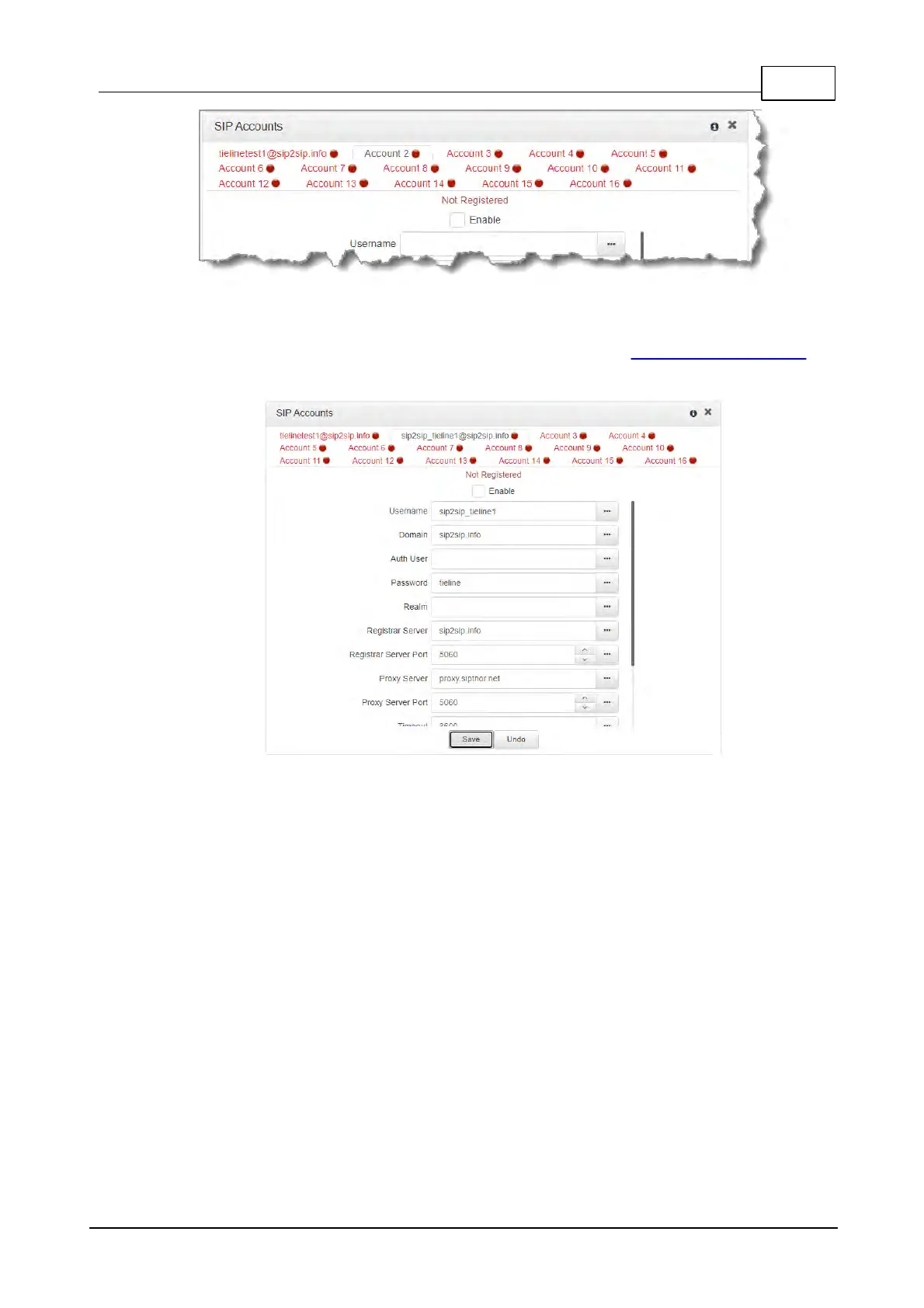
3. Enter the SIP account details into the relevant text boxes, including the registration
Timeout (which shouldn't need to be adjusted from the default setting). Also ensure a SIP
Interface is selected (e.g. SIP1 or SIP2.) The SIP interface contains settings related to
ports and the selected Via interface, e.g. LAN1 or LAN2. See Configuring SIP Interfaces for
more details.
4. Click the Enable check-box at the top of the panel and then click the Save button to
register the codec to the server.
5. If an account is registered successfully, the account registration indicator changes from red
to green, and Not Registered (above the Enable check-box) becomes Registered.



 To Next Page