37
© Tieline Research Pty. Ltd. 2021
Gateway and Gateway 4 Manual v1.2
3. Navigate to Reference Level and press the button.
4. Select Report-IT and press .
The Report-IT metering scale is between -23dBFS and 0dBFS and audio levels should average
around the nominal 0vu point at -10dBFS. Audio peaks should not exceed 0dBFS.
Adjusting PPM Metering
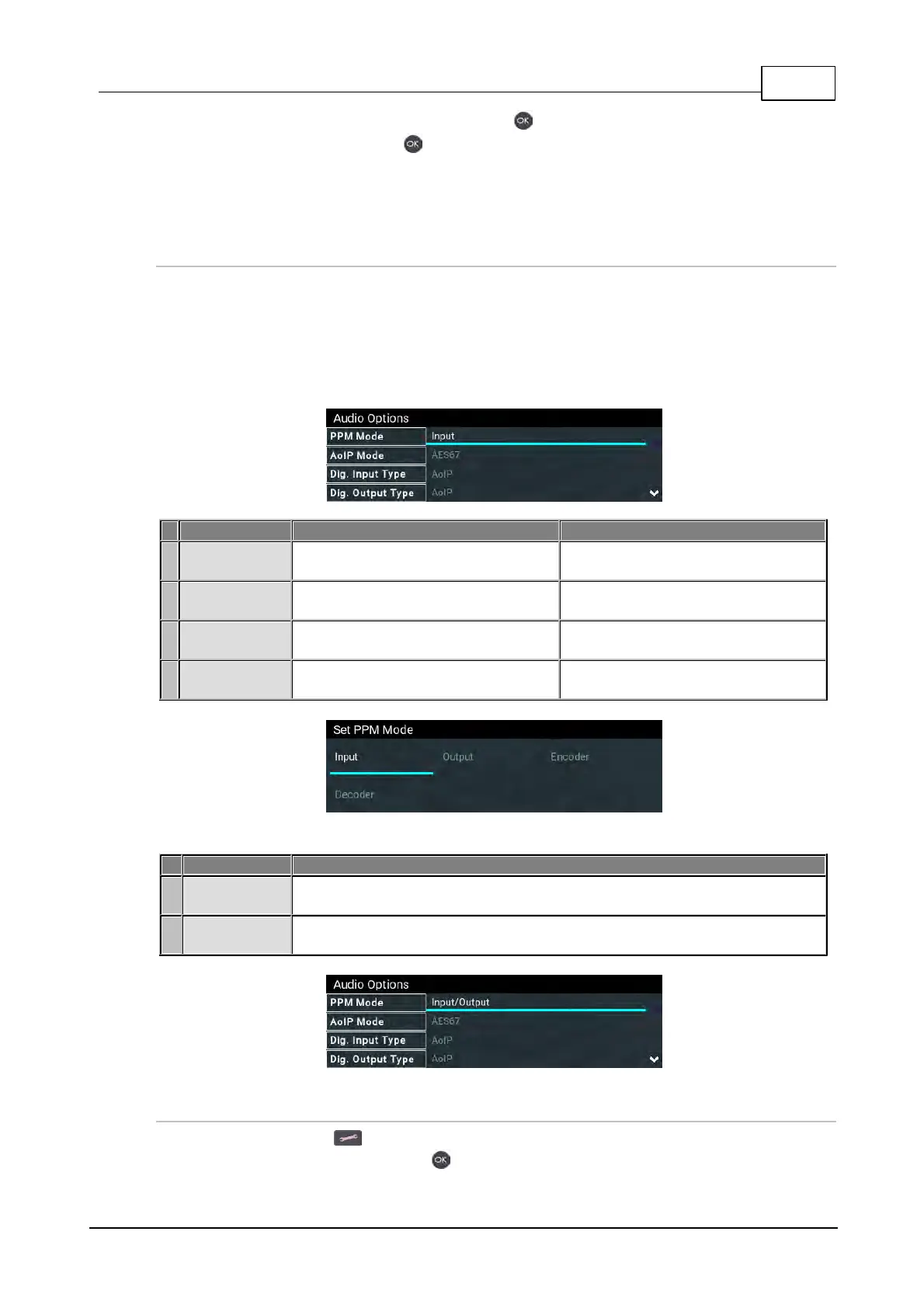
PPM metering options can be adjusted via Settings > Audio Options > PPM Mode. Note:
Gateway 4 has 4 inputs, 4 outputs, 4 encoders, 4 decoders, and 8 PPMs only; Gateway 8/16 has
16 PPM meters and between 8 and 16 inputs depending on configuration purchased; encoders and
decoders available will match input availability/configuration.
Gateway 8/16
Maps inputs 1 to 16 with PPM meters
1 to 16
Maps inputs 1 to 8 with PPM meters
1 to 8
Maps outputs 1 to 16 with PPM
meters 1 to 16
Maps outputs 1 to 8 with PPM
meters 1 to 8
Maps input encoders 1 to16 with
PPM meters 1 to 16
Maps input encoders 1 to 8 with PPM
meters 1 to 8
Maps decoders 1 to 16 with PPM
meters 1 to 16
Maps decoders 1 to 16 with PPM
meters 1 to 8
Gateway 4
Maps inputs 1 to 4 with PPM meters 1 to 4; maps outputs 1 to 4 with PPM
meters 5 to 8
Maps input encoders 1 to 4 with PPM meters 1 to 4; maps decoders 5 to 8
with PPM meters 1 to 4
Adjusting Input Settings
1. Press the SETTINGS button.
2. Navigate to Audio Inputs and press .



 To Next Page