76 Gateway and Gateway 4 Manual v1.2
© Tieline Research Pty. Ltd. 2021
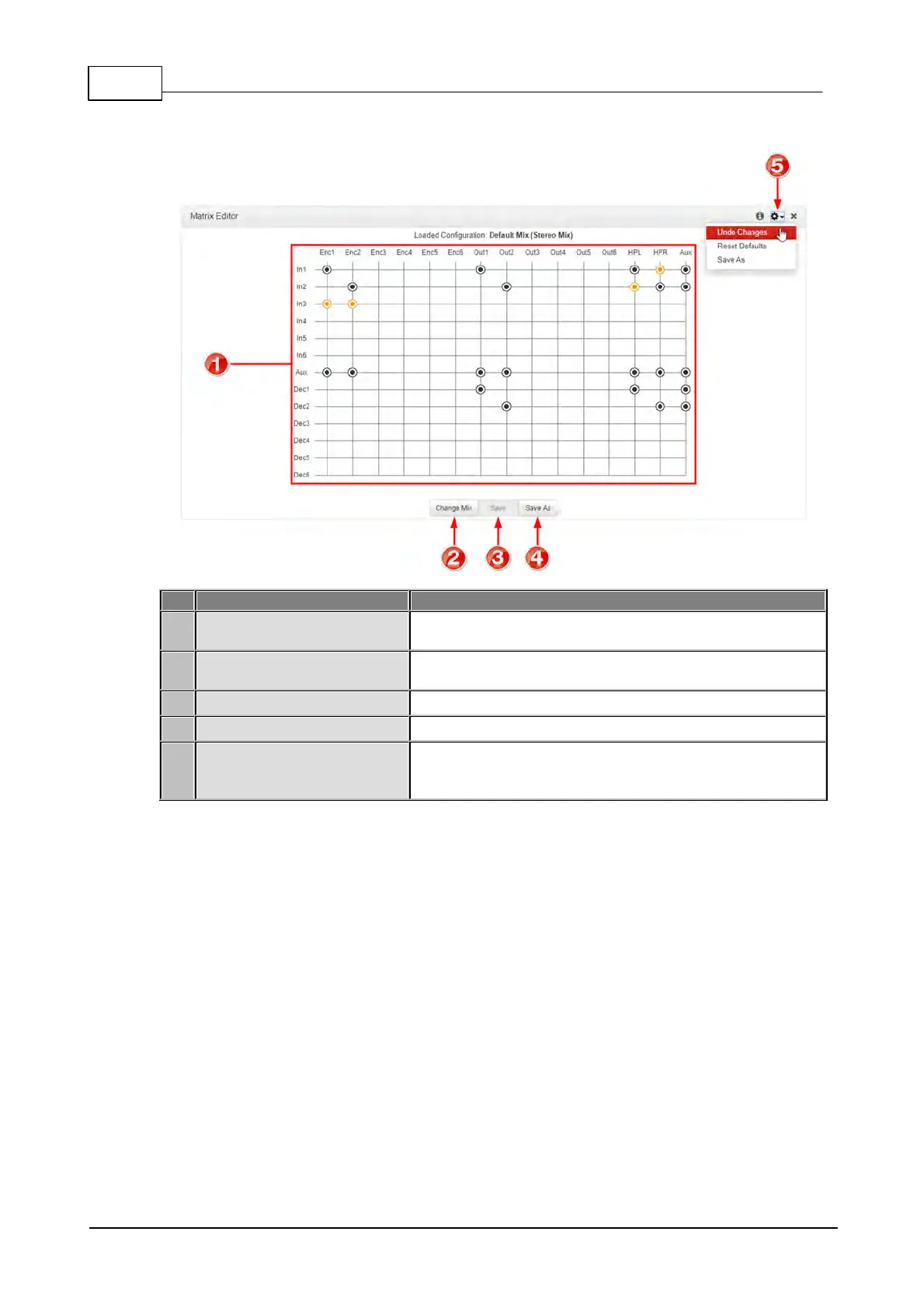
Matrix Editor Panel
Matrix Editor crosspoint
matrix
Click to select and deselect audio crosspoints to customize
routing.
Click to select the default or Custom matrix mix to view and
edit. Options include Load, Delete and Rename a mix
Click to save changes to a custom matrix mix
Click to save as a new custom matrix mix
Menu options available to undo any changes, reset the mix
to the factory default matrix mix for the program, or save as
a new mix.



 To Next Page