83
© Tieline Research Pty. Ltd. 2021
Gateway and Gateway 4 Manual v1.2
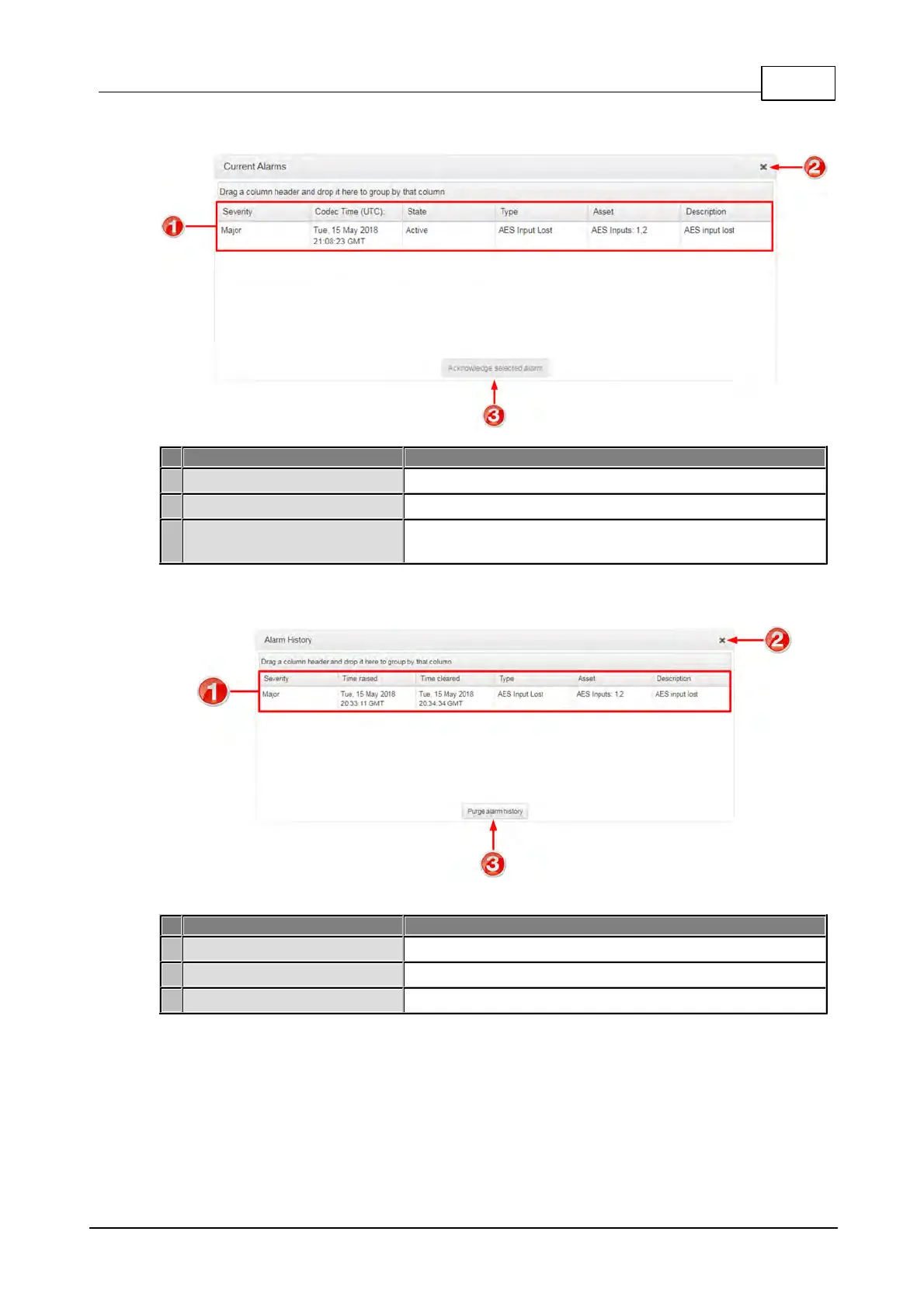
Current Alarms
Current alarm description
View a list of active alarms in the codec
Acknowledge selected alarm
button
Click to acknowledge a selected alarm.
Alarm History
Alarm history description
View the history of previous alarms in the codec.
Click to close the Alarms panel.
Purge Alarm History button
Click to clear the alarm history.



 To Next Page