INS_CNGE3FE8MS[POE][HO] Rev. 11.7.17 PAGE 13
INSTRUCTION MANUAL CNGE3FE8MS[POE][HO]
TECH SUPPORT: 1.888.678.9427
WEB Management
Login
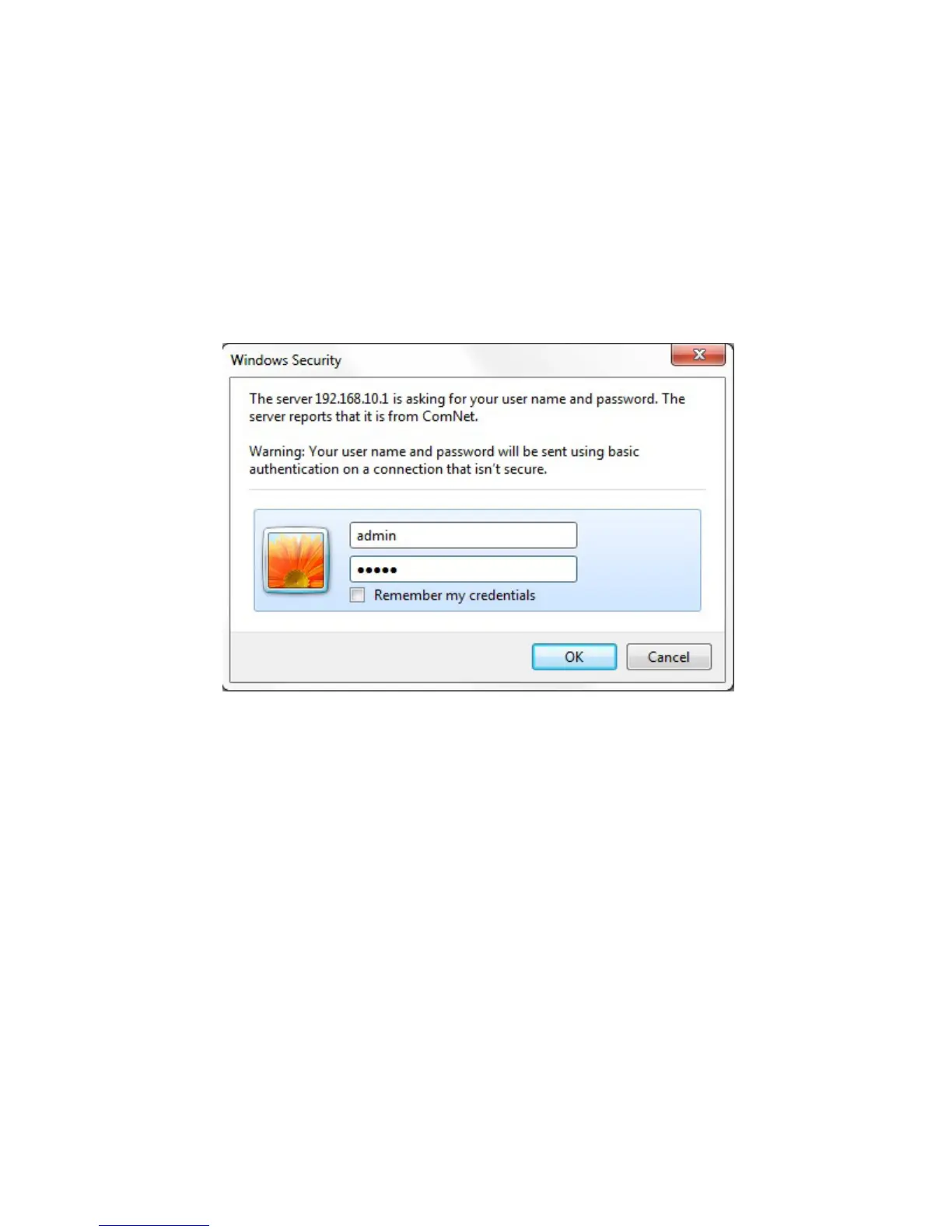
Open a web browser and navigate to the switch using http:// and the IP address of the switch.
The default IP address is 192.168.10.1
This is the main login page. Default user name is “admin” with maximum length 32 Default
password is “admin” with maximum length 32.
Warning – Any changes made to the settings will apply only to the current running configuration
of the switch and will be lost in the event of a power cycle.
To save any changes made to persistent memory please go to "Maintenance ¦
Configuration ¦ Save startup-config" to write the changes to the switches startup
configuration.



 To Next Page