INS_CNGE3FE8MS[POE][HO] Rev. 11.7.17 PAGE 132
INSTRUCTION MANUAL CNGE3FE8MS[POE][HO]
TECH SUPPORT: 1.888.678.9427
Object Description
FOP Alarm Failure of Protocol Defect(FOP) status. If FOP is detected, red LED glows; else green LED
glows.
Apply Click to apply changes.
Auto-refresh Check this box to refresh the page automatically. Automatic refresh occurs every 3 seconds.
Refresh Click to refresh the page immediately.
Reset Click to undo any changes made locally and revert to previously saved values.
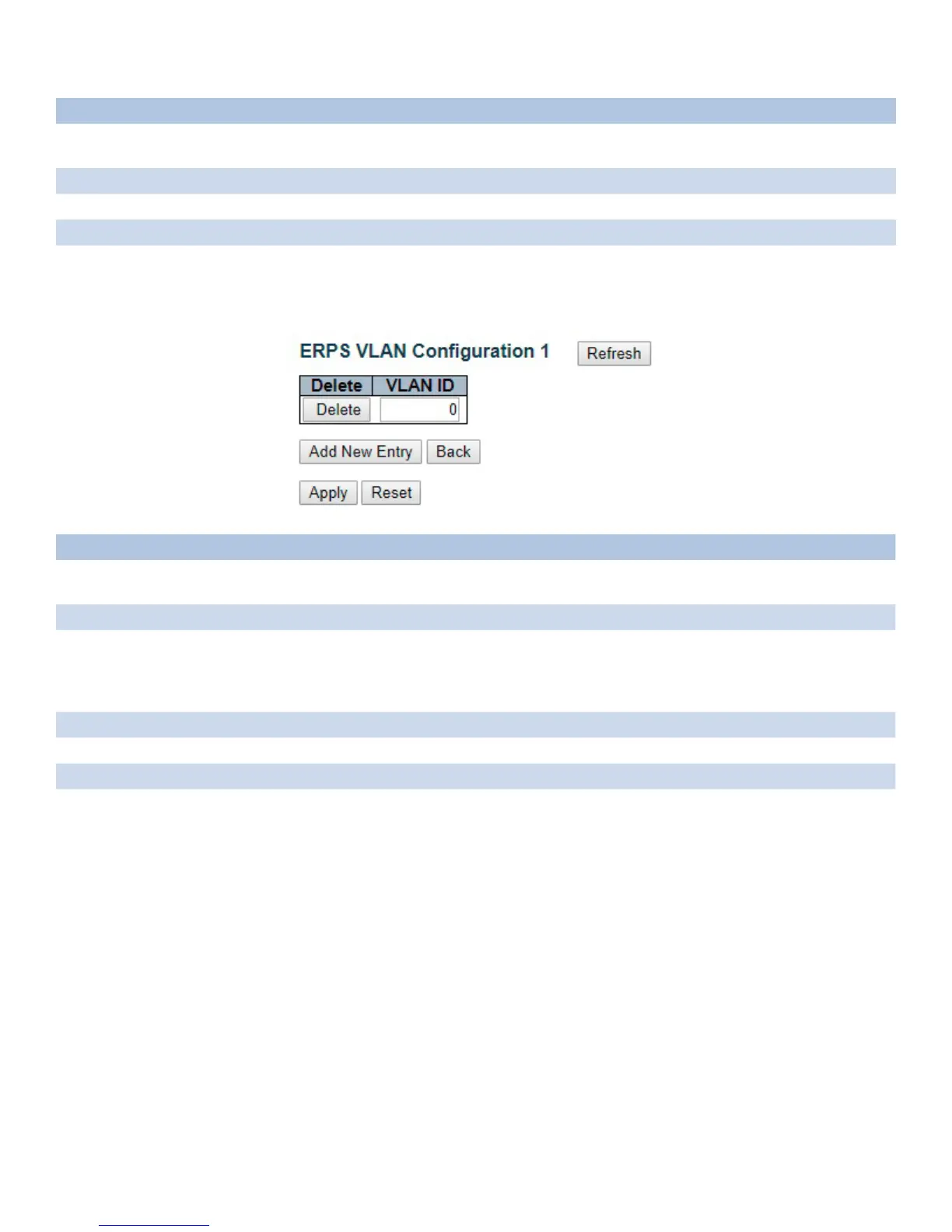
VLAN Membership Configuration
Object Description
Delete To delete a VLAN entry, check this box. The entry will be deleted on all stack switch units
during the next Save.
VLAN ID Indicates the ID of this particular VLAN.
Adding a New VLAN Click "Add New Entry" to add a new VLAN ID. Legal values for a VLAN ID are 1 through 4095.
The VLAN is enabled on the selected switch unit when you click on "Save". A VLAN without
any port members will be deleted when you click "Save".
The "Delete" button can be used to undo the addition of new VLANs.
Apply Click to apply changes.
Reset Click to undo any changes made locally and revert to previously saved values.
Back Click to go back to this MEP instance main page.
Refresh Refreshes the displayed table starting from the "VLAN ID" input fields.



 To Next Page