INS_CNGE3FE8MS[POE][HO] Rev. 11.7.17 PAGE 98
INSTRUCTION MANUAL CNGE3FE8MS[POE][HO]
TECH SUPPORT: 1.888.678.9427
MVR
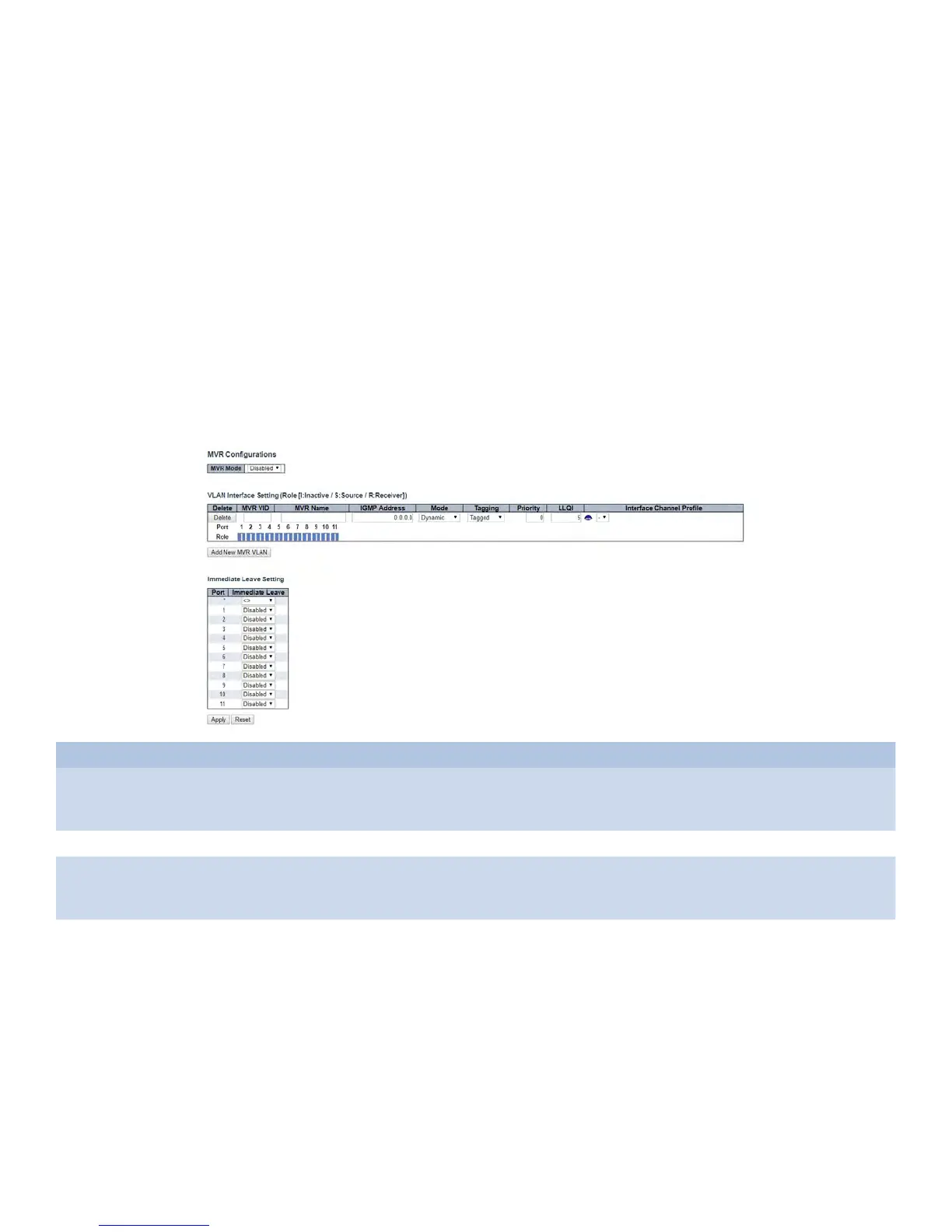
This page provides MVR related configurations.
The MVR feature enables multicast traffic forwarding on the Multicast VLANs.
In a multicast television application, a PC or a network television or a set-top box can receive the
multicast stream. Multiple set-top boxes or PCs can be connected to one subscriber port, which
is a switch port configured as an MVR receiver port. When a subscriber selects a channel, the set-
top box or PC sends an IGMP/MLD report message to Switch A to join the appropriate multicast
group address. Uplink ports that send and receive multicast data to and from the multicast VLAN
are called MVR source ports.
It is allowed to create at maximum 4 MVR VLANs with corresponding channel profile for each
Multicast VLAN. The channel profile is defined by the IPMC Profile which provides the filtering
conditions.
Object Description
MVR Mode Enable/Disable the Global MVR.
The Unregistered Flooding control depends on the current configuration in IGMP/MLD Snooping.
It is suggested to enable Unregistered Flooding control when the MVR group table is full.
Delete Check to delete the entry. The designated entry will be deleted during the next save.
MVR VID Specify the Multicast VLAN ID.
Be Caution: MVR source ports are not recommended to be overlapped with management VLAN
ports.
MVR Name MVR Name is an optional attribute to indicate the name of the specific MVR VLAN. Maximum length
of the MVR VLAN Name string is 16. MVR VLAN Name can only contain alphabets or numbers.
When the optional MVR VLAN name is given, it should contain at least one alphabet. MVR VLAN
name can be edited for the existing MVR VLAN entries or it can be added to the new entries.



 To Next Page