INS_CNGE3FE8MS[POE][HO] Rev. 11.7.17 PAGE 38
INSTRUCTION MANUAL CNGE3FE8MS[POE][HO]
TECH SUPPORT: 1.888.678.9427
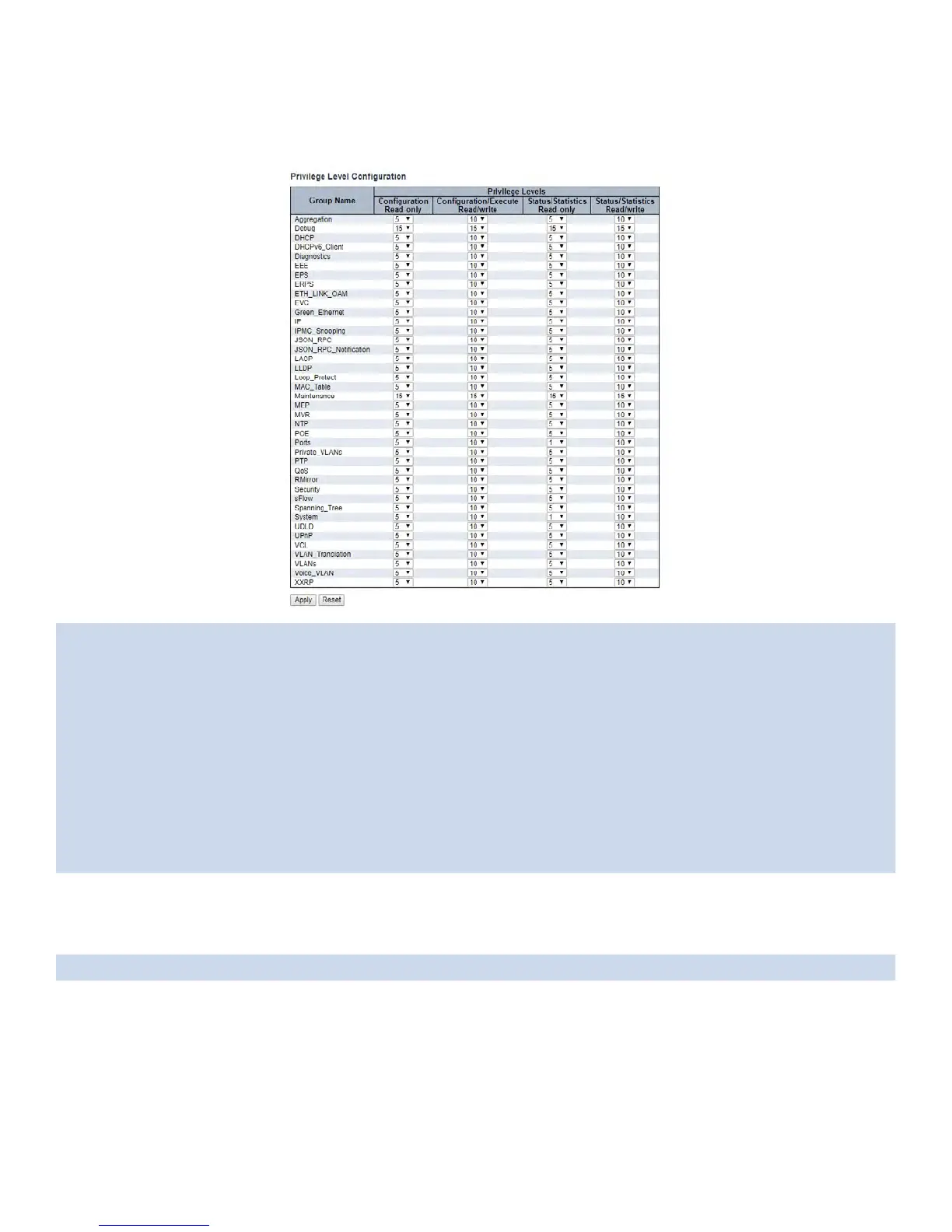
Privilege Levels
This page provides an overview of the privilege levels.
Group Name The name identifying the privilege group. In most cases, a privilege level group consists of a
single module (e.g. LACP, RSTP or QoS), but a few of them contains more than one. The following
description defines these privilege level groups in details:
System: Contact, Name, Location, Timezone, Daylight Saving Time, Log.
Security: Authentication, System Access Management, Port (contains Dot1x port, MAC based and
the MAC Address Limit), ACL, HTTPS, SSH, ARP Inspection, IP source guard.
IP: Everything except ‘ping’.
Port: Everything except ‘VeriPHY’.
Diagnostics: ‘ping’ and ‘VeriPHY’.
Maintenance: CLI- System Reboot, System Restore Default, System Password, Configuration
Save, Configuration Load and Firmware Load. Web- Users, Privilege Levels and everything in
Maintenance.
Debug: Only present in CLI.
Privilege Levels Every group has an authorization Privilege level for the following sub groups:
configuration read-only, configuration/execute read-write, status/statistics read-only, status/
statistics read-write (e.g. for clearing of statistics). User Privilege should be same or greater than the
authorization Privilege level to have the access to that group.
Apply Click to apply changes.
Reset Click to revert to previous values.



 To Next Page