INS_CNGE3FE8MS[POE][HO] Rev. 11.7.17 PAGE 238
INSTRUCTION MANUAL CNGE3FE8MS[POE][HO]
TECH SUPPORT: 1.888.678.9427
Maintenance Menu
Restart Device
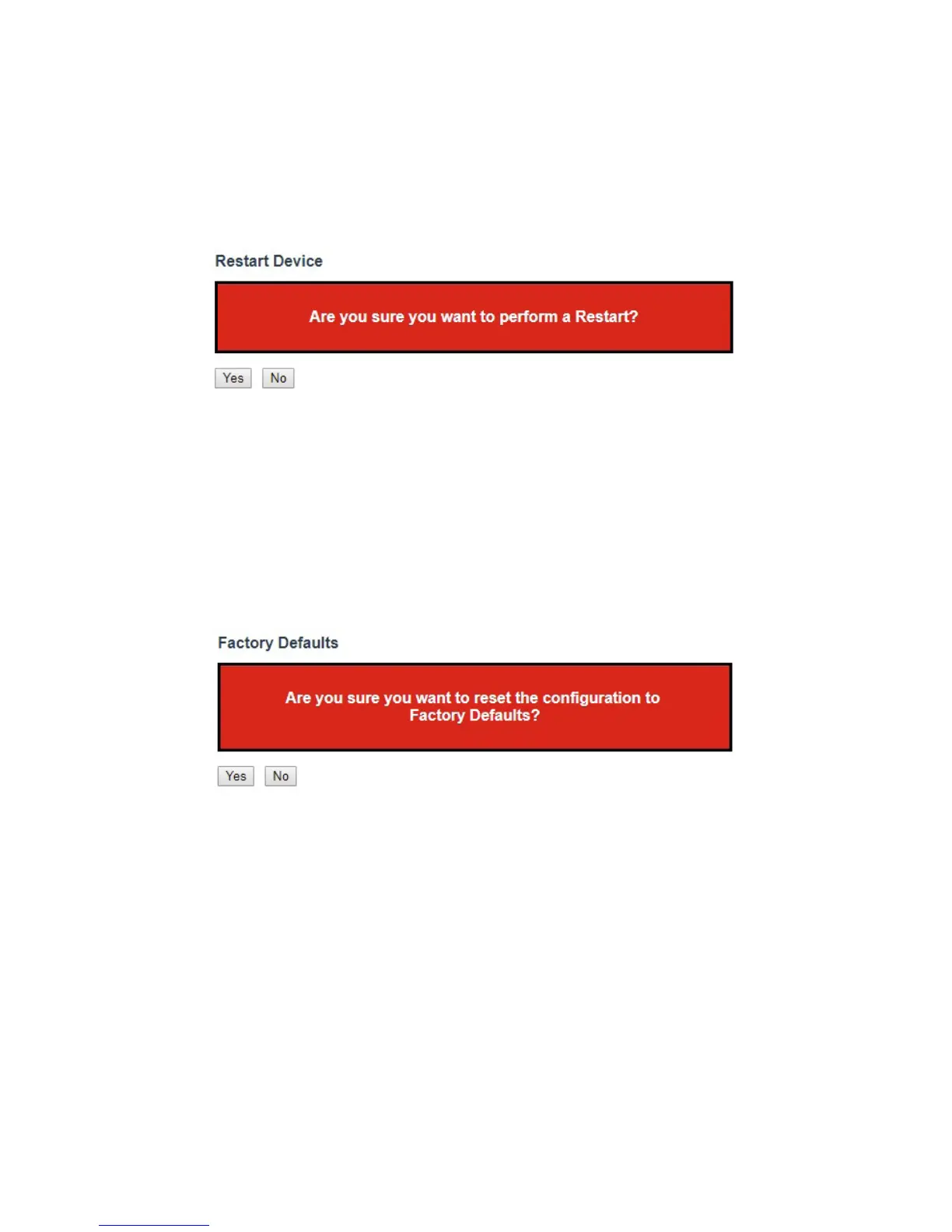
You can restart the switch on this page. After restart, the switch will boot normally.
Click “Yes” Button to restart the switch. It may take up to a minute to finish restart. Click “No”
button to go back to home page without resetting configurations.
Factory Defaults
You can reset the configuration of the switch on this page. Only the IP configuration is retained.
The new configuration is available immediately, which means that no restart is necessary.
Click “Yes” button to reset the configuration to factory default. It may take up to 20 seconds to
show the following message:
Configuration Factory Reset Done
The configuration has been reset. The new configuration is available immediately.
Click “No” button to go back to home page without resetting configurations.



 To Next Page