INS_CNGE3FE8MS[POE][HO] Rev. 11.7.17 PAGE 85
INSTRUCTION MANUAL CNGE3FE8MS[POE][HO]
TECH SUPPORT: 1.888.678.9427
Aggregation
Static
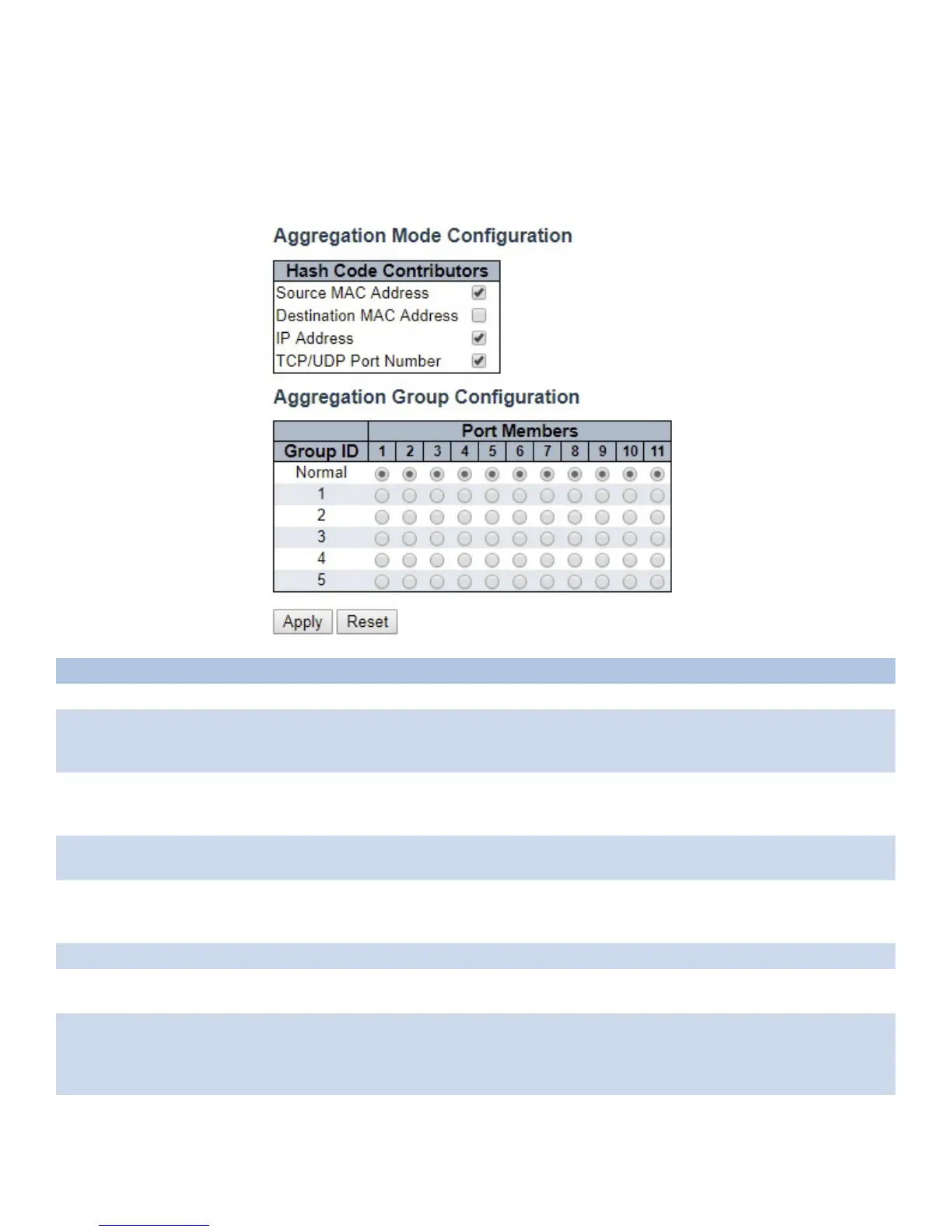
This page is used to configure the Aggregation hash mode and the aggregation group.
Object Description
Hash Code Contributors
Source MAC Address The Source MAC address can be used to calculate the destination port for the frame. Check
to enable the use of the Source MAC address, or uncheck to disable. By default, Source
MAC Address is enabled.
Destination MAC
Address
The Destination MAC Address can be used to calculate the destination port for the frame.
Check to enable the use of the Destination MAC Address, or uncheck to disable. By default,
Destination MAC Address is disabled.
IP Address The IP address can be used to calculate the destination port for the frame. Check to enable
the use of the IP Address, or uncheck to disable. By default, IP Address is enabled.
TCP/UDP Port Number The TCP/UDP port number can be used to calculate the destination port for the frame.
Check to enable the use of the TCP/UDP Port Number, or uncheck to disable. By default,
TCP/UDP Port Number is enabled.
Aggregation Group Configuration
Group ID Indicates the group ID for the settings contained in the same row. Group ID “Normal”
indicates there is no aggregation. Only one group ID is valid per port.
Port Members Each switch port is listed for each group ID. Select a radio button to include a port in an
aggregation, or clear the radio button to remove the port from the aggregation. By default,
no ports belong to any aggregation group. Only full duplex ports can join an aggregation
and ports must be in the same speed in each group.



 To Next Page