INS_CNGE3FE8MS[POE][HO] Rev. 11.7.17 PAGE 20
INSTRUCTION MANUAL CNGE3FE8MS[POE][HO]
TECH SUPPORT: 1.888.678.9427
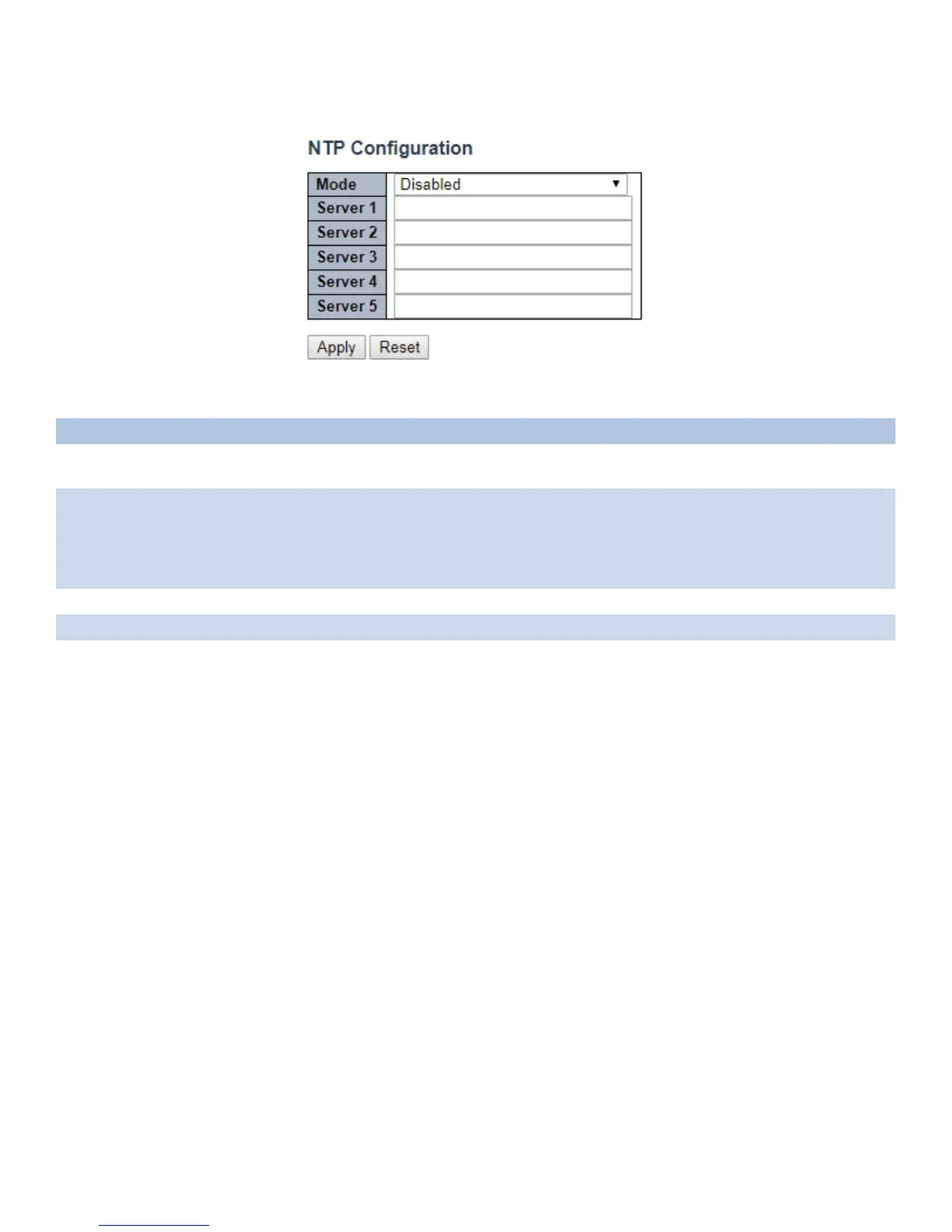
System NTP
Configure NTP on this page.
Object Description
Mode Indicates the NTP mode operation. Possible modes are: Enabled: Enable NTP client mode operation.
Disabled: Disable NTP client mode operation.
Server # Provide the IPv4 or IPv6 address of a NTP server. IPv6 address is in 128-bit records represented
as eight fields of up to four hexadecimal digits with a colon separating each field (:). For example,
‘fe80::215:c5ff:fe03:4dc7’. The symbol ‘::’ is a special syntax that can be used as a shorthand way
of representing multiple 16-bit groups of contiguous zeros; but it can appear only once. It can also
represent a legally valid IPv4 address. For example, ‘::192.1.2.34’.
Apply Click to apply changes.
Reset Click to revert to previous values.



 To Next Page