10-4 Using Audio Components
Writer: Karen Williams Saved by: Cheryl Love Saved date: 09/03/97 9:46 AM
Part Number: 220709-003 File name: Ch10.doc
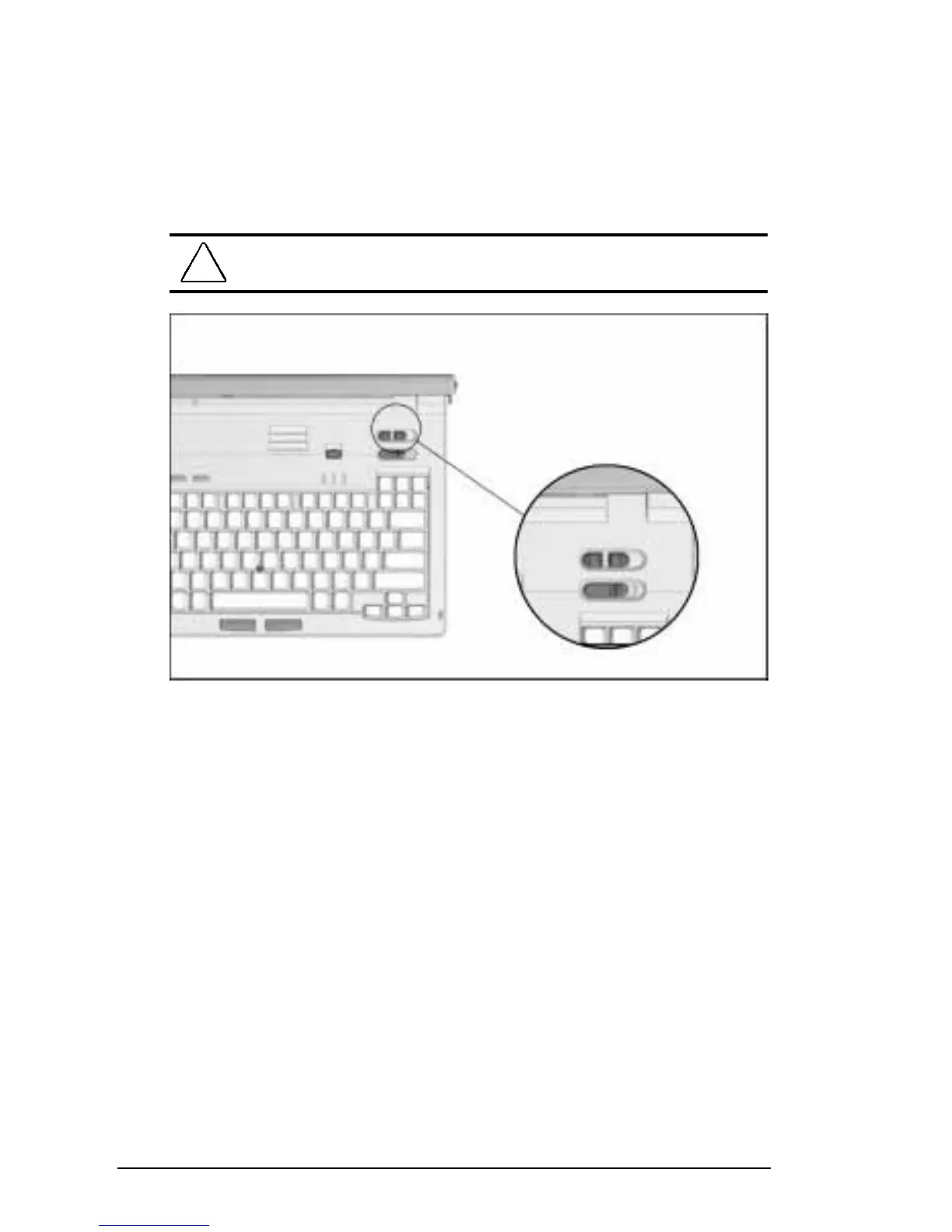
Volume Control
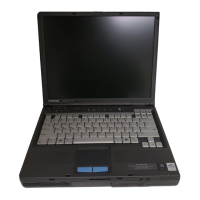
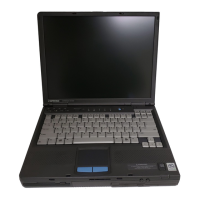
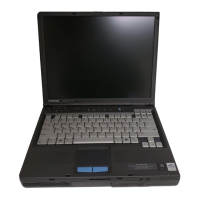
Two buttons adjust the volume of the internal speakers and of
connected external audio devices such as speakers, headphones,
or a headset. To increase volume, press the right button. To
decrease volume, press the left button. To mute the volume, press
both buttons.
!
WARNING:
To reduce the risk of personal injury, turn down the
volume control before putting on headphones.
Volume Control
You can also control volume by clicking a speaker icon on
the taskbar. To place the speaker icon on your taskbar, click
Start
Æ
Settings
Æ
Control Panel
Æ
double-click Multimedia
Æ
Audio tab. Check Show Volume Control on the Taskbar, then
click OK to save your preference and close MultiMedia.
For maximum volume, set both volume controls at the
highest volume.
NOTE:
To control the volume of system beeps, press the
Fn+F5
hotkey. When the popup window appears, press the right cursor
key to increase volume, the left cursor key to decrease volume,
and the down cursor key to test volume.





 To Next Page