7-6 Connecting External Desktop Equipment
Writer: Karen Williams Saved by: Cheryl Love Saved date: 09/03/97 9:44 AM
Part Number: 220709-003 File name: Ch07.doc
Using the Infrared Port
The infrared port on the rear panel of the computer provides
cable-free communication between the computer and another
infrared-equipped device such as a printer or desktop computer.
This point-to-point communication is enabled by an invisible
beam of infrared light.
The infrared port supports both low speed connections up to
115 kilobits per second (Kbps) and high speed connections
up to 4 megabits per second (Mbps). The infrared port is
IrDA-compliant and can be used with any other infrared-equipped
device that is also IrDA-compliant.
Operating system support for infrared communication is currently
available with Microsoft Windows 95. However, Microsoft
Windows NT Workstation support for infrared communication is
not yet available. If you are running Windows NT, the computer is
fully equipped to take advantage of infrared communication as
soon as Windows NT support is made available.
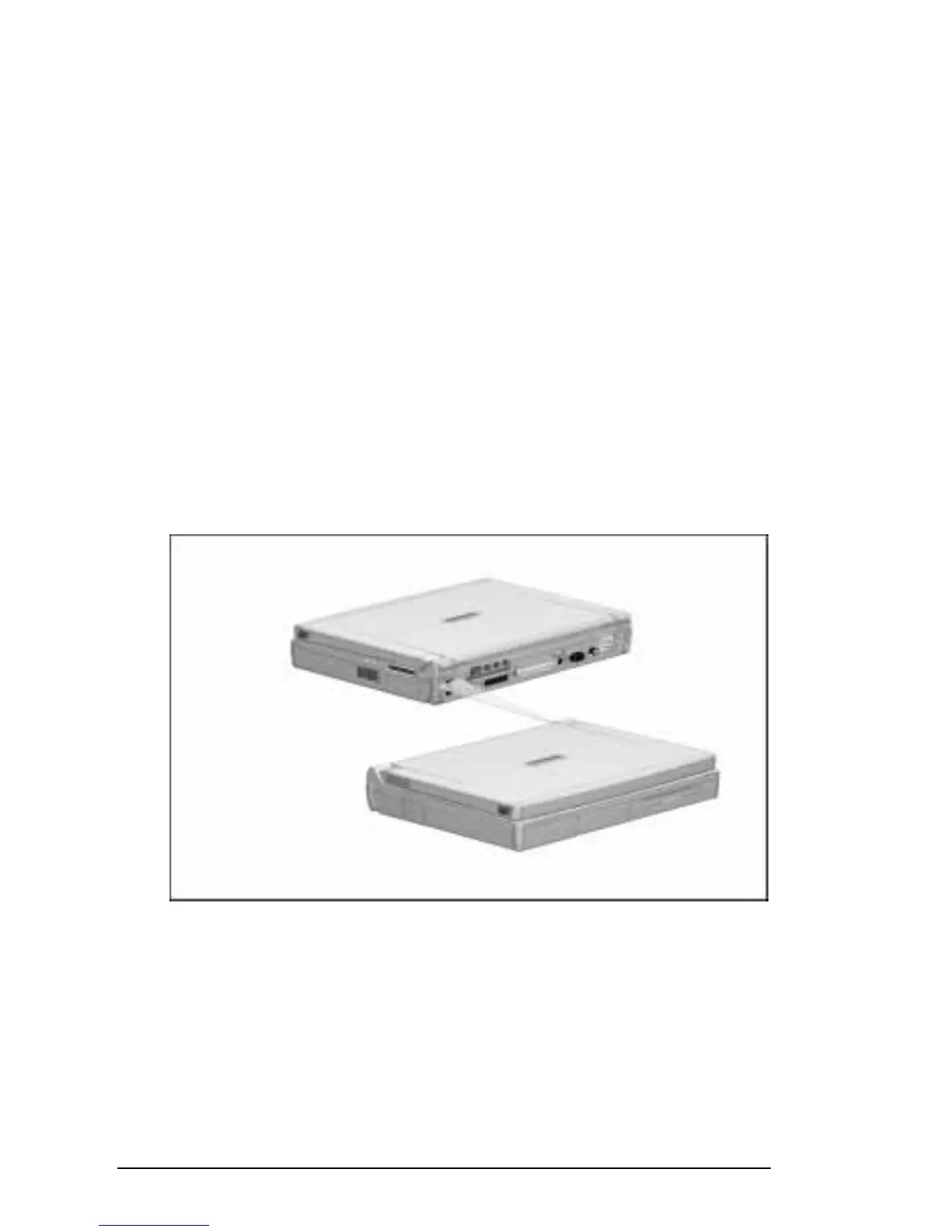
Wireless Infrared Communication
NOTE:
Compaq infrared computers are IrDA-compliant (4 Mbps
standard). Infrared performance may vary depending on
performance of infrared peripherals, distance between infrared
devices, and applications used.











 To Next Page