1-6 Getting Started
Writer: Karen Williams Saved by: Cheryl Love Saved date: 09/05/97 2:30 PM
Part Number: 220709-003 File name: Ch01.doc
Connecting the Power Cord
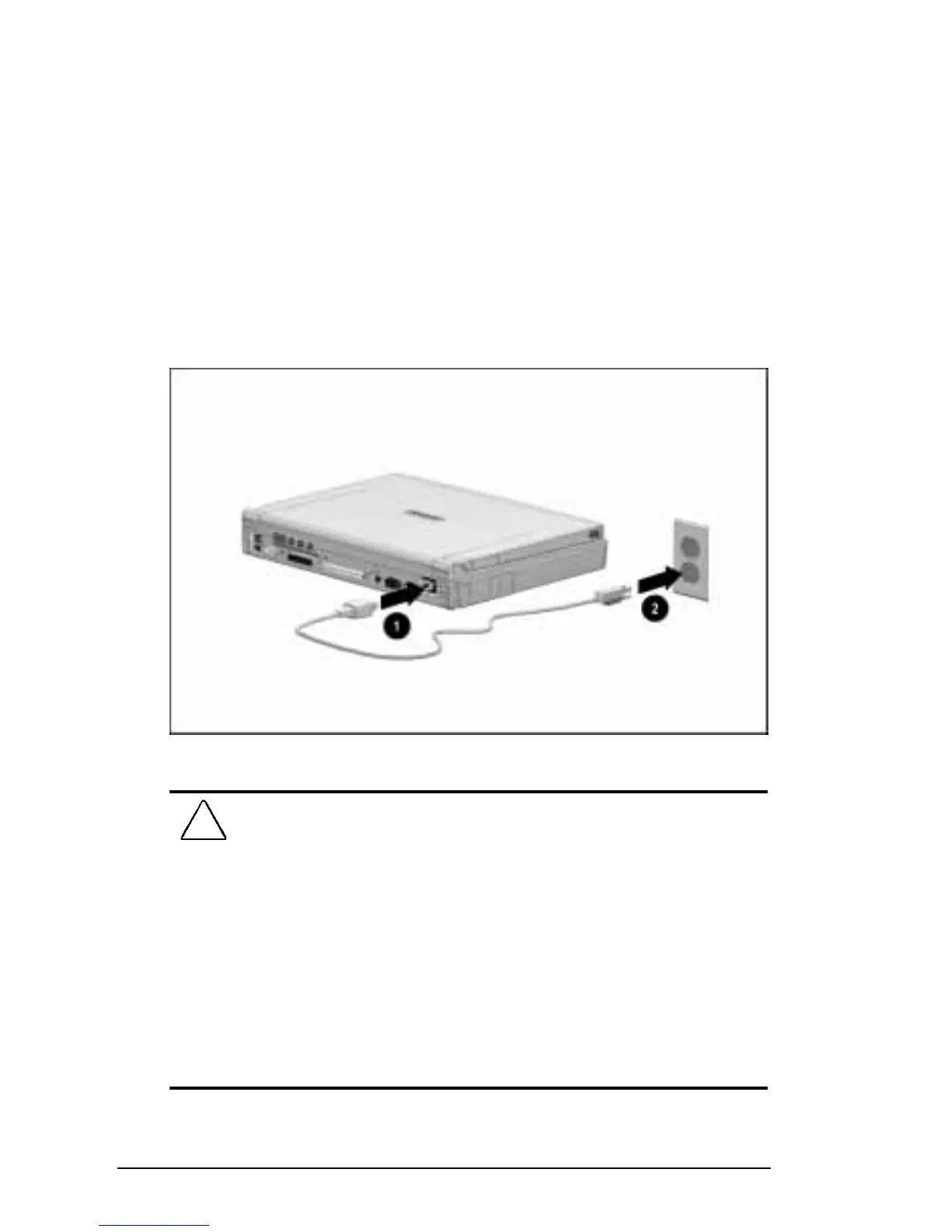
To connect the computer to electrical power:
1. Place the computer on a flat surface near an electrical outlet.
2. Plug the power cord into the power connector on the rear
panel of the computer
1
, then into the electrical outlet
2
.
NOTE:
If you are plugging in the computer in Japan, you must first
plug the power cord into the 3-to-2-prong plug adapter included
with the computer. Ensure that the ground wire is connected to a
safe earth ground, then plug the 3-to-2-prong plug adapter into the
electrical outlet.
Plugging In the Computer
!
WARNING:
To reduce the risk of personal injury, electric shock,
fire, or damage to the equipment:
■
Do not disable the power cord grounding plug. The grounding
plug is an important safety feature.
■
Plug the equipment into a grounded (earthed) electrical outlet
that is easily accessible at all times.
■
Disconnect power from the equipment by unplugging the power
cord from the electrical outlet.
■
Do not place anything on power cords or cables. Arrange them so
that no one may accidentally step on or trip over them. Do not
pull on a cord or cable. When unplugging from the electrical
outlet, grasp the cord by the plug.











 To Next Page