Increasing RAM 11-5
Writer: Karen Williams Saved by: Cheryl Love Saved date: 09/03/97 9:47 AM
Part Number: 220709-003 File name: Ch11.doc
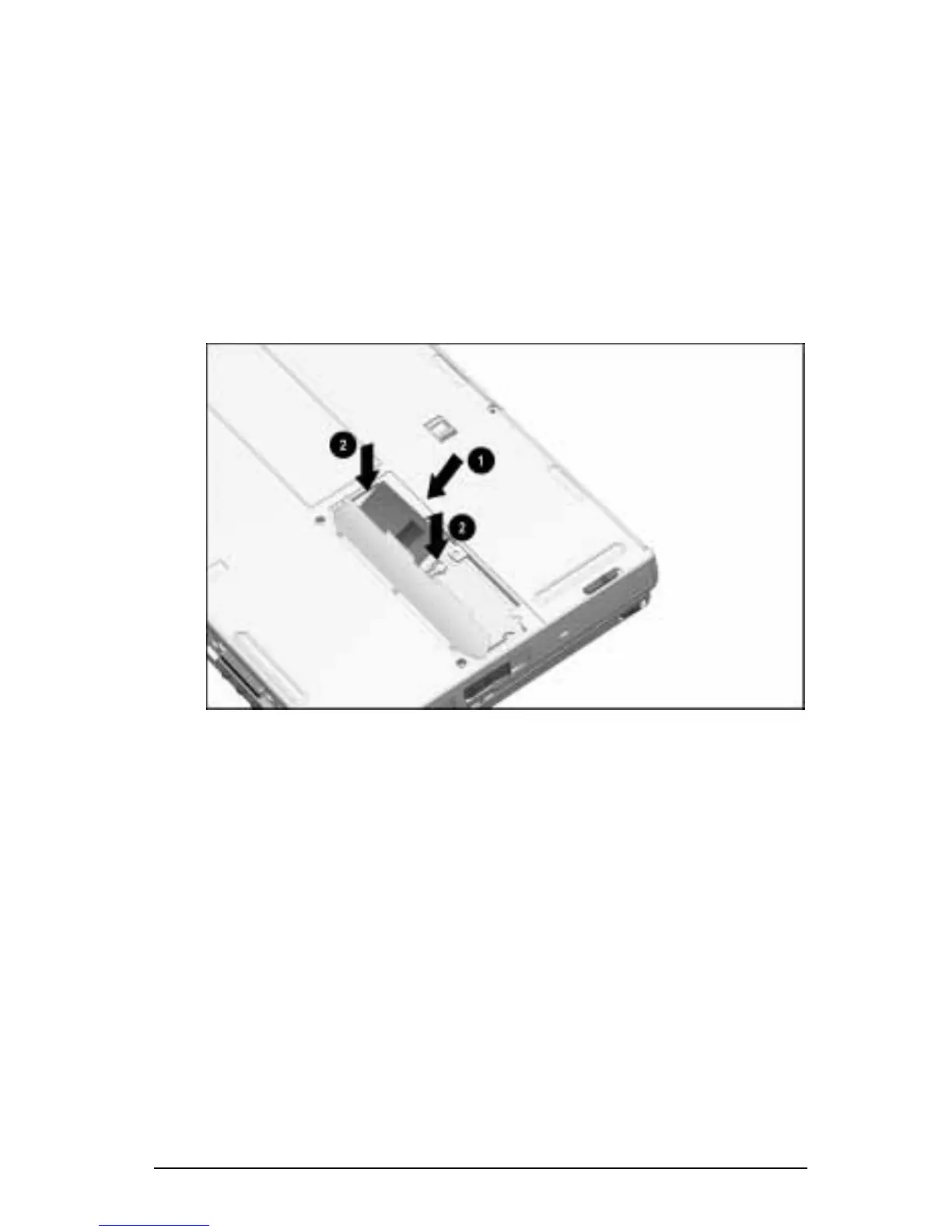
Inserting a Memory Expansion Board
A memory expansion board is asymmetrically keyed (notched) to
ensure correct positioning.
To insert an optional memory expansion board:
1. Insert the memory expansion board into an empty memory
expansion slot at a 45-degree angle
1
. Then slide it gently into
place until it is seated while tilted.
2. Push the memory expansion board down until the plastic
retention clips
2
snap back into place.
Inserting a Memory Expansion Board











 To Next Page