Working with Removable Drives 6-13
Writer: Karen Williams Saved by: Cheryl Love Saved date: 09/03/97 9:43 AM
Part Number: 220709-003 File name: Ch06.doc
Using the Weight Saver
The weight saver included with the computer is a light-weight,
hollow device that covers the MultiBay opening and keeps the
MultiBay compartment free of dust and obstructions.
Use the weight saver to protect the MultiBay compartment and to
minimize the weight of the computer when you do not have any
other device inserted in the MultiBay.
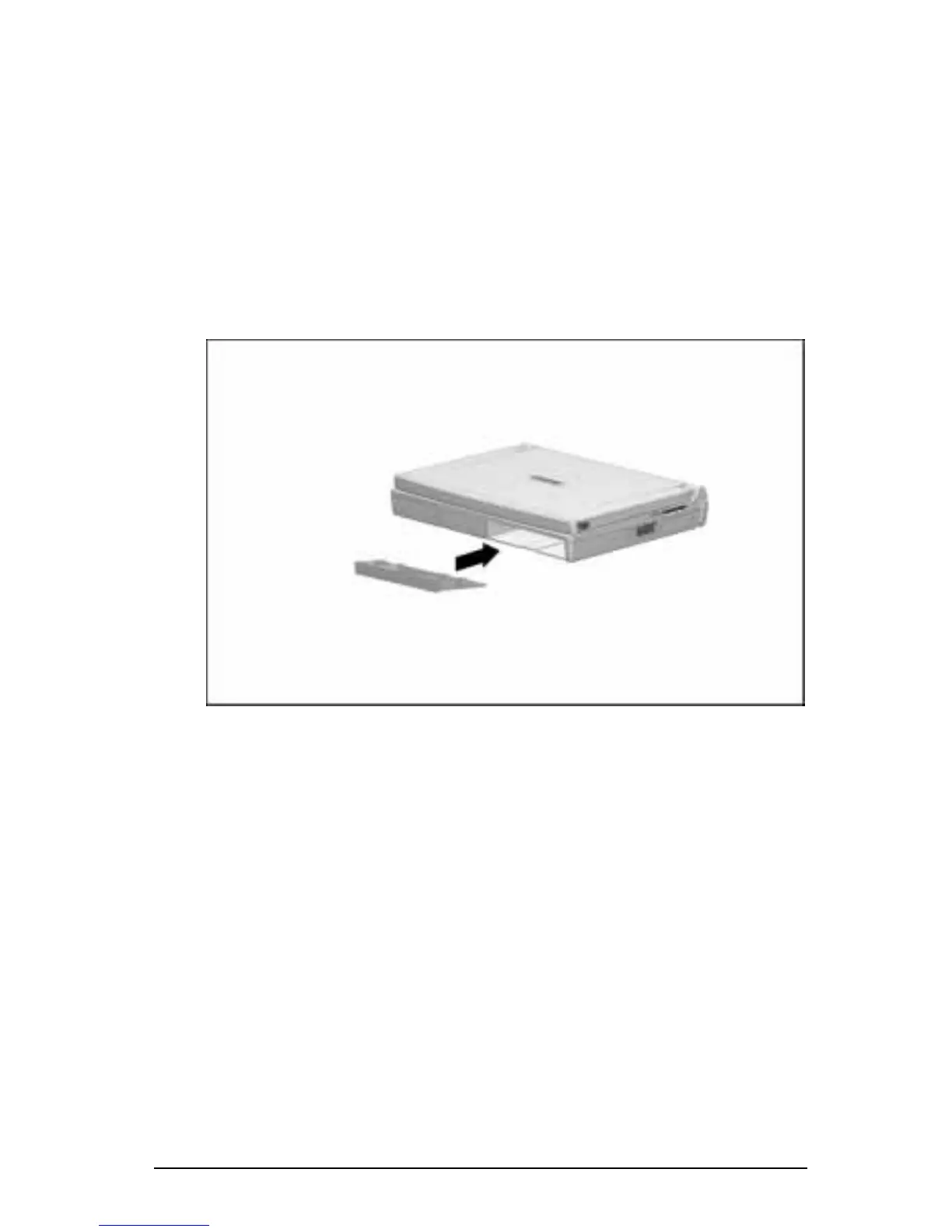
To insert the weight saver into an empty MultiBay, slide it into the
MultiBay with the bezel facing out.
Inserting the Weight Saver into the MultiBay
To remove a weight saver from the MultiBay, slide the MultiBay
release latch back while pulling on the weight saver from the
recess beneath the MultiBay.











 To Next Page