Securing the Computer 13-13
Writer: Karen Williams Saved by: Cheryl Love Saved date: 09/03/97 9:59 AM
Part Number: 220709-003 File name: Ch13.doc
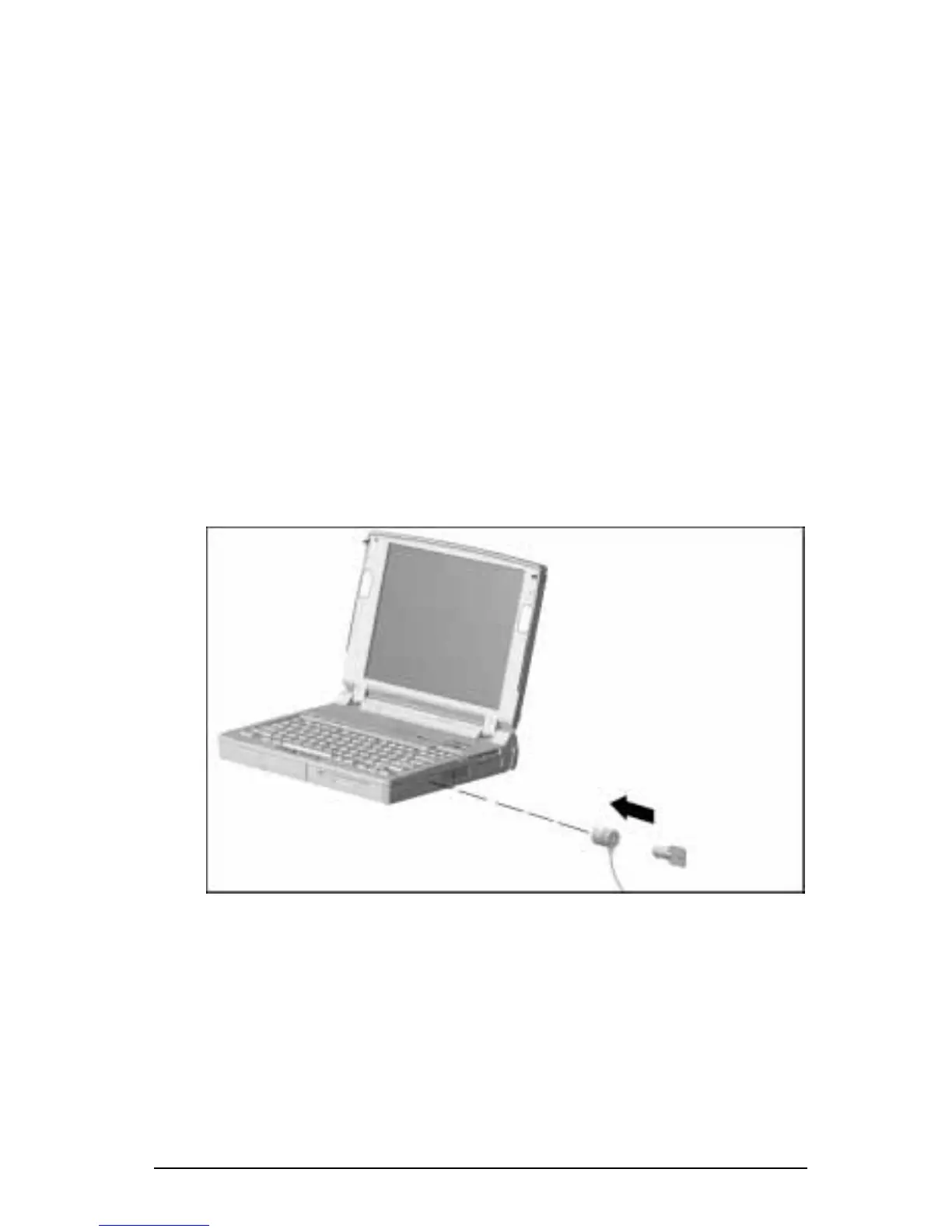
Using an Optional Cable Lock
The computer has a cable security slot that can be used with
an optional cable lock to attach the computer to a fixed or
heavy object.
NOTE
: A Kensington MicroSaver Security System cable lock
(Model 64068) is available from Kensington Microware Ltd. or
major resellers worldwide.
To attach an optional cable lock:
1. Loop the cable around a fixed or heavy object.
2. Insert the lock end of the cable through the loop end of
the cable.
3. Insert the lock end of the cable into the cable security slot on
the right side of the computer.
4. Insert the key into the cable lock, turn it to the locked position,
then remove the key.
Securing the Computer with an Optional Cable Lock











 To Next Page