Maintenance, Shipping, and Travel 12-3
Writer: Karen Williams Saved by: Cheryl Love Saved date: 09/03/97 9:59 AM
Part Number: 220709-003 File name: Ch12.doc
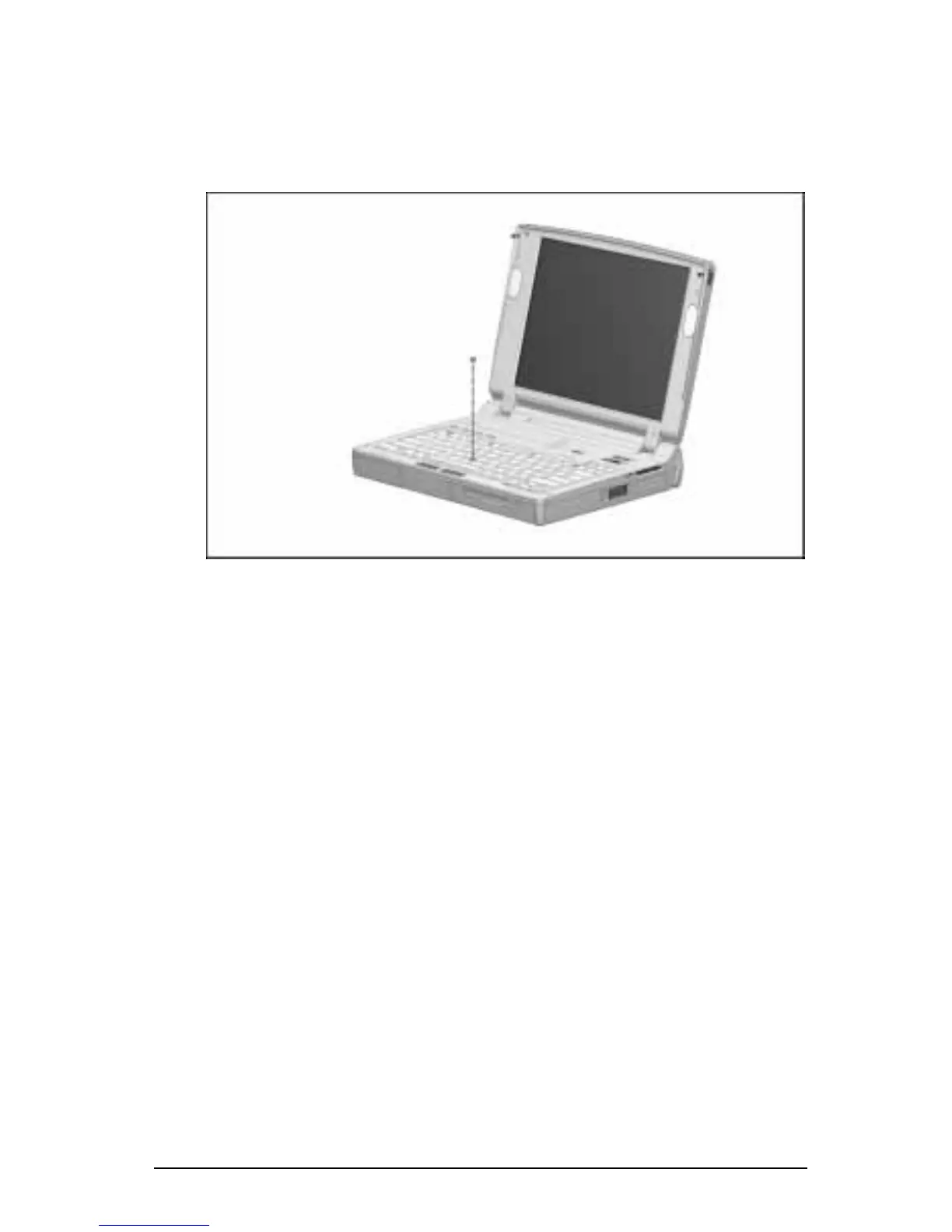
Replacing the Pointing Device Cap
If the EasyPoint III pointing device cap becomes soiled or worn,
you can replace it with one of the two spare pointing device caps
included with the computer.
Replacing the Pointing Device Cap
To replace the rubber pointing device cap:
1. Exit all applications and turn off the computer.
2. Gently pull up on the rubber pointing device cap.
NOTE:
The rubber pointing device cap covers a smaller, plastic
cap. If you accidentally remove the plastic cap, replace it
before proceeding.
3. Gently push the new rubber pointing device cap onto
the plastic cap.











 To Next Page