5-12 Using Battery Packs
Writer: Karen S. Williams Saved by: Cheryl Love Saved date: 09/05/97 2:33 PM
Part Number: 220709-003 File name: Ch05.doc
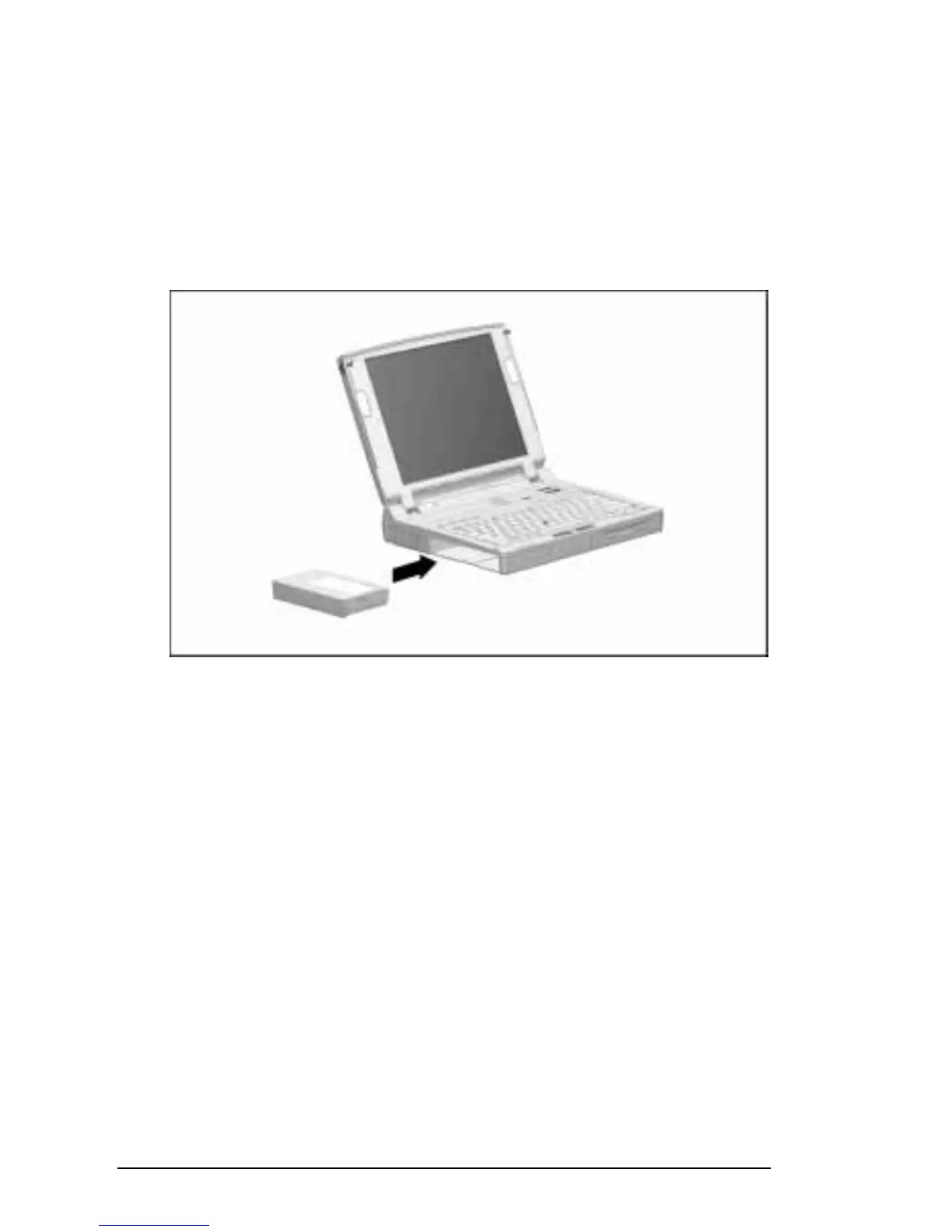
Inserting a Battery Pack in the Battery Bay
To insert a battery pack in the computer battery bay:
1. With the battery pack label facing up and the battery pack
contacts facing the computer, slide the battery pack into the
battery bay until it clicks into place.
2. If the computer is in Suspend, press the suspend button to
return your work to the screen.
Inserting a Battery Pack in the Battery Bay











 To Next Page