7-2 Connecting External Desktop Equipment
Writer: Karen Williams Saved by: Cheryl Love Saved date: 09/03/97 9:44 AM
Part Number: 220709-003 File name: Ch07.doc
Identifying External Connectors
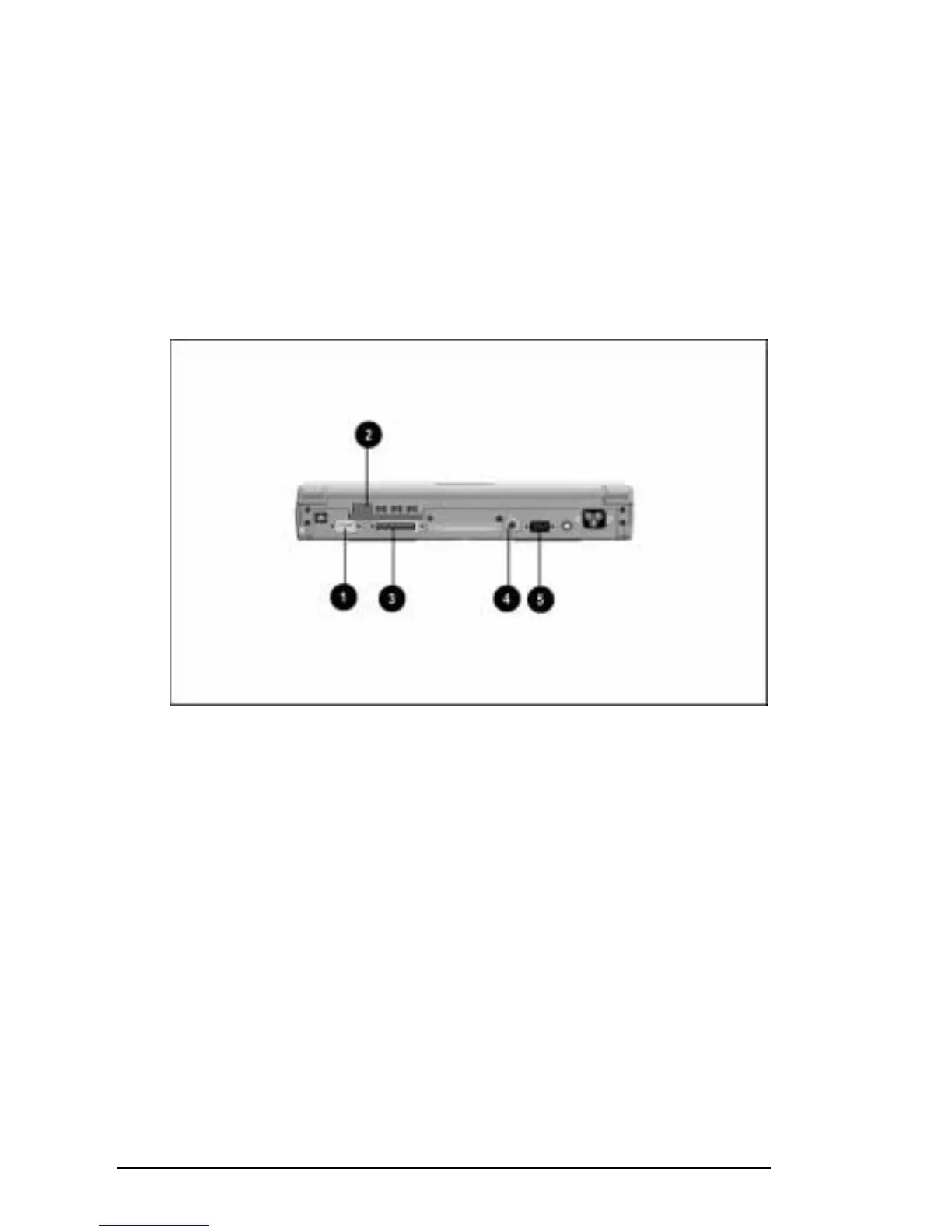
The following illustration identifies connectors for the equipment
discussed in this chapter.
1 Serial connector
2 Infrared port
3 Parallel connector
4 Keyboard/mouse connector (PS/2-compatible)
5 External monitor connector
Identifying Connectors for External Desktop Equipment
NOTE:
An arrow on the connector or plug of a device indicates that
the cable should be connected with the arrow facing up.











 To Next Page