2-6 Taking a Look at the Computer
Writer: Karen Williams Saved by: Cheryl Love Saved date: 09/05/97 2:30 PM
Part Number: 220709-003 File name: Ch02.doc
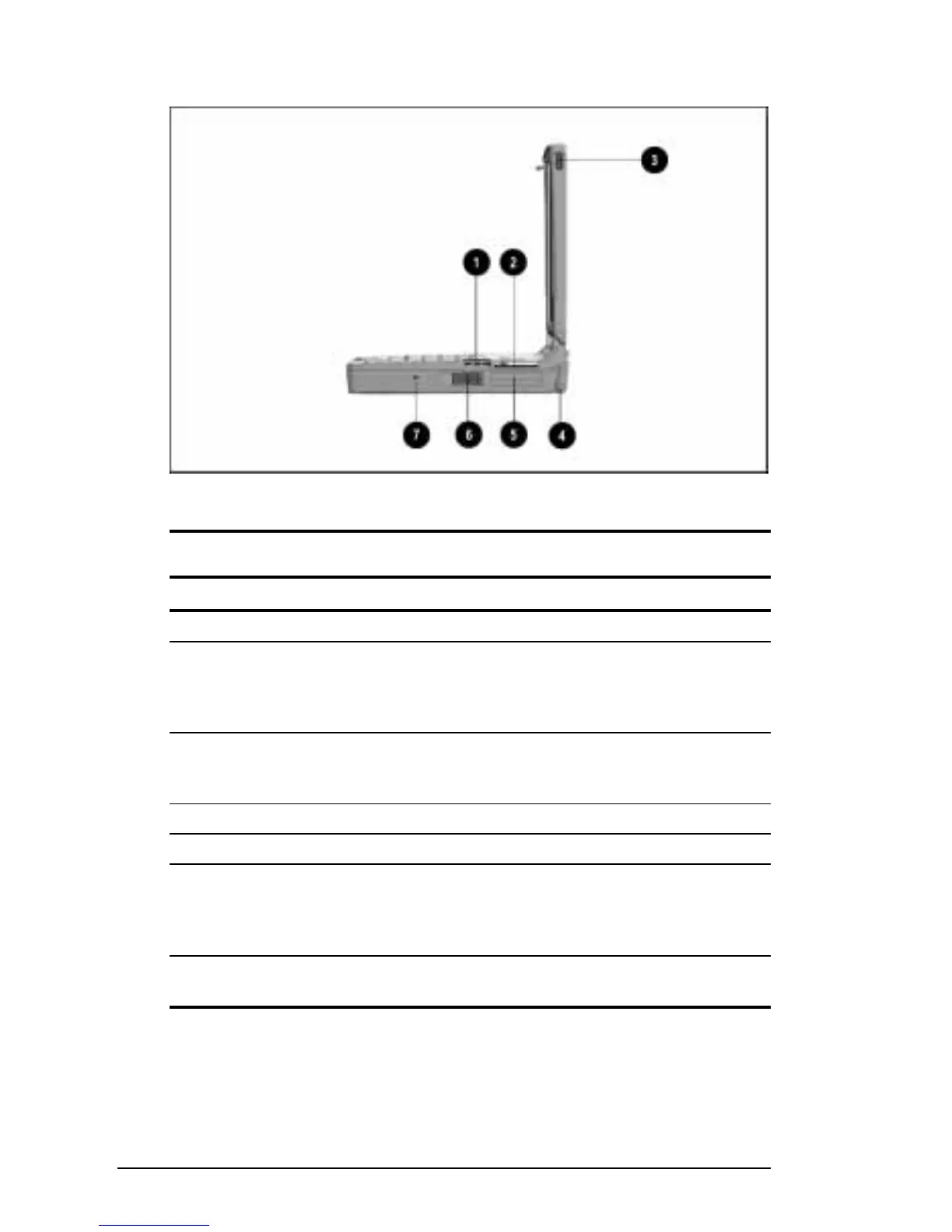
Right Side Components
Right Side Components
Right Side Components
Component Function
1
Vents (3) Cool internal components.
2
25-pin connector The availability and use of this
connector varies regionally. Please
refer to “Regional Differences” at the
end of this chapter.
3
Display release latch Opens the computer. (Use with the
corresponding display release latch on
the left side of the computer.)
4
Tilt feet (2) Tilt the computer for comfortable use.
5
PC Card slots (2) Support 32- and 16-bit PC Cards.
6
PC Card eject levers (2) Top lever ejects a PC Card from the
top PC Card slot; bottom lever ejects
PC Card from the bottom PC Card
slot.
7
Cable security slot Attaches an optional security cable to
the computer.











 To Next Page