Securing the Computer 13-9
Writer: Karen Williams Saved by: Cheryl Love Saved date: 09/03/97 9:59 AM
Part Number: 220709-003 File name: Ch13.doc
Using Security Hardware
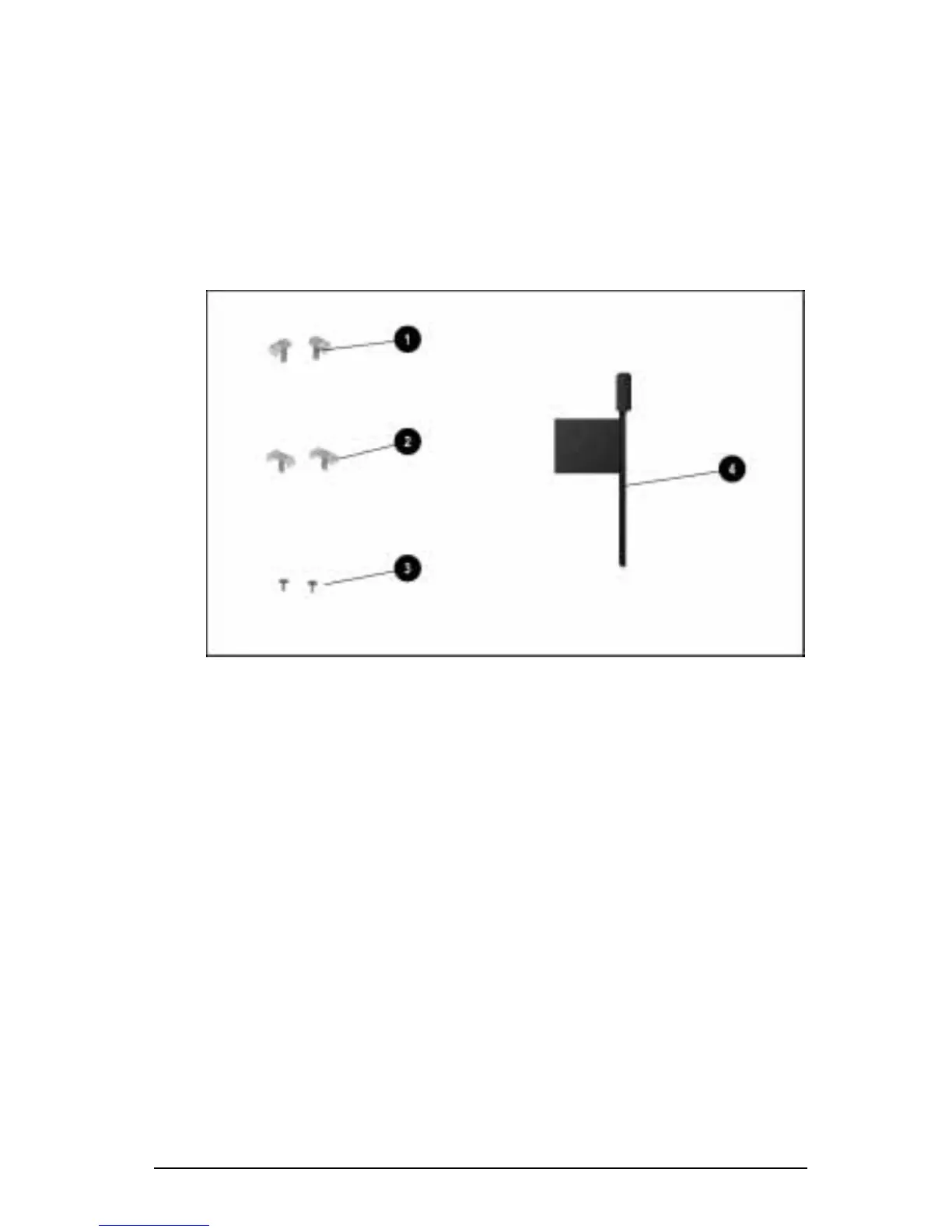
Four types of security hardware are included with the computer:
1 Single-bay security screws (2)
2 Dual-bay security screws (2)
3 Memory expansion slot cover security screws (2)
4 Torx T-10 screwdriver
Security Hardware
Use the single-bay and dual-bay security screws to secure devices
in the hard drive bay or the MultiBay.
Use the memory expansion slot cover security screw to
secure a memory expansion board installed in the memory
expansion compartment.
Use the Torx T-10 screwdriver to install and remove a single-bay
security screw, a dual-bay security screw, or a memory expansion
slot cover security screw.











 To Next Page