3-6 Using the Keyboard
Writer: Karen Williams Saved by: Cheryl Love Saved date: 09/05/97 2:31 PM
Part Number: 220709-003 File name: Ch03.doc
Automating Your Work
with Programmable Keys
The programmable keys feature enables you to
■
Access a favorite document, worksheet, or application with a
single keystroke.
■
Add the functionality of an application logo key, such as the
Microsoft Windows 95 Logo Key, to the computer keyboard.
■
Display your programmable key assignments in the system
tray on the Windows taskbar.
■
Group key assignments into schemes. A scheme is a named
collection of up to four programmable key assignments. The
programmable keys can have different assignments in
different schemes.
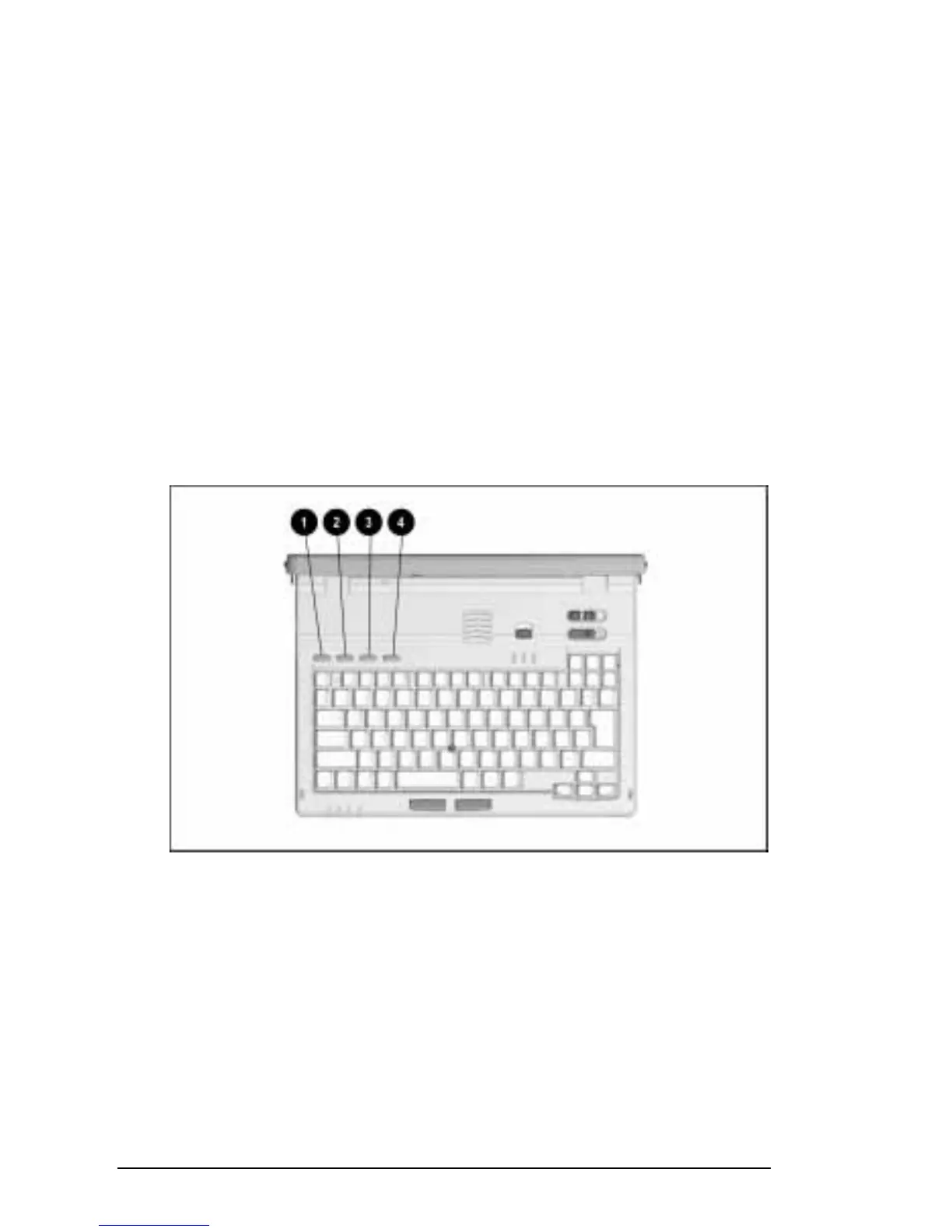
The four programmable keys are numbered left to right.
Programmable Keys
To access the programmable keys dialog box:
■
Press any unassigned programmable key
Æ
Programmable
Keys tab.
■
Click Start
Æ
Settings
Æ
Control Panel
Æ
double-click the
Keyboard icon (Windows 95) or the Programmable Key icon
(Windows NT)
Æ
Programmable Keys tab.











 To Next Page