Working with Removable Drives 6-5
Writer: Karen Williams Saved by: Cheryl Love Saved date: 09/03/97 9:43 AM
Part Number: 220709-003 File name: Ch06.doc
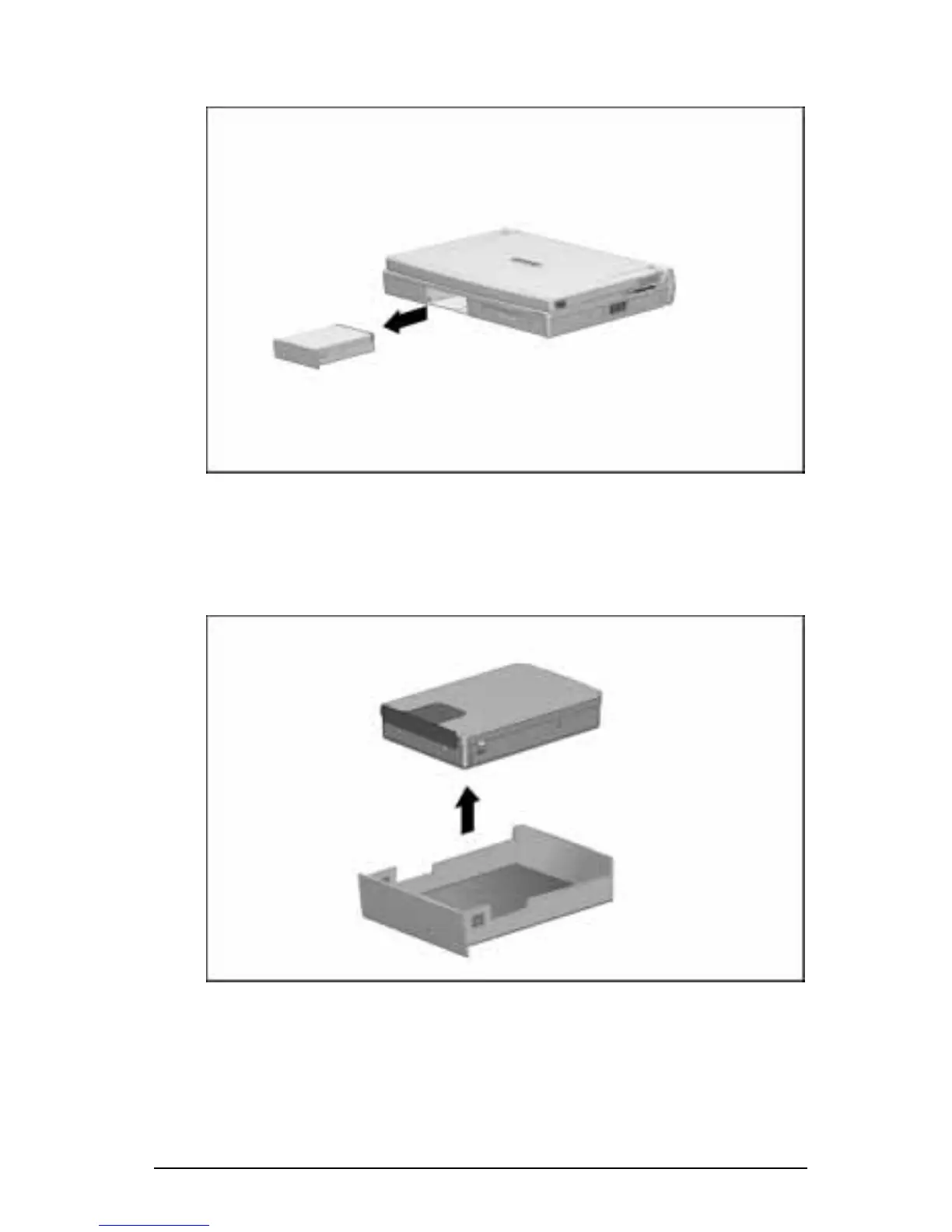
5. Slide the hard drive out of the hard drive bay.
Removing a Hard Drive from the Hard Drive Bay
6. Pull the metal hard drive up and out of the plastic hard drive
tray and place it in the hard drive carrying case included with
the computer.
Removing a Hard Drive from the Hard Drive Tray
7. If you are not inserting another hard drive, replace the hard
drive tray in the hard drive bay by sliding it into the hard drive
bay until it is seated.











 To Next Page