Working with Removable Drives 6-11
Writer: Karen Williams Saved by: Cheryl Love Saved date: 09/03/97 9:43 AM
Part Number: 220709-003 File name: Ch06.doc
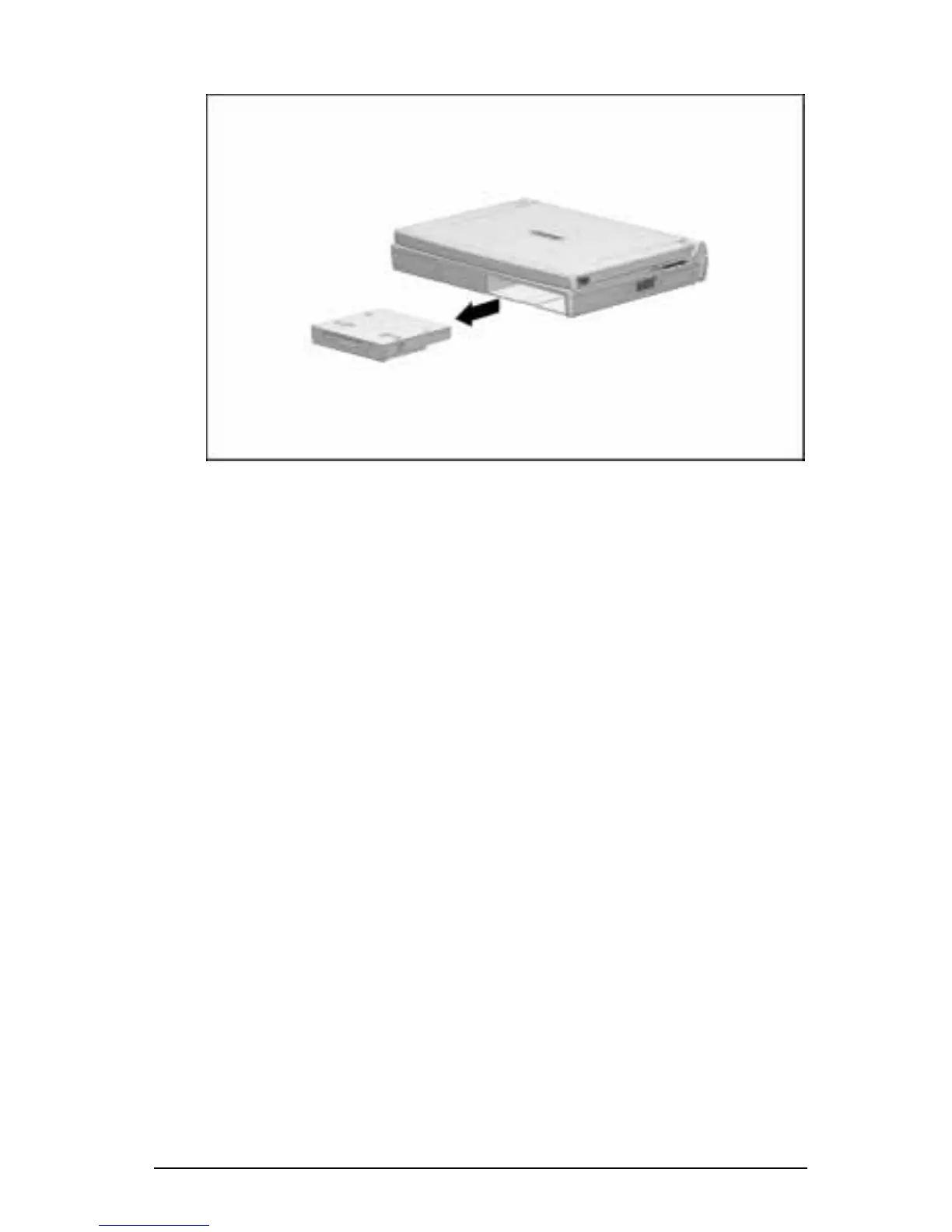
6. Slide the drive out of the MultiBay.
Removing a Drive from the MultiBay
7. If you are not inserting another drive or a battery pack into the
MultiBay, insert the weight saver included with the computer.
For more information, refer to “Using the Weight Saver” in
this chapter.











 To Next Page