Section 10: Vending 3033-010B
10-2 Concordia Xpress Technical Support Manual
2900-300B
Vending Overview
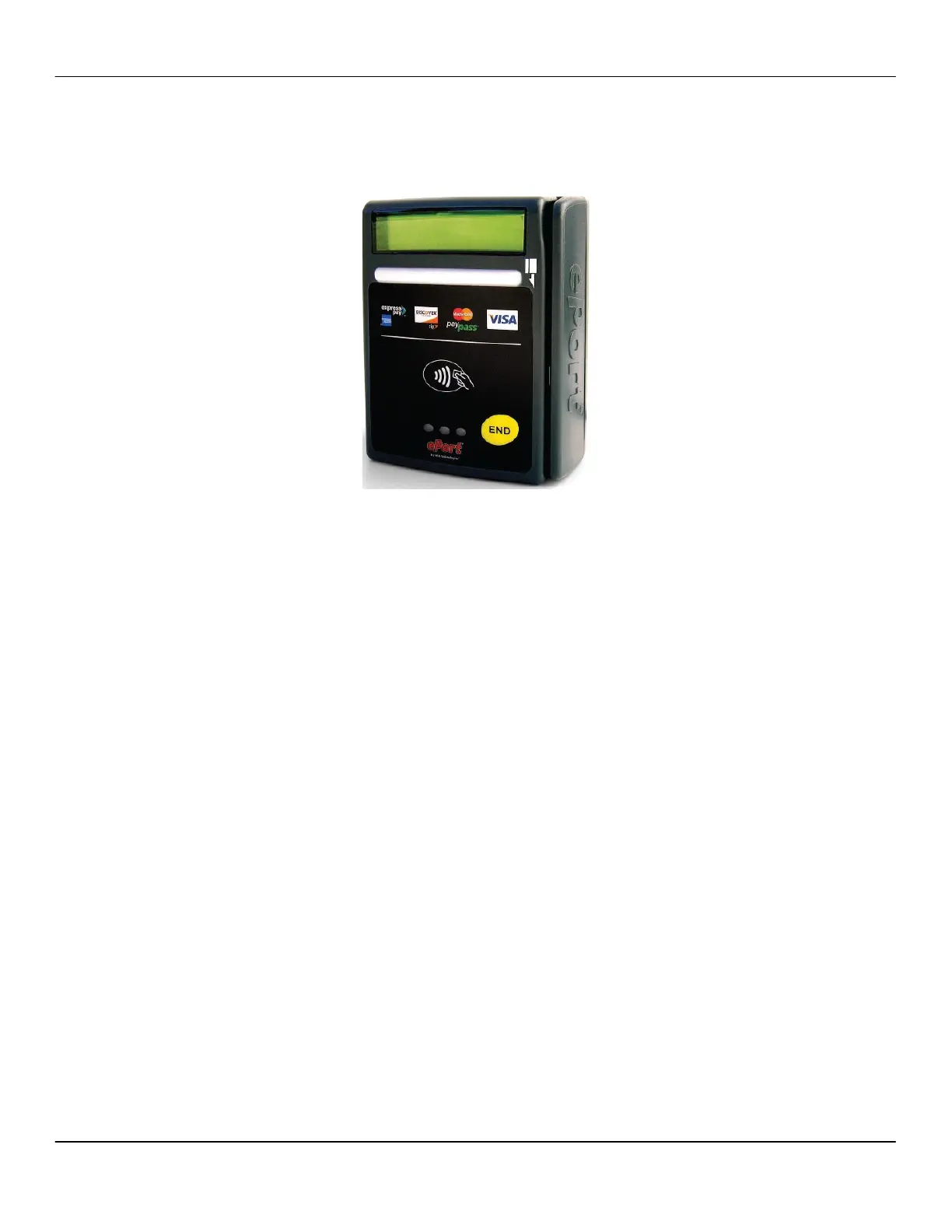
An optional vending feature allows for customers to charge for drinks.
Only cards (i.e. debit, credit, school swipe cards) can be used with this
system.
Vending units are mounted on the refrigeration unit door, on the outside
of the machine.
Vending Backpack
The vending backpack is located on the back of the machine and
contains the following vending components:
Modem
Jamex vending controller
Power supply
Cable
An antenna is placed on the rear top edge of the machine.
Replacing a Card Reader
1. Remove the right front door assembly of the machine.
2. Remove the two upper and four lower screws on the inside panel
of the door assembly.
3. Remove the inside panel of the door assembly.
4. Remove the door handle from the front of the door.
5. Remove the screws attaching the card reader to the door handle.
6. Remove the card reader from the door handle.
7. Attach a new card reader to the door handle with the screws
previously removed.
8. Re-attach the door handle to the front of the door assembly.
9. Re-attach the inside panel of the door assembly, using the
screws previously removed.
10. Re-attach the right front door assembly on the machine.



 To Next Page