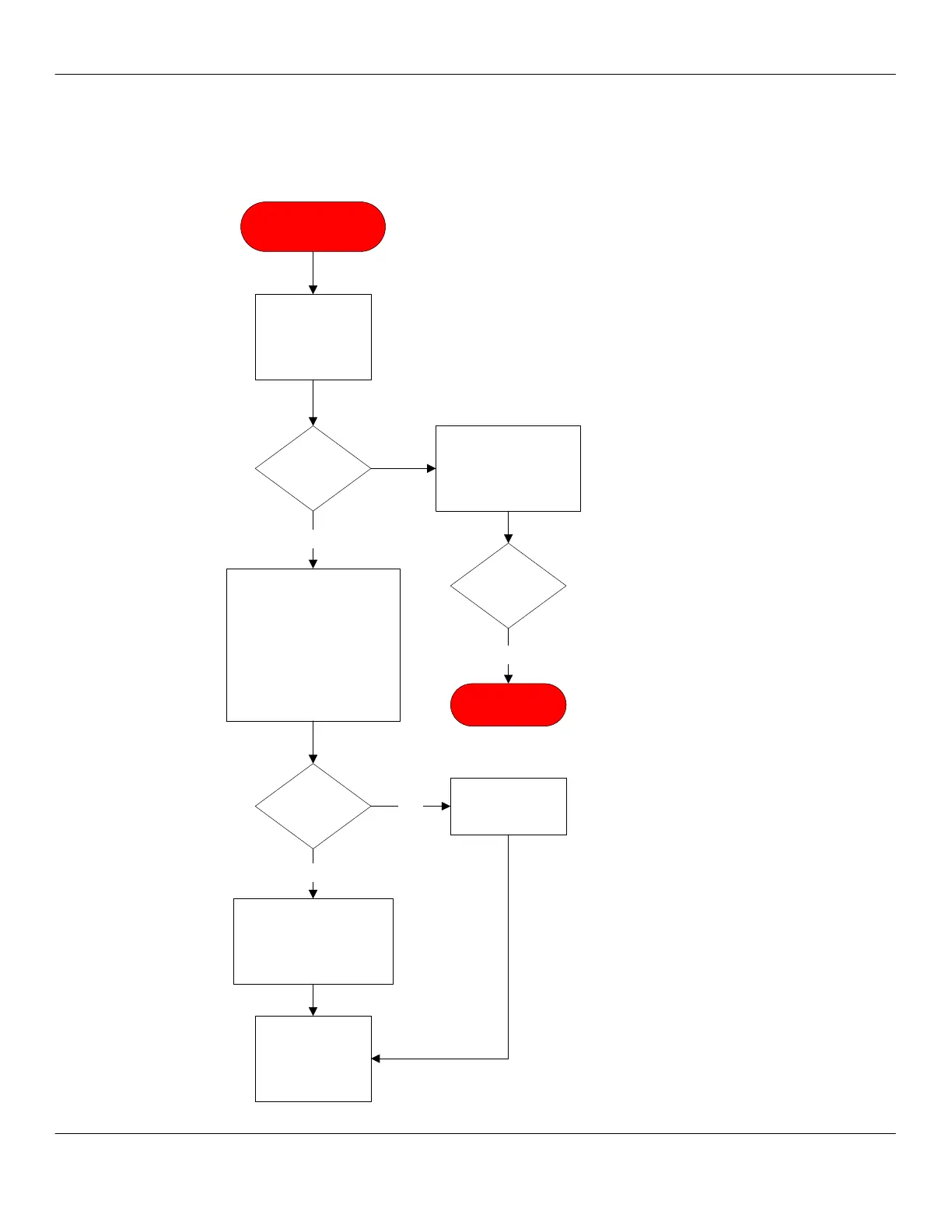
Card Swipe or Tap Not
Authorized
Verify a valid card
is being used.
Card
valid?
Use pass card sent with
every unit to verify G8
and card reader are
functioning. Retest.
Pass
card
worked?
END PROCESS
Yes
Yes
Check LED activity on back
of G8 processor. Solid light
indicates poor or no signal; a
blinking light indicates
operational; no light indicates
a bad unit. If blinking, open
vending backpack and
validate RSSI signal strength
is at least 10,0.
Probable bad unit or poor
or no signal. Call USA
Technologies service line
1-888-561-4748 and
select option 1.
Blinking
LED?
Yes
No
Call Concordia
Beverage Systems
for assistance.
1-800-778-0990
Recheck signal
strength for 10,0.



 To Next Page