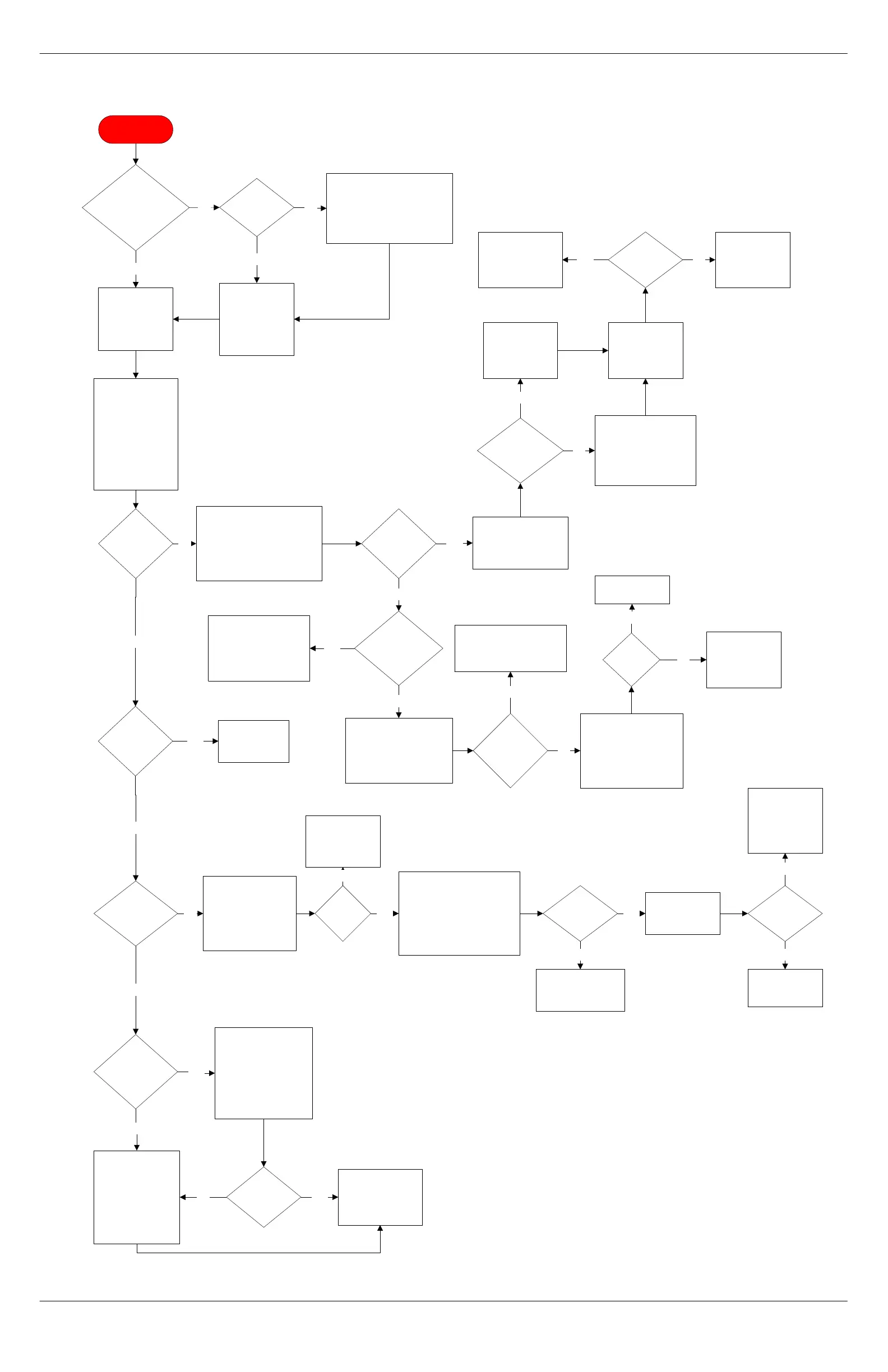
INVALID STOP R
Navigate to TEST
ROUTINES > L
DRIVE. Run piston
into top of chamber.
Clear all grounds and
lower piston.
Navigate to TEST
ROUTINES > R
DRIVE and run
piston into top of
chamber.
Did
piston
move?
With piston in
chamber, is count
71-80?
No
Does
the motor move
freely?
Check wires from motor
to harness for shorts/
opens. Manually drive
back of motor with 4mm
allen wrench.
Is the
grounds funnel
correctly mounted on
funnel bracket
and over brew
chamber?
Remove the
grounds funnel.
Clean the funnel
and sweep plate of
debris. Set the
funnel aside.
Navigate to TEST
ROUTINES > R
DRIVE. Press the
up arrow on right
side till funnel is
over chamber.
Yes
Yes
Clean top of piston of
debris. Drop lower
piston to 150 count.
Reinsert funnel on funnel
mount bracket. Have
customer power down
unit, wait 10 seconds,
then restart unit.
Replace motor.
PN 2130-013
Or replace dual
drive with spindle
assembly.
PN 2130-014
Remove the rear panel and
enclosure cover. Disconnect
38Vdc from motor. Check for
38Vdc between black and red
wires for the right group motor
during TEST ROUTINES
operation.
Voltage
present?
38Vdc
present on DC
board pins?
No
Yes
No
Check cable continuity
between J3 on backplane
and harness. Check for a
shorted power transistor
on CPU. Replace CPU.
Yes
Yes
Group
initialized in 50
seconds?
No
Physical binding, Check
right drive components,
retaining bolt, White
plastic bushing, Brass S
groove, motor, shaft and
gearbox.
No
Power down the
unit, wait 10
seconds, then
restart the unit.
Group
initialize
properly?
Check the JP9 housing for
pin insertion problems.
Replace as needed. Replace
DC board as last resort.
Remove the back
panel. Locate the wires
labelled "Brew Piston
Motor Hall." In
reference to ground,
verify 5Vdc at gray wire
on harness side.
Run several double
espressos to verify
group is functioning
properly.
Verify F19 fuse status.
Replace if blown. Verify
30Vac on red wires out of
transformer.
30Vac
present on
wires?
Check the DC board
jumper and transformer
pins and setting. Inspect
P1 on backplane
assembly for damage.
Inspect bottom board on
AC drawer for damage.
Did count
change on
display?
No
Yes
No
Yes
Run several double
espressos to verify
group is functioning
properly.
Yes
Bad power
transistor on CPU.
Replace CPU.
No
No
5Vdc
present?
Check continuity
between gray wire
pin 7 and JP8 on
backplane.
No
In reference to ground, check
voltage at brown wire (harness
side) while manually turning
motor with a 4mm hex driver.
While turning, the voltage
should alternate between 5Vdc
and 0Vdc.
Yes
Signal
alternates?
Replace motor due to
bad internal hall
sensor.
PN 2130-013
No
Check continuity
from brown wire to
Pin 10 on JP8.
Yes
Continuity
present?
Repair per factory
specifications.
Retest machine.
No
Inspect CPU for
burnt traces, and
pins for loose
connections.
replace CPU as
last resort.
Yes
No
Yes
No
Accessed
TEST
ROUTINES?
Yes
Bypass the initialization by
turning the machine off at the
main power switch. Push and
hold the third button down on the
CPU and turn the machine back
on. Wait 2 seconds and release
CPU button.
No
The point where the
group failed
designates a physical
bind. Check oblong
bushings in the right
drive assembly.
Replace the ring
guide.
PN 2140-020
Lower
piston stuck at
top of
chamber?
Yes
Find or replace
lower piston
screw. Retest.
Yes
Voltage
present?
Yes
Replace the
transformer.
Call Concordia
Beverage Systems
for assistance.
1-800-778-0990
No



 To Next Page