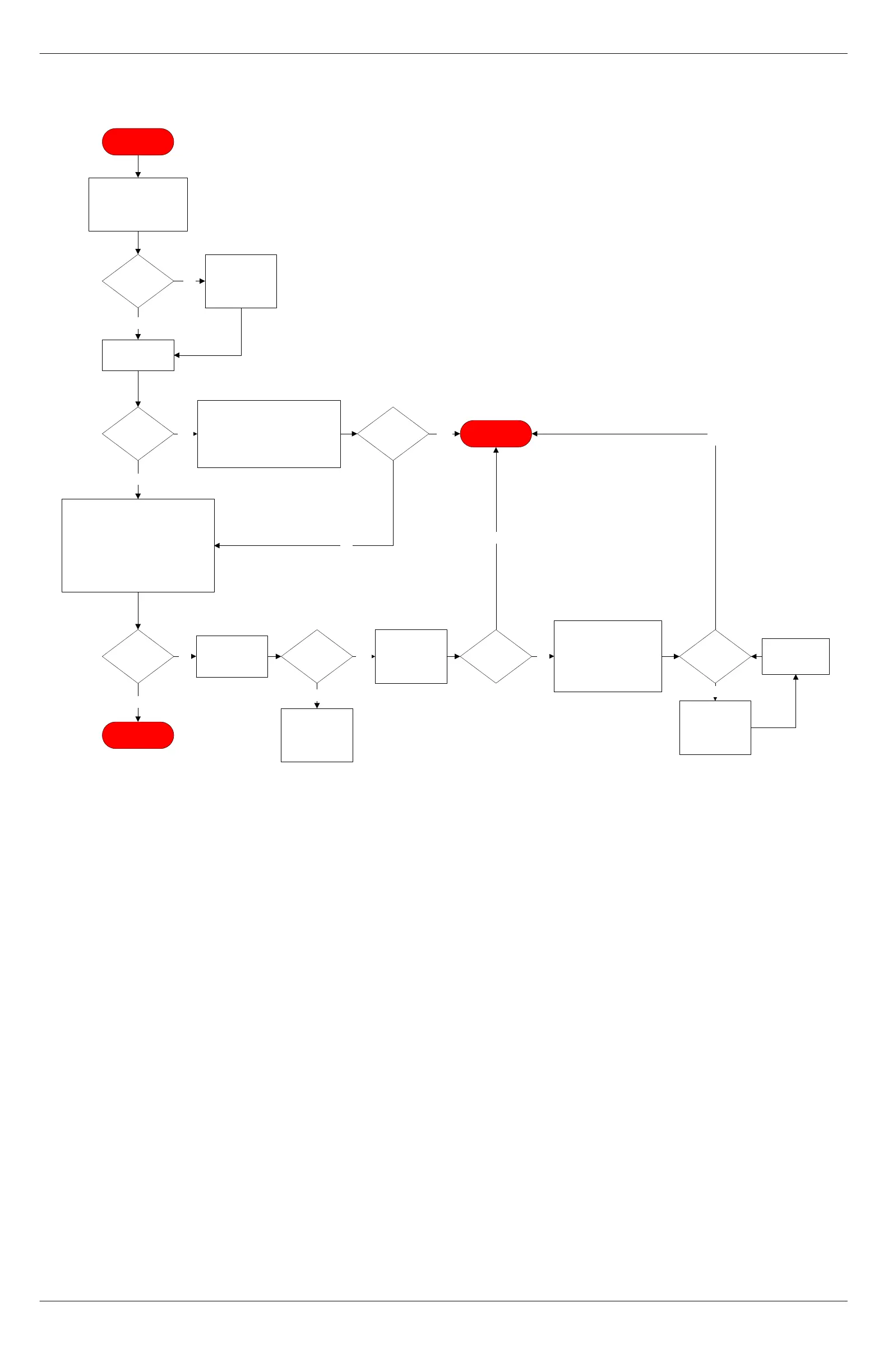
Not enough
Syrup in Pour
Replace the empty syrup box. Navigate
to TEST ROUTINES > SYRUP.
Activate the syrup that had the empty
box until syrup is pouring out
dispensing nozzle. Exit the software
menu, and then run a drink with that
syrup.
Test
drink flavor
OK?
Yes
Yes
END PROCESS
No
Observe if any
syrups/sauce
boxes are empty.
Syrup
box
empty?
Syrup
flavor OK
during drink
pour?
Yes
Inspect unit tubing
for debris and
leaks. Verify
fittings are OK.
No
Replace pump
fittings and tubing.
PN 98590
Retest for drink
flavor.
Tubing
and fitting
OK?
Yes
Clean/repair/
replace tubing or
fittings as needed.
No
Test drink
flavor
OK?
Yes
Navigate to
FLAVOR
TIMINGS and
adjust flavor as
needed.
No
END PROCESS
No
Navigate to TEST ROUTINES > SYRUP.
Activate the syrup flavor that produced
not enough flavor. Verify syrup pours from
the nozzle when activated. Navigate to
FLAVOR TIMINGS and select the flavor
that is lacking syrup and increase the
number of seconds for all drinks sizes for
that flavor. Exit the software menu, and
then run a drink with that syrup.
Retest for correct
flavor volume.
No
Test
drink flavor
OK?
Open top panel door and
remove syrup head block.
Verify all poppet valves in
syrup manifold open and
close properly with no
sticking. Repair and replace
as needed. Retest.
Yes
If not enough chocolate,
verify syrup rack heater is
on and chocolate box has
been warming for 12
hours.
Chocolate
box warmed for
12 hours?
Yes
Turn heater on
and allow
chocolate to warm
up to 84F.
No



 To Next Page