EasyManua.ls Logo

Concordia XPRESS - Vending System: No Display on Card Reader

Concordia XPRESS
306 pages
Print Icon
To Next Page IconTo Next Page
To Previous Page IconTo Previous Page
Loading...
3033-015B Section 15: Troubleshooting
Concordia Xpress Technical Support Manual 15-57
2900-300B
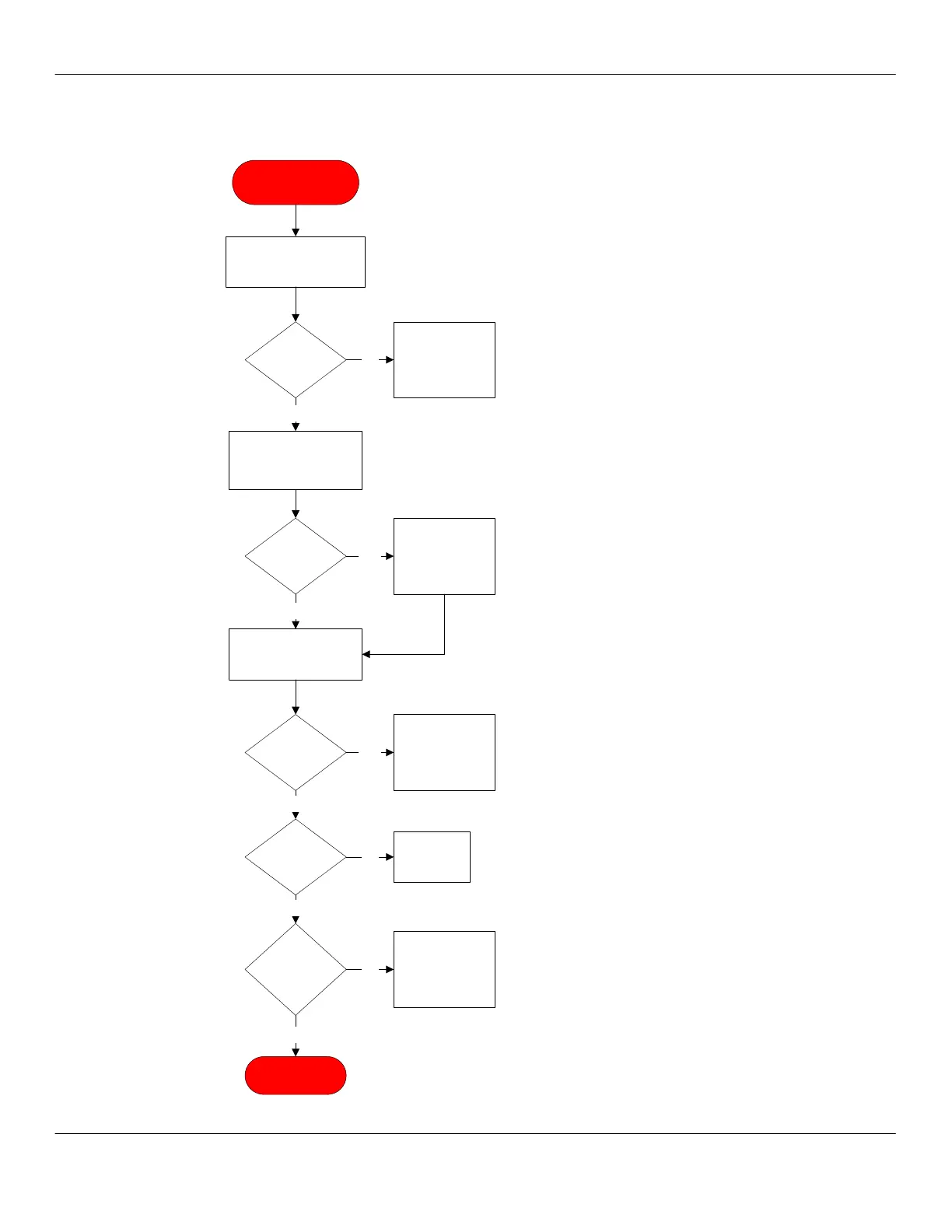
Vending System: No Display on Card Reader
No Display on Card
Reader
Inspect all cabling for G8
w/card reader and vendor
backpack.
Identify if there’s a
display on G8 processor
and VMC.
Observe the G8 display
in the vending backpack.
Verify that the G8 display
shows info.
Displaying
info?
No
Replace card
reader. Retest
vendor backpack
and card reader.
Yes
Cables
OK?
Yes
No
Power unit down.
Repair/replace/re-
connect cable.
Restart unit.
Display
present?
Replace G8
modem or VMC.
Retest vending
pack.
Yes
No
110Vac
present at
wall?
12Vdc
present from
DC supply?
END PROCESS
Yes
Yes
Check circuit
breaker.
Replace power
supply.
No
No

Table of Contents

Related product manuals