Section 2: Installation and Removal 3033-002B
2-4 Concordia Xpress Technical Support Manual
2900-300B
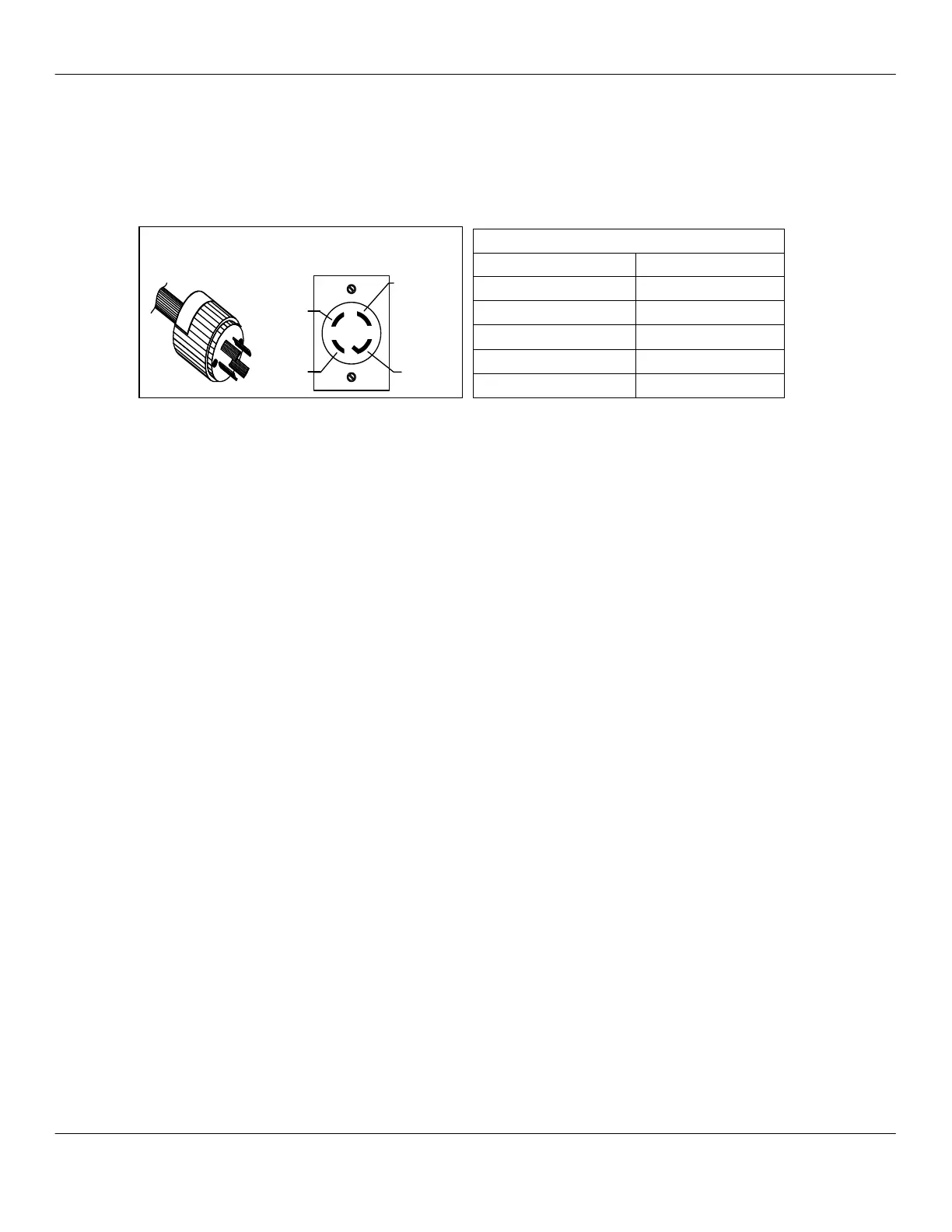
IBS6+ Equipped with 4 prong 208 volt plug
Installation
Configuring the Machine for Supply Voltage
Before connecting machine to the electrical supply, check and verify
incoming power supply. The following chart displays the required
voltages.
Espresso Machine Electrical Settings
Prior to connecting the machine to the power source, verify the electrical
settings are correct. The DC jumper plug and transformer must be
properly configured.
WARNING: Failure to properly set the DC jumper plug and the
transformer connector can result in machine malfunction, short circuit,
blown fuses, overheating, or damage to circuit boards.
Setting the DC Jumper Plug
1. Measure the source voltage at the NEMA L1430-R receptacle
(refer to the chart above). Record the value in the electrical
section of the installation checklist.
2. Remove the electrical enclosure cover to access the DC power
supply board.
CAUTION: ESD protection required.
3. Remove the DC power supply board using the white ejector
lever.
4. Use the diagram on the next page to configure the DC jumper
plug to the measured source voltage.
5. Insert the free end of the yellow wire into the correct pinhole.
6. Insert the jumper plug into connector J1 located on the DC
power supply board.
7. Re-install the DC power supply board. Ensure the board is fully
seated by firmly pressing the board into connector on the
backplane connector.
8. Re-install the electrical enclosure cover and verify the display
cable is not stressed, pinched, or cut when front panel is
lowered.
Confirming Receptacle Voltages
Plug and Receptacle – US only
Xpress equipped with 4 prong 208 volt plug



 To Next Page