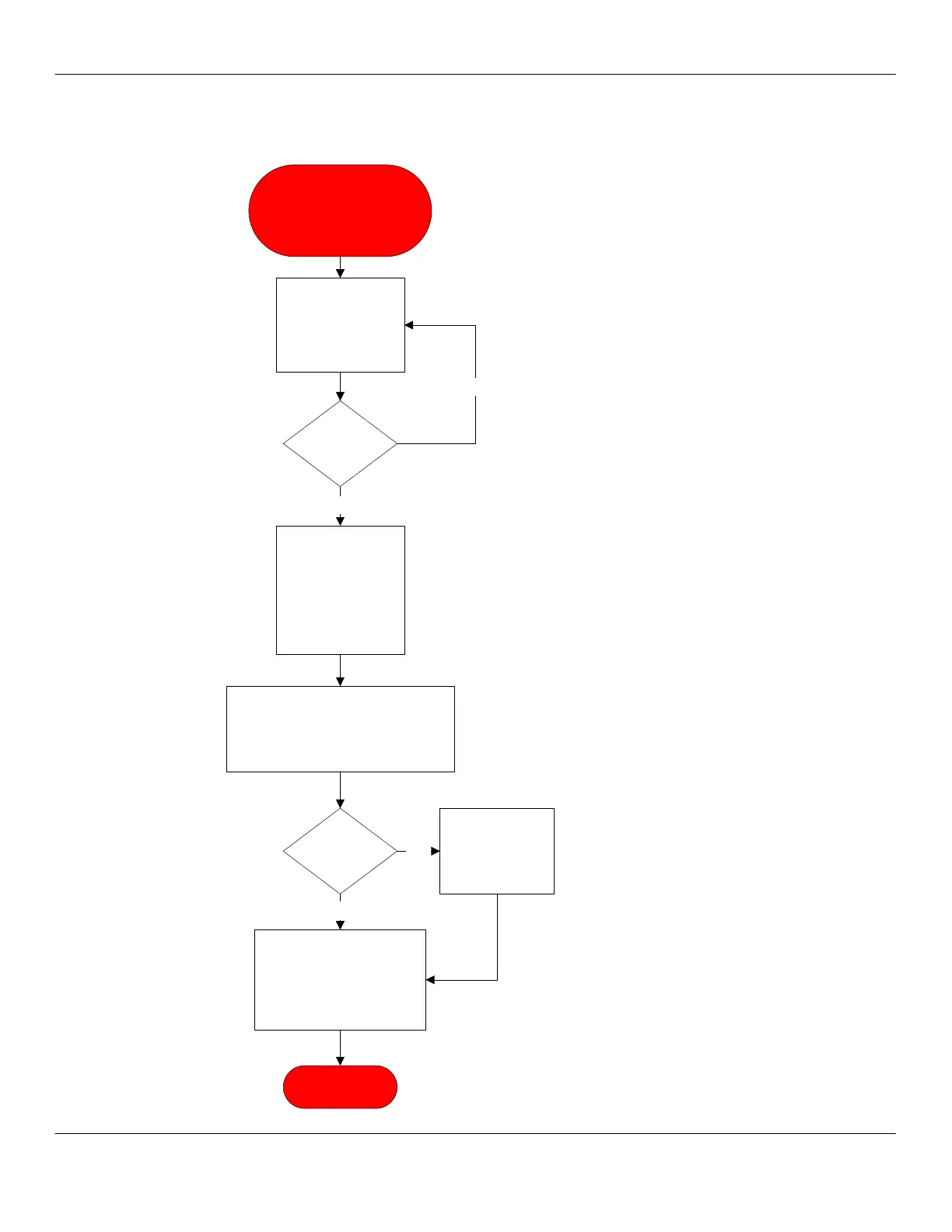
LOAD DISP DATA Error
LOAD SEQ DATA Error
SEQUENCE ERROR
Turn unit off by
power switch inside
grounds bin door.
Wait 15 seconds and
power unit on.
New download
required. Tech will
need laptop with
current software for
the unit model
number.
Data cable is
PN 4300-013.
Setup laptop per instructions in the
laptop bag. Download the software and
command files and set time and date.
Power unit down and wait 15 seconds.
Restart unit.
Error
message
displayed?
No
Yes
Replace CPU.
Retest unit
functionality.
Navigate to TEST
ROUTINES and activate all
options. Verify all systems
work. Exit TEST ROUTINES
and run several drinks and
verify unit is functional.
END PROCESS
Error
message
displayed?
Yes
No



 To Next Page